who can see the network camera is unaware
if the camera is active.
IV-5-2. Advanced
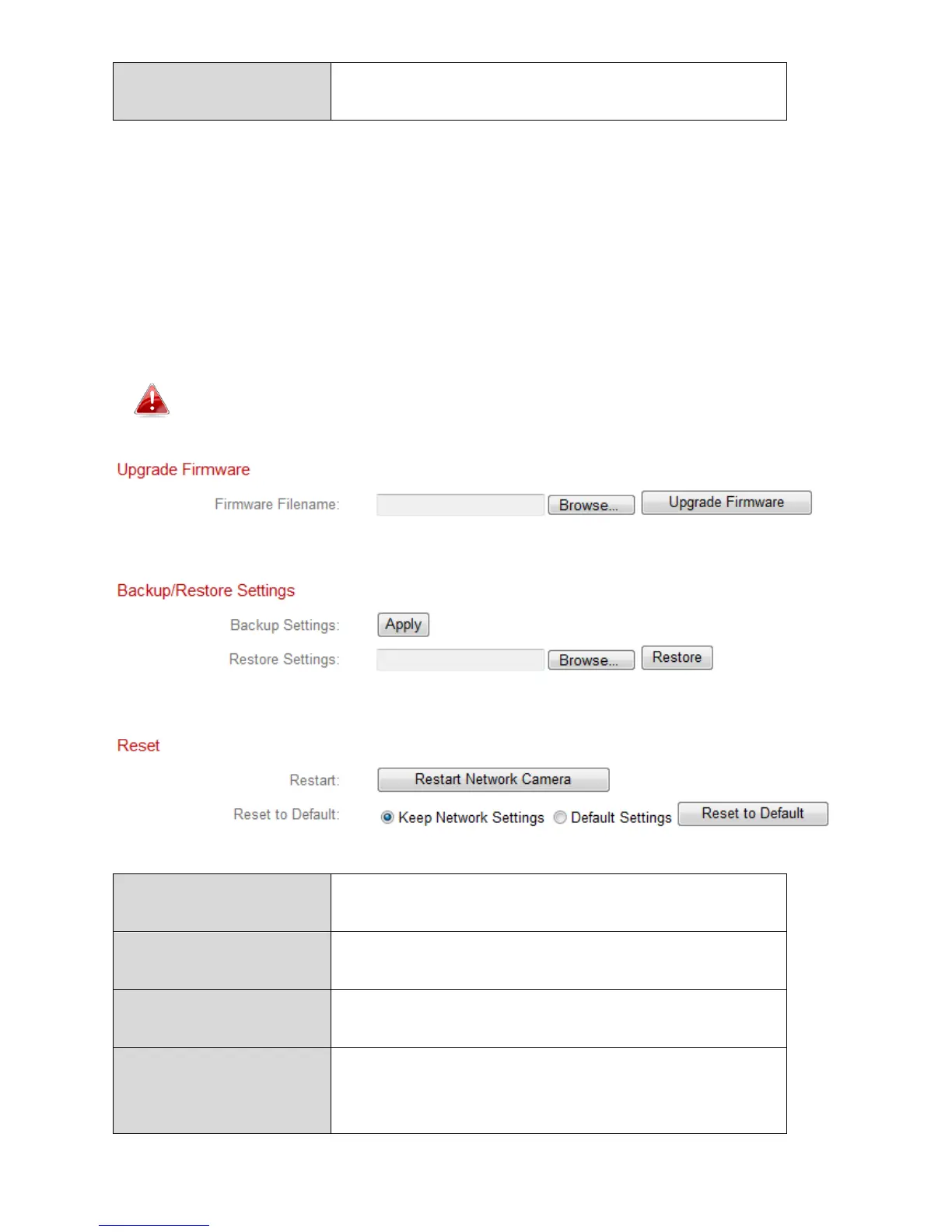
The “Advanced” page allows you to upgrade the network camera’s firmware,
backup or restore the network camera’s settings, and reset or restart the
network camera. Please check the Edimax website for the latest firmware for
your network camera.
Do not switch off or disconnect the device during a firmware
upgrade, as this could damage the device.
Click “Browse” to locate the firmware file on
your computer.
Click to upgrade the firmware to your
selected file.
Click “Apply” to save the current settings on
your computer as config.bin file.
Click “Browse” to find a previously saved
config.bin file and then click “Upload” to
replace your current settings.



 To Next Page