9
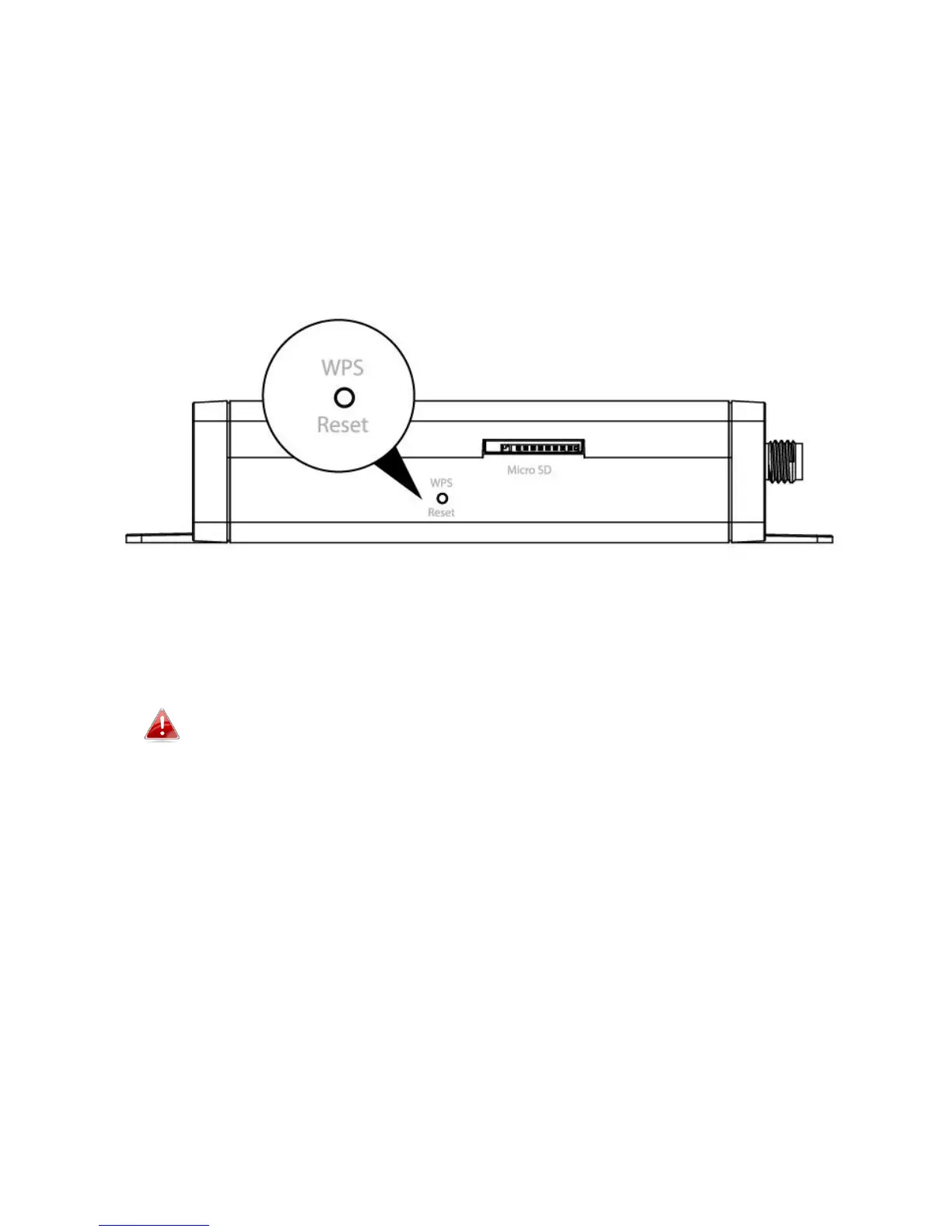
I-5. Reset
If you experience problems with your network camera, you can reset the
camera back to its factory default settings. This resets all settings back to
default.
1. Press and hold the WPS/Reset button found on the back panel for at least
10 seconds.
2. Release the button when the green power LED is flashing quickly.
3. Wait for the network camera to restart. The camera is ready when the
green power LED is flashing slowly.
After setup, the green power LED will display on to indicate a
successful connection to the cloud server.



 To Next Page