- 15 -
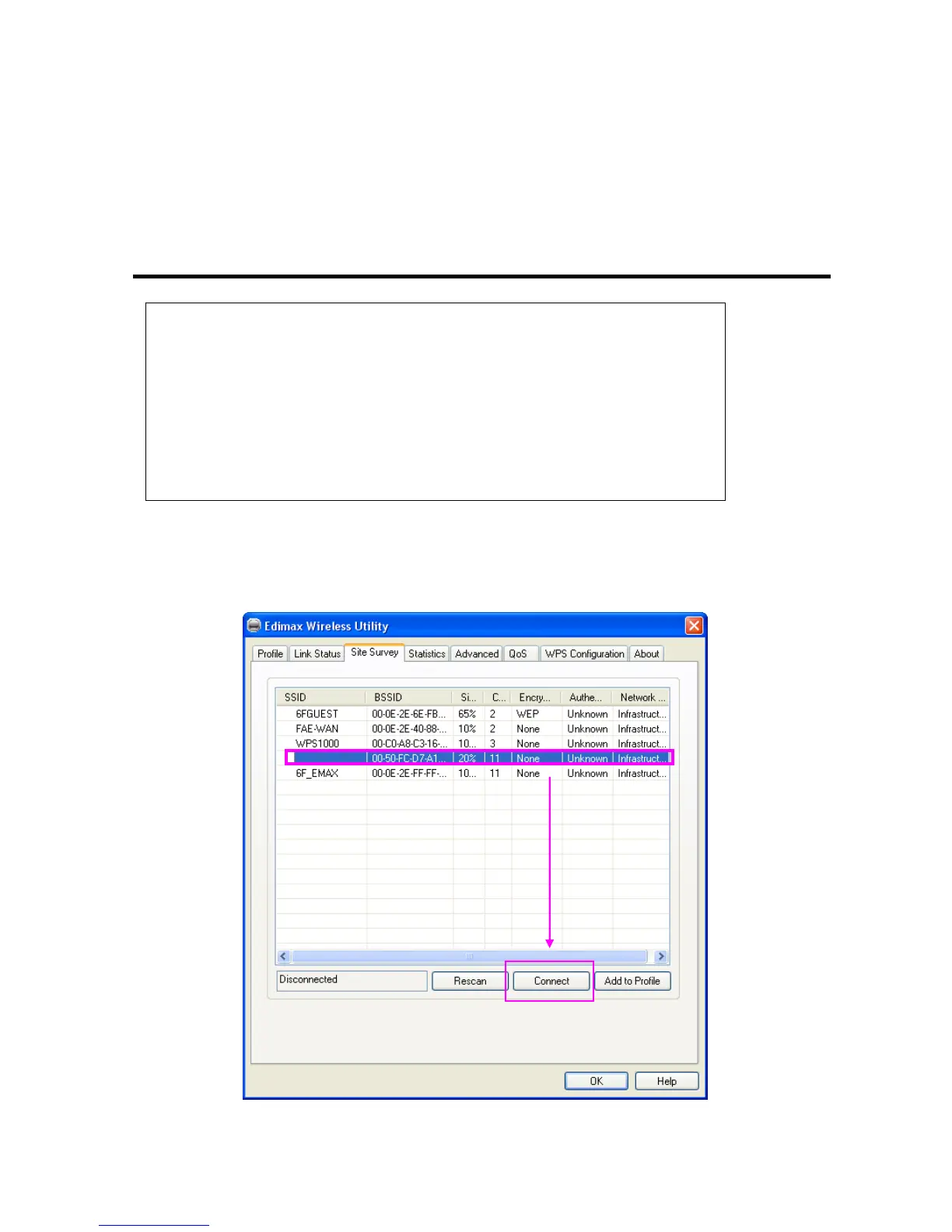
Authentication: Shows the authentication mode that access point or wireless device uses. If the
wireless access point does not require authentication, you’ll see ‘Unknown’
displayed here.
Network Type: Shows the type of wireless connection. If it’s a wireless access point, ‘Infrastructure’ will be
displayed here; if it’s a computer or network device, ‘AdHoc’ will be displayed here.
3. Click the wireless access point or network device you wish to connect, it will be highlighted, then click
‘Connect’.
Tips:
Wireless access point (Infrastructure) is a network device which acts as a bridge, to let
wired and wireless network devices communicate with each other.
AdHoc is another connection type. A computer or network device can establish a direct
wireless link with other computer or network device directly, without the help of
wireless access point.



 To Next Page