- 7 -
CHAPTER II: DRIVER INSTALLATION AND CONFIGURATION
2-1 Network Card Installation
Please follow the following instructions to install your new wireless network card:
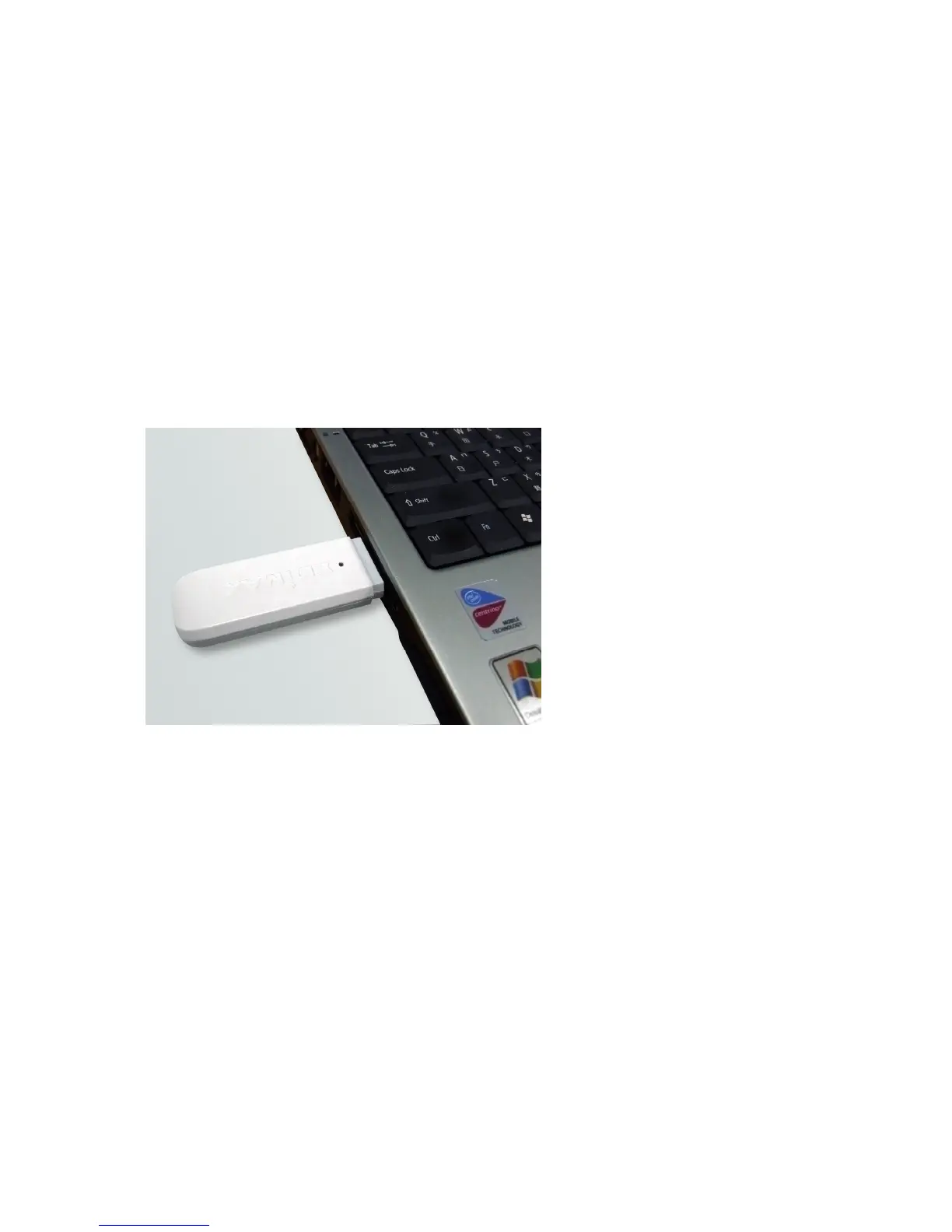
1. Insert the USB wireless network card into an empty USB 2.0 port of your computer when computer is
switched on. Never use force to insert the card, if you feel it’s stuck, flip the card over and try again.
2.



 To Next Page