- 48 -
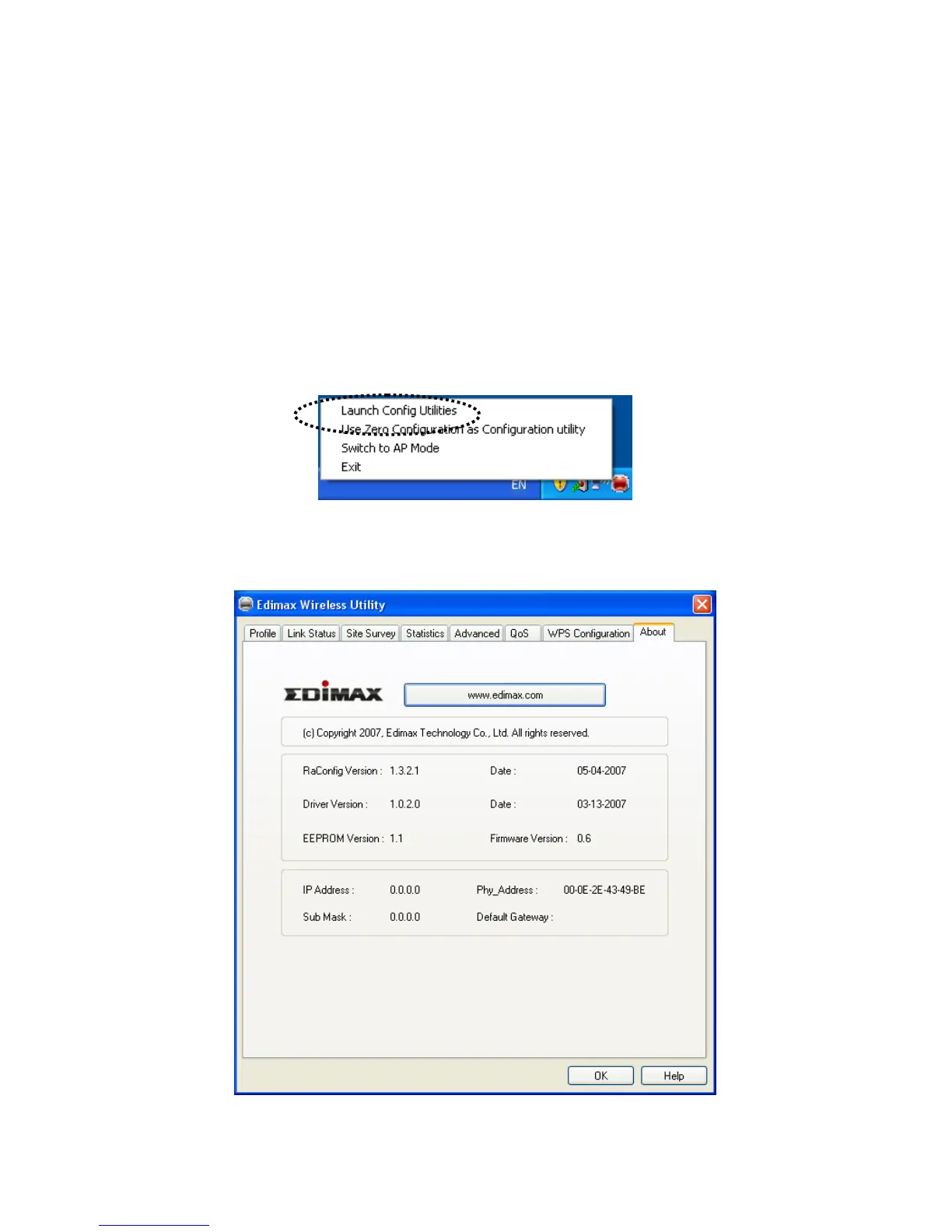
2-8 About
The ‘About’ tab provides you the information about version numbers of configuration utility, firmware, and other
important information about your wireless network card.
Please follow the following instructions to see these information:
1. Right-click the Edimax configuration utility icon located at lower-right corner of computer desktop, then
click ‘Launch Config Utilities’.
2. Click ‘About’ tab, and the following settings will appear:



 To Next Page