- 35 -
All connection-related statistics is displayed here. You can click ‘Reset Counter’ to reset the statistics of all
items back to 0.
Click ‘OK’ to close the window.
2-4-2 Link Status
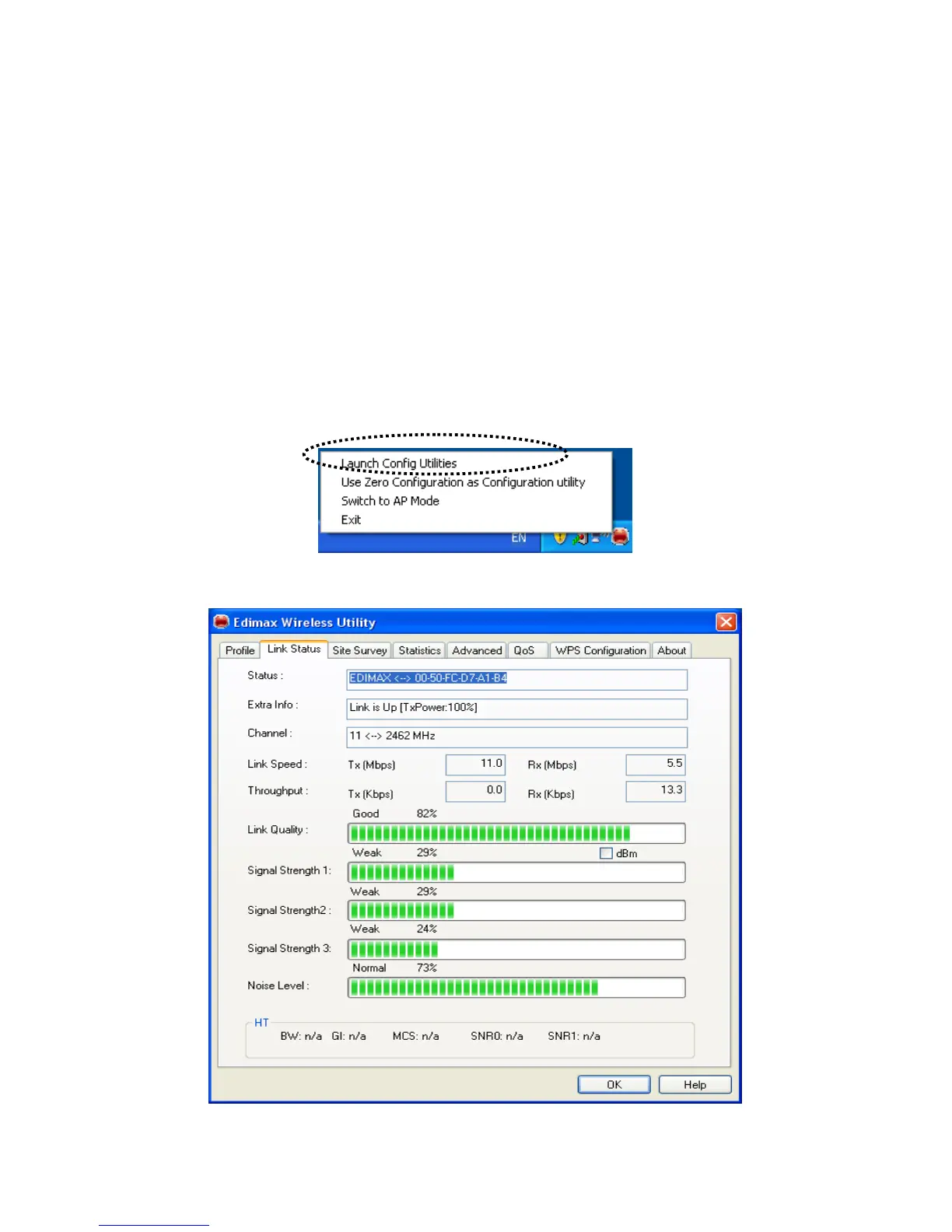
Please follow the following instructions to check network statistics:
1. Right-click the Edimax configuration utility icon located at lower-right corner of computer desktop, then
click ‘Launch Config Utilities’.
2. Click ‘Link Status’ tab, and information about current wireless connection will be displayed:



 To Next Page