- 18 -
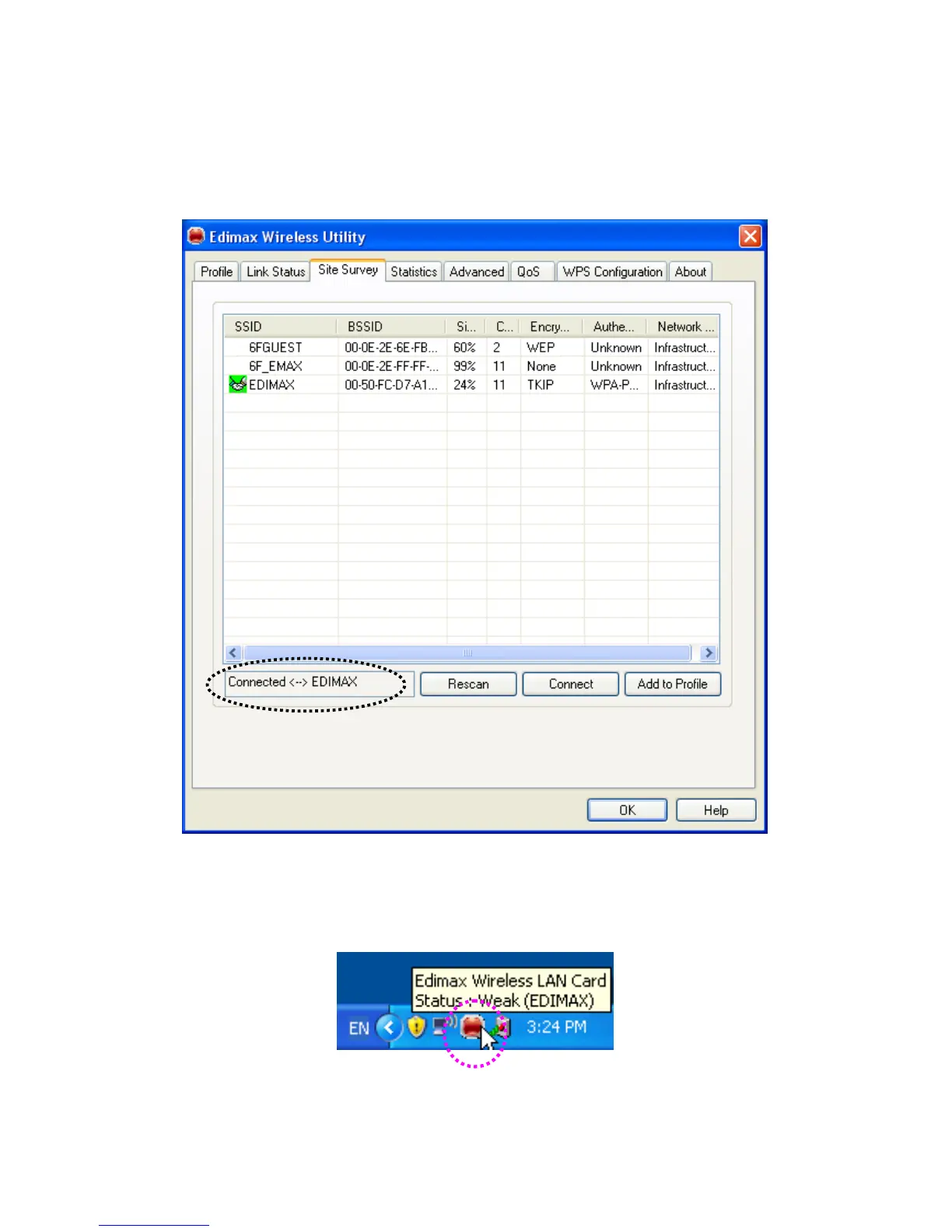
6. You’ll see ‘Connected <-> SSID’ (‘SSID’ is the SSID of the wireless access point or wireless device you
connected to) message displayed at lower-left corner of configuration utility, congratulations, you’re
successfully connected to the access point or wireless device you selected!
7. You can put the mouse cursor over the Edimax configuration utility icon, and the brief information about
link status and signal strength of current wireless connection will be shown as a popup balloon.



 To Next Page