- 21 -
5.
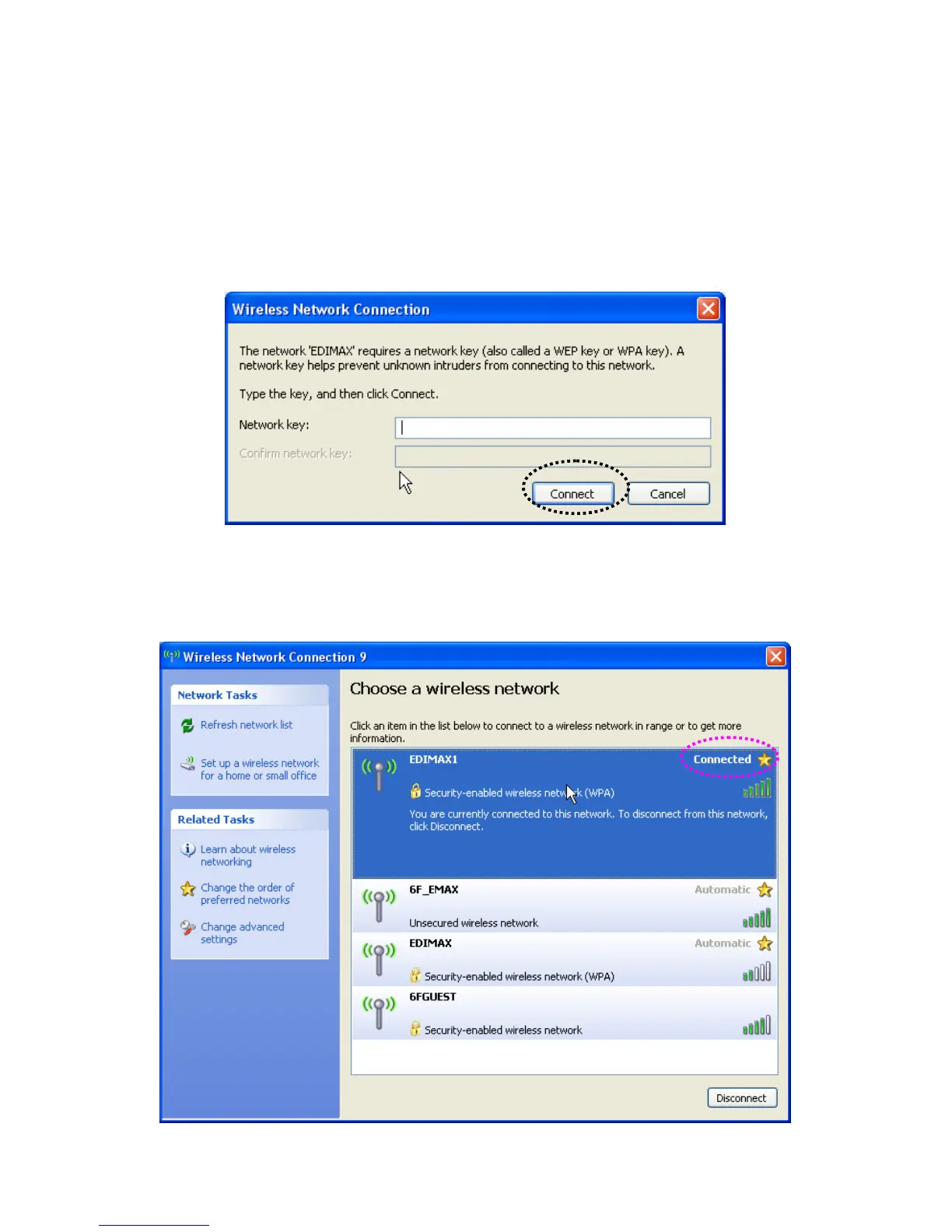
If the access point is protected by encryption, you have to input its security key or passphrase here. It must
match the encryption setting on the access point.
If the access point you selected does not use encryption, you’ll not be prompted for security key or
passphrase.
6.
If you can see ‘Connected’ message, the connection between your computer and wireless access point is
successfully established.



 To Next Page