33
Basic Operation
(continued)
Input/output
settings
Introduction Connections Basic operation Switching images Effects BPM sync External devices Video fader Appendices
Here’s how to return the menu settings to the factory-set state (Factory Reset).
If your operations do not produce the results described in this manual, you can execute this Factory Reset operation.
* All settings you’ve made will be lost when you execute a Factory Reset.
1
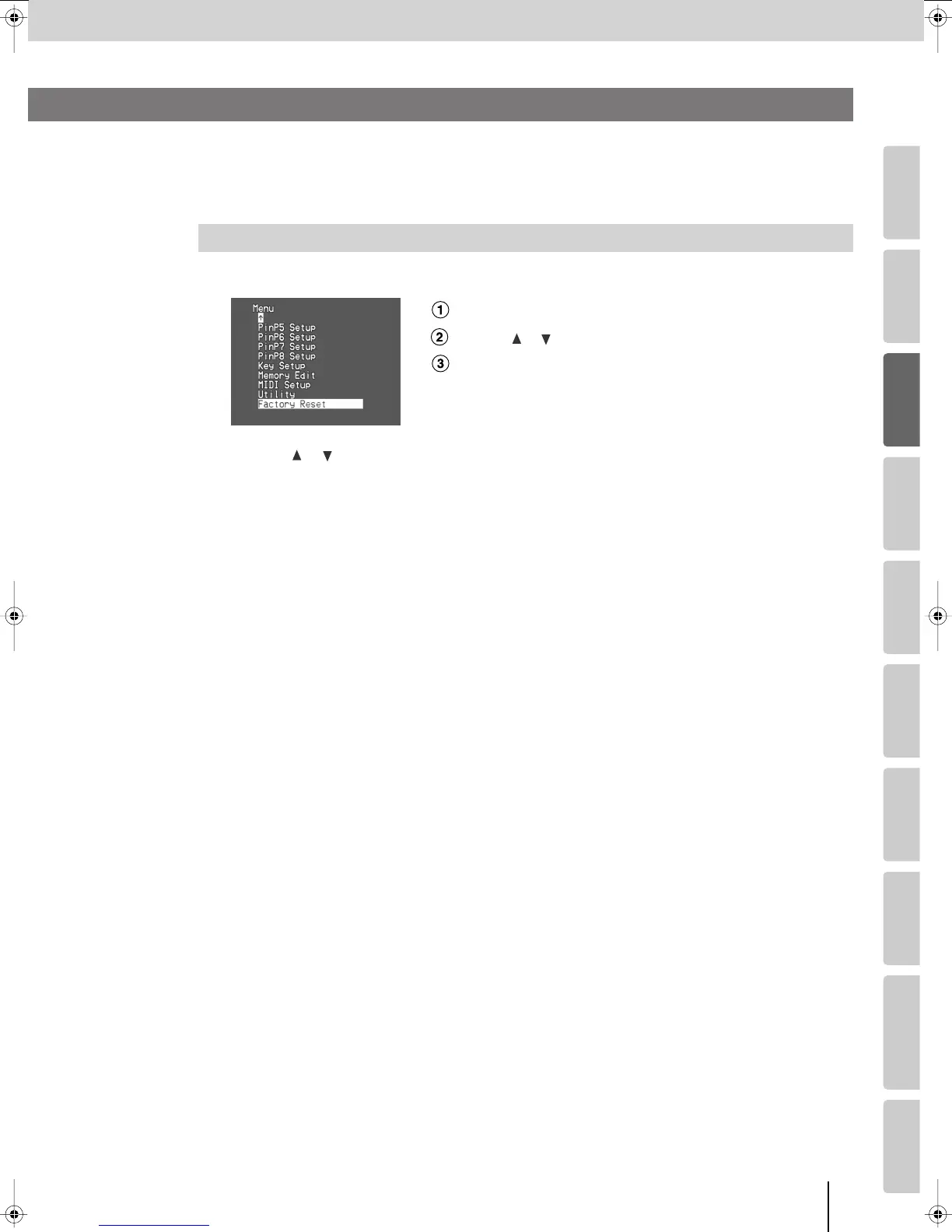
Press the [MENU] button to access the menu, and choose “Factory Reset.”
fig.menu-factory.eps_18
Press the [MENU] button to access the menu.
Use the [ ] [ ] buttons to select “Factory Reset.”
Press the [ENTER] button to confirm your selection.
2
Use the [ ] [ ] buttons to select “Yes [ENTER] Sw,” and press the [ENTER] button.
(If you decide to cancel, press the [MENU] button or select “No” and press the [ENTER] button.)
The Factory Reset will be executed.
3
Press the [MENU] button several times to close the menu.
Returning All Settings to the Factory-Set State
Returning the Menu Settings to the Factory-Set State
(Factory Reset)
V-8_e.book 33 ページ 2008年5月15日 木曜日 午後1時11分



 To Next Page