Using the V-8 with Other Equipment
(continued)
72
V-LINK ( ) is a function that allows music and images to be performed together. By using MIDI to connect
two or more V-LINK compatible devices, you can easily enjoy performing a wide range of visual effects that are linked to
the expressive elements of a music performance.
For example, when using the V-8 in conjunction with the RSS M-400, you can use the V-8’s INPUT SELECT buttons and
video fader to control the M-400’s audio input level.
When using the V-8 in conjunction with the Roland Fantom-X, you can control the V-8’s video output or video switching in
time with the performance on the Fantom-X.
When V-LINK mode is on (p. 73), you can control the M-400’s audio input levels from the V-8.
* Up to eight of the M-400’s input channels can be controlled from the V-8.
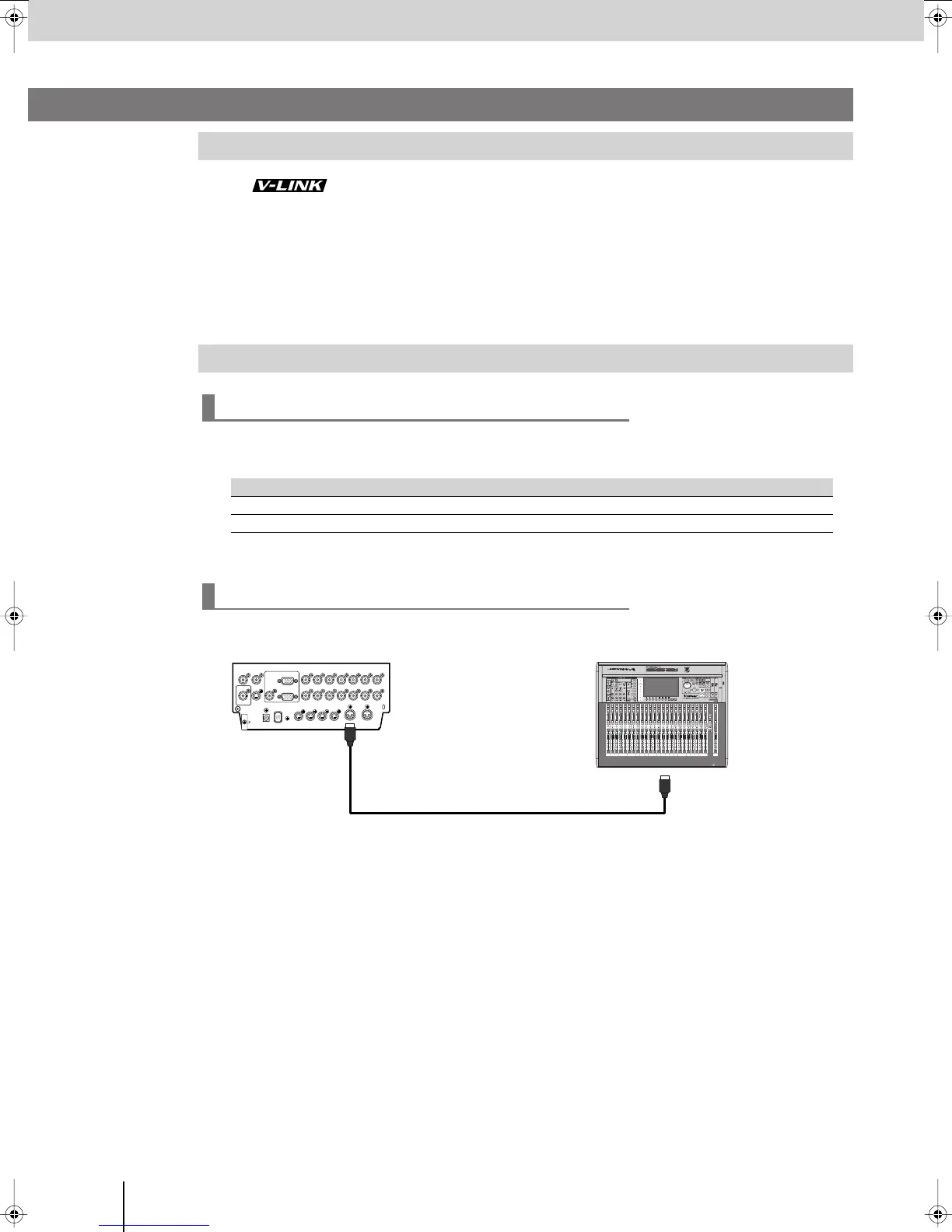
Connect the V-8 and the M-400 as shown in the illustration below.
What is V-LINK?
Controlling the RSS M-400 from the V-8 (V-LINK Master)
V-LINK function chart
V-LINK function V-8 operation
To select an input channel
Press an INPUT SELECT button.
To adjust an audio input level
Operate the video fader.
Connections
Controlling via V-LINK
V-8 Rear panel
M-400
MIDI cable
MIDI OUT/THRU
MIDI IN
V-8_e.book 72 ページ 2008年5月15日 木曜日 午後1時11分



 To Next Page