Using the V-8 with Other Equipment
(continued)
74
You can turn V-LINK mode on from a V-LINK compatible device connected to the V-8. When V-LINK mode is turned on, the
V-8 can be controlled from the external device to switch the video output or image.
* Power up the V-8, and then turn V-LINK mode on.
1
Connect your V-LINK compatible external device to the V-8
Use a MIDI cable to connect your external device’s MIDI OUT connector to the V-8’s MIDI IN connector.
2
Press the external device’s [V-LINK] button.
The external device will transmit a V-LINK ON message.
The V-8 will now be able to accept control from the external device, and switch the video output or image.
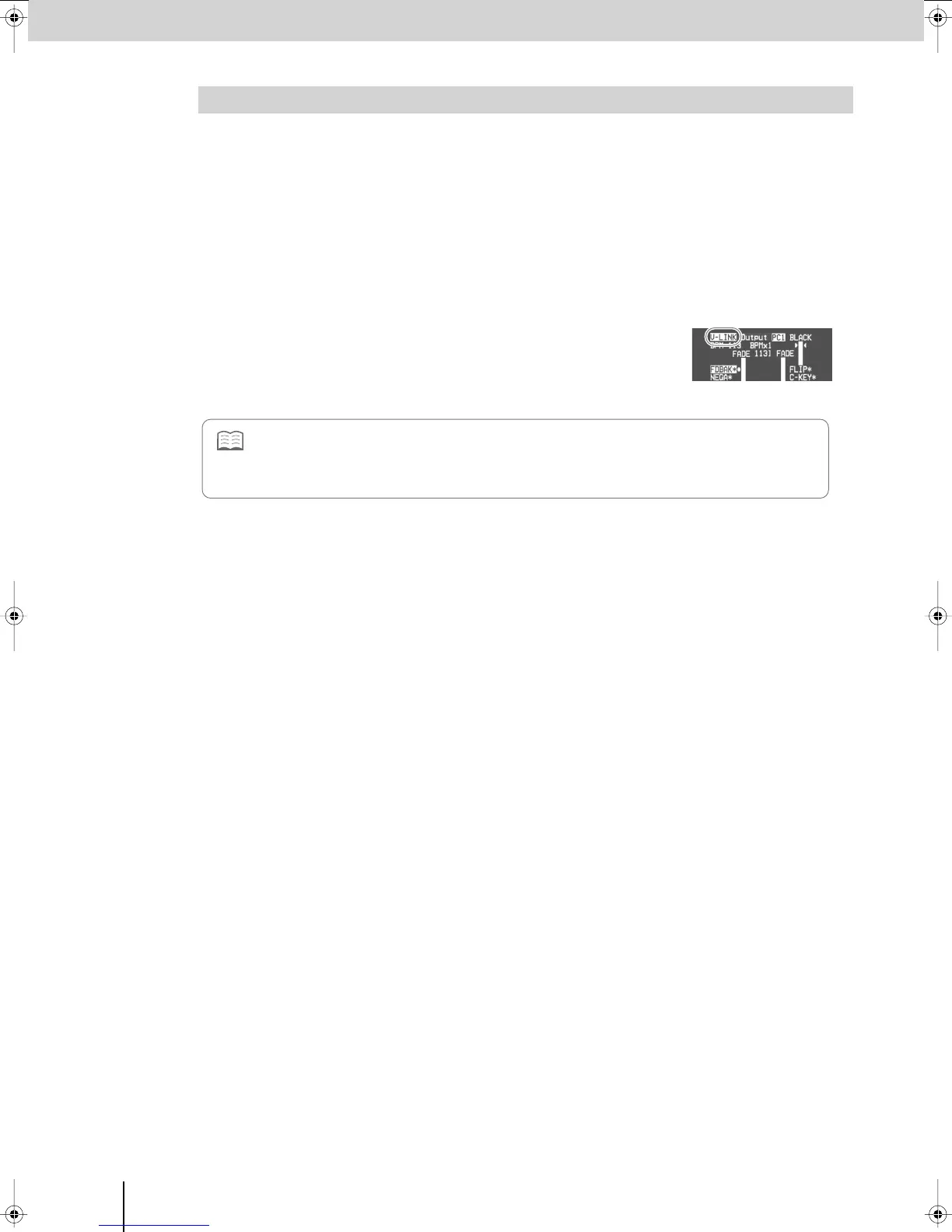
When V-LINK mode is turned on, the preview monitor (p. 26) will indicate “V-LINK.”
Controlling the V-8 from an External V-LINK Compatible Device (V-LINK Slave)
• Also refer to the owner’s manual of the V-LINK compatible device you’ve connected to the V-8.
• For details on the functions that can be controlled from an external device in V-LINK mode, refer to the MIDI implementation
of the connected device and the MIDI implementation of the V-8. The functions that can be controlled will depend on the
connected device and on the settings.
V-8_e.book 74 ページ 2008年5月15日 木曜日 午後1時11分



 To Next Page