Using the V-8 with Other Equipment
(continued)
70
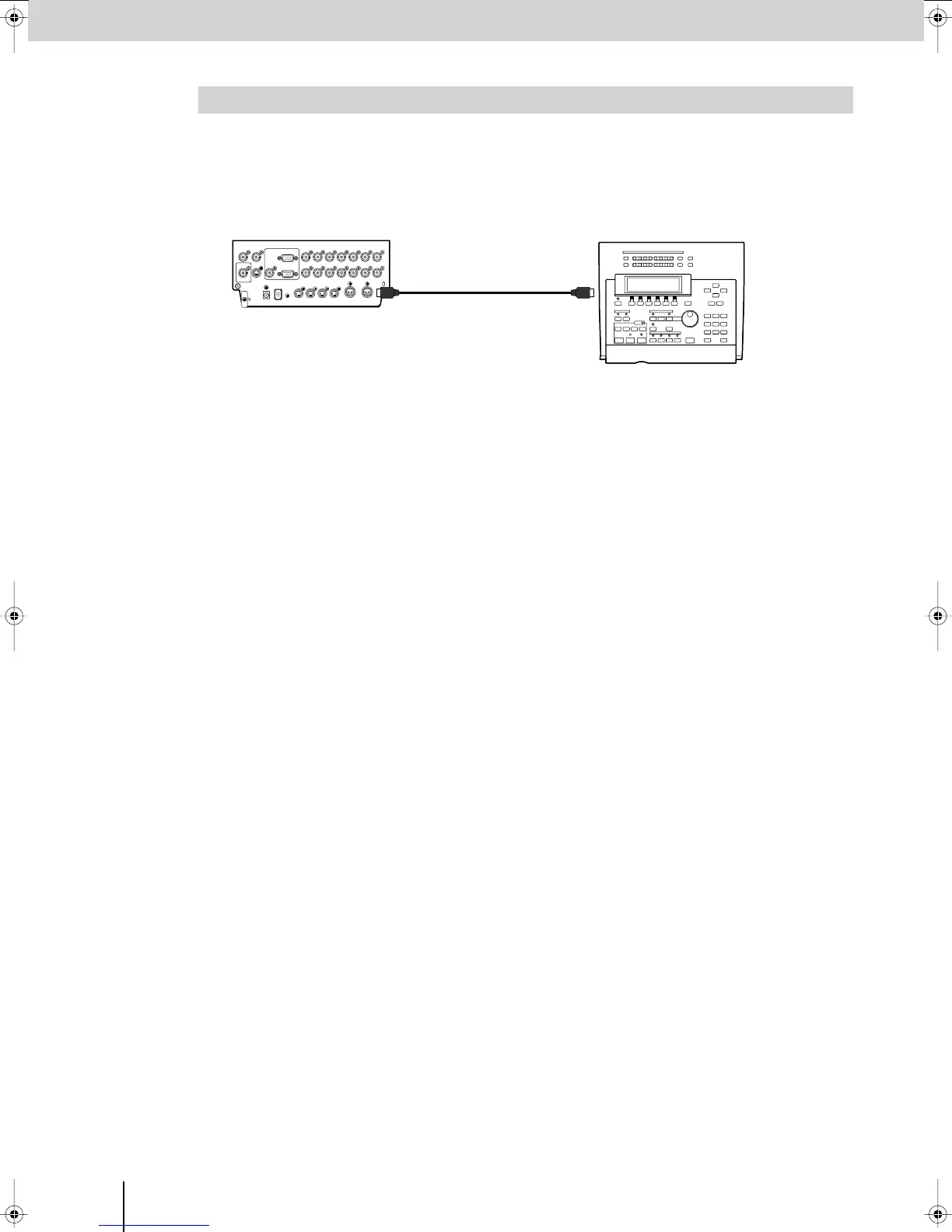
Here’s how settings saved on an external MIDI device can be restored back into the V-8.
* Make sure that the V-8 and your MIDI device are set to the same device ID. The V-8’s device ID is specified by the “MIDI
Setup” menu item “Device ID.”
1
Connect the V-8’s MIDI IN connector to the MIDI OUT connector of your external MIDI device.
2
Begin playback on your external MIDI device.
The MIDI data will be sent from the transmitting MIDI device. When the V-8 receives the MIDI data, the existing
settings will be overwritten.
3
Stop playback on your external MIDI device.
Restoring Data Saved on an External MIDI Device Back into the V-8
MIDI sequencerV-8 Rear panel
MIDI IN MIDI OUT
MIDI cable
V-8_e.book 70 ページ 2008年5月15日 木曜日 午後1時11分



 To Next Page