Editing the Input/Output Settings
(continued)
58
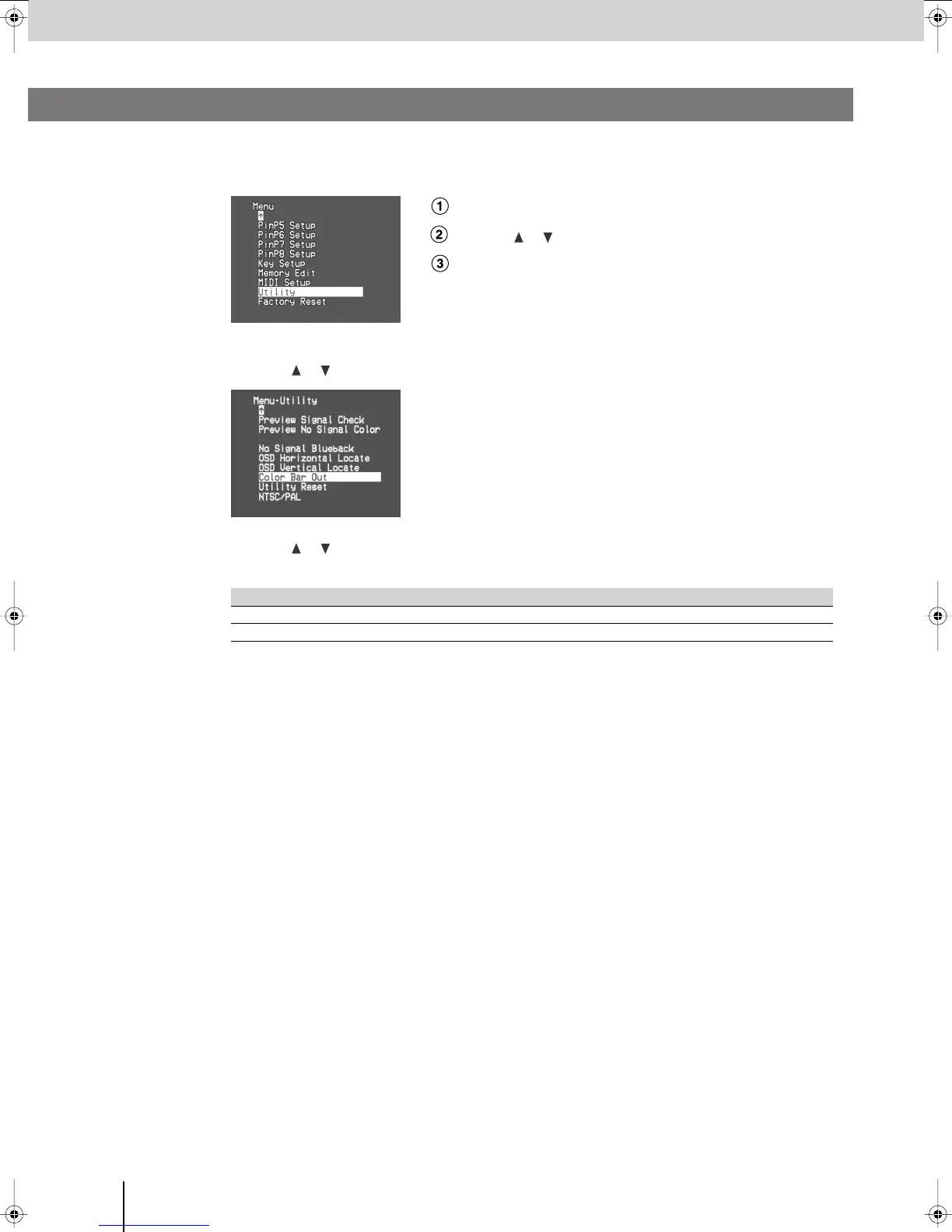
Here’s how to display color bars as a convenience when adjusting your display.
1
Press the [MENU] button to access the menu, and choose “Utility.”
Press the [MENU] button to access the menu.
Use the [ ] [ ] buttons to select “Utility.”
Press the [ENTER] button to confirm your selection.
2
Use the
[] []
buttons to choose “Color Bar Out,” and press the [ENTER] button.
3
Use the
[] []
buttons to choose “On.”
Color bars will be output.
4
Press the [MENU] button several times to close the menu.
Value Details
On
Color bars will be output.
Off
Color bars will not be output.
Outputting Color Bars
V-8_e.book 58 ページ 2008年5月15日 木曜日 午後1時11分



 To Next Page