Using Effects
(continued)
44
Eight patterns (“142: PinP1”–“149: PinP8”) are provided for the P in P effect. For each one, you can specify the position
and size of the subscreen.
1
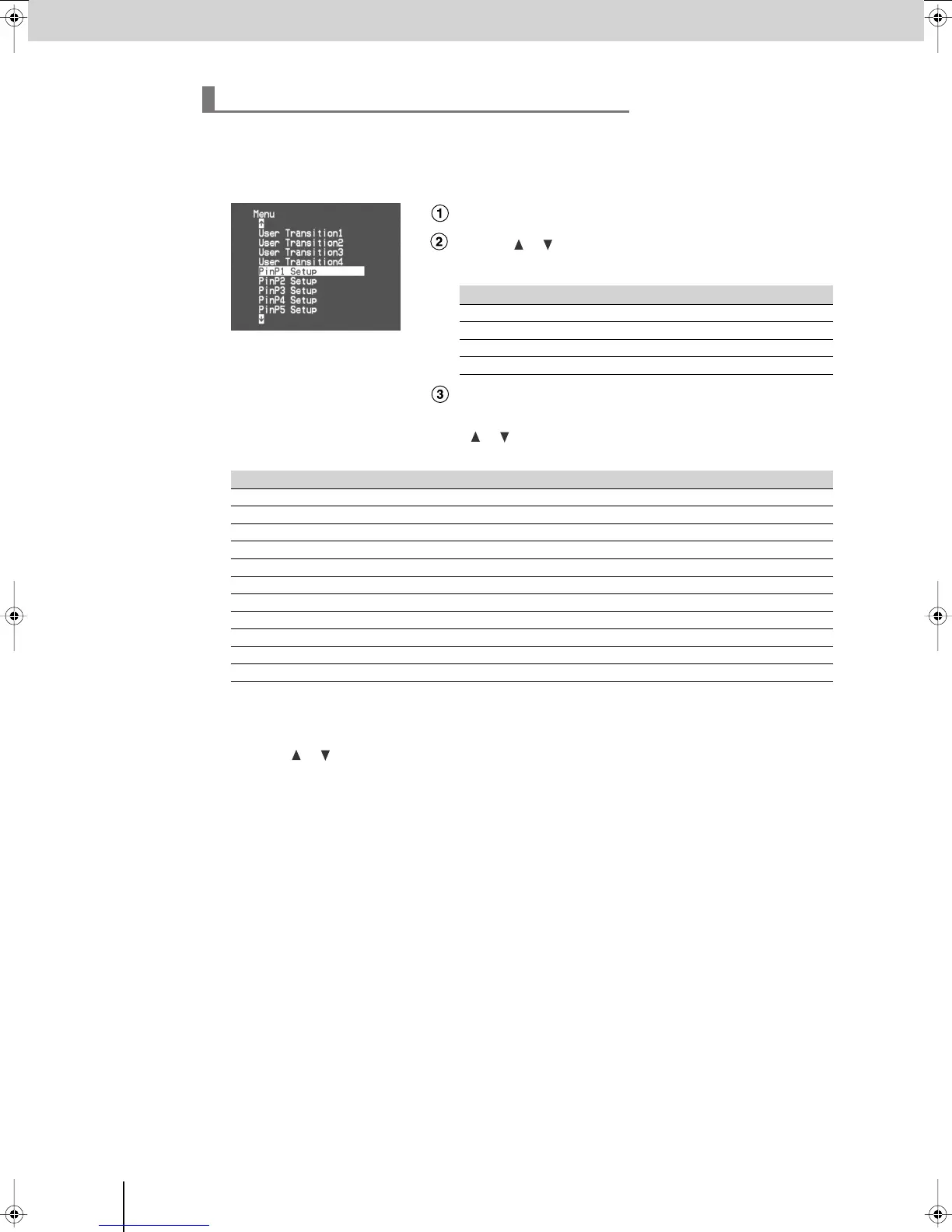
Press the [MENU] button to access the menu, and choose “PinP1 Setup”–“PinP8 Setup.”
Press the [MENU] button to access the menu.
Use the [ ] [ ] buttons to select “PinP1 Setup”–“PinP8 Setup.”
Select the menu item for the PinP effect whose settings you want to edit.
Press the [ENTER] button to confirm your selection.
2
Referring to the table below, use the
[] []
buttons to select the item that you want to edit,
and press the [ENTER] button.
*1 If a key-compositing effect (W-LUMIKEY, B-LUMIKEY, CHROMAKEY) is on, the border and shadow of the
subscreen will not be shown.
3
Use the
[] []
buttons to specify the desired position, size, etc., of the subscreen.
4
Press the [MENU] button several times to close the menu.
Detailed settings for the P in P effect
PinP effect Menu item PinP effect Menu item
142: PinP1
PinP Setup1
146: PinP5
PinP Setup5
143: PinP2
PinP Setup2
147: PinP6
PinP Setup6
144: PinP3
PinP Setup3
148: PinP7
PinP Setup7
145: PinP4
PinP Setup4
149: PinP8
PinP Setup8
Menu item Details
PinP-Hposi
Adjusts the horizontal position of the subscreen.
PinP-Vposi
Adjusts the vertical position of the subscreen.
PinP-4:3 HVsize
Adjusts the size of the subscreen with the aspect ratio fixed at 4:3.
PinP-Hsize
Adjusts the horizontal size of the subscreen.
PinP-Vsize
Adjusts the vertical size of the subscreen.
PinP-Border
*1
Adjusts the border width of the subscreen.
PinP-BColor
*1
Specifies the border color of the subscreen.
PinP-Shadow
*1
Adjusts the shadow length for the subscreen.
PinP-SColor
*1
Specifies the shadow color for the subscreen.
PinP-Trimming
Adjusts the trimming region for the subscreen.
PinP-Reset
Returns the sub-menu settings to the factory-set state (p. 34).
V-8_e.book 44 ページ 2008年5月15日 木曜日 午後1時11分



 To Next Page