15
key to move highlight and press [OK] key to input
the selected symbol or letter into the dialogue.
2. After input each character, the program list on
the left will search the channel according your
input, and list the matched channel.
3. Move highlight to “OK” and press [OK] key can
close “Find” window and you can select channel
from the channels list directly.
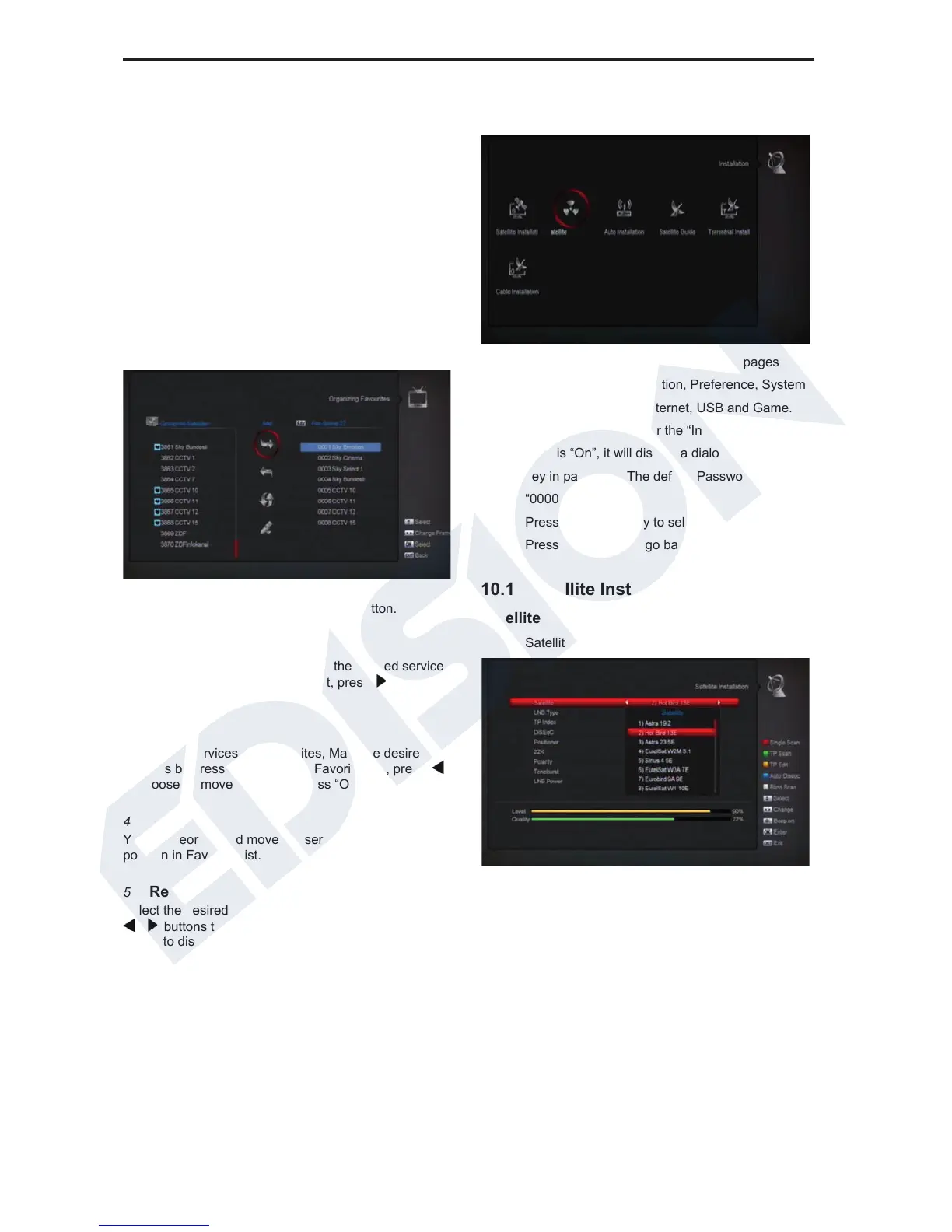
9.2 Organizing Favourites
This menu is helpful in adding and deleting services to
and from the favorite group.
1 FAV List
Choose the FAV List by pressing “FAV” button.
2 Add
To add services into favorites, Mark the desired services
by press “OK” button in Service List, press
to choose
Add mode and press “OK” button.
3
Remove
To remove services from favorites, Mark the desired
services by press “OK” button in Favorite List, press
to choose Remove mode and press “OK ” button.
4
Move
You can reorder and move the service to the preferred
position in Favorite List.
5
Rename
Select the desired FAV List by press “FAV” button using
, buttons to choose Rename mode and press “OK”
button to display keyboard, and rename it.
6
Group, Options and Find functions
Please refer to the “Organizing Services” part in this
manual.
10.Installation
1. Press [Left/Right] key to select menu pages
among Service, Installation, Preference, System,
Conditional Access, Internet, USB and Game.
2. Press [OK] key to enter the “Installation”. If Menu
Lock is “On”, it will display a dialogue for user to
key in password. The default Password is
“0000”.
3. Press [Up/ down] key to select menu items.
Press [menu] key to go back to main menu.
10.1 Satellite Installation
Satellite
1. Satellite: Press [OK] key to enter the Satellite list.
2. Press [Up/ down] key to select satellite. Press
[Page] key to page up or page down.
LNB Type
In this item, press[Left/Right]key can switch among
“Standard”, “User” and “Universal” , ”Unicable” mode.















 To Next Page