18
from the receiver evaluate the antenna azimuth and
antenna elevation; user can follow this guidance to
adjust antenna.
1 You can use number keys to input parameters in
“Local Longitude”, “Local Latitude” and “Satellite
Longitude”.
2 You can use [Left/Right] key to select east or west
in “Local Longitude” and “Satellite Longitude”,
select north and south in “Local Latitude”.
3 Moving highlight to “Start” item and press [OK]
key. The lower column on the screen will calculate
the corresponding value automatically.
4 Orientation means the angle between south and
satellite.
5 Press [Exit] key to draw back to “Main” Menu.
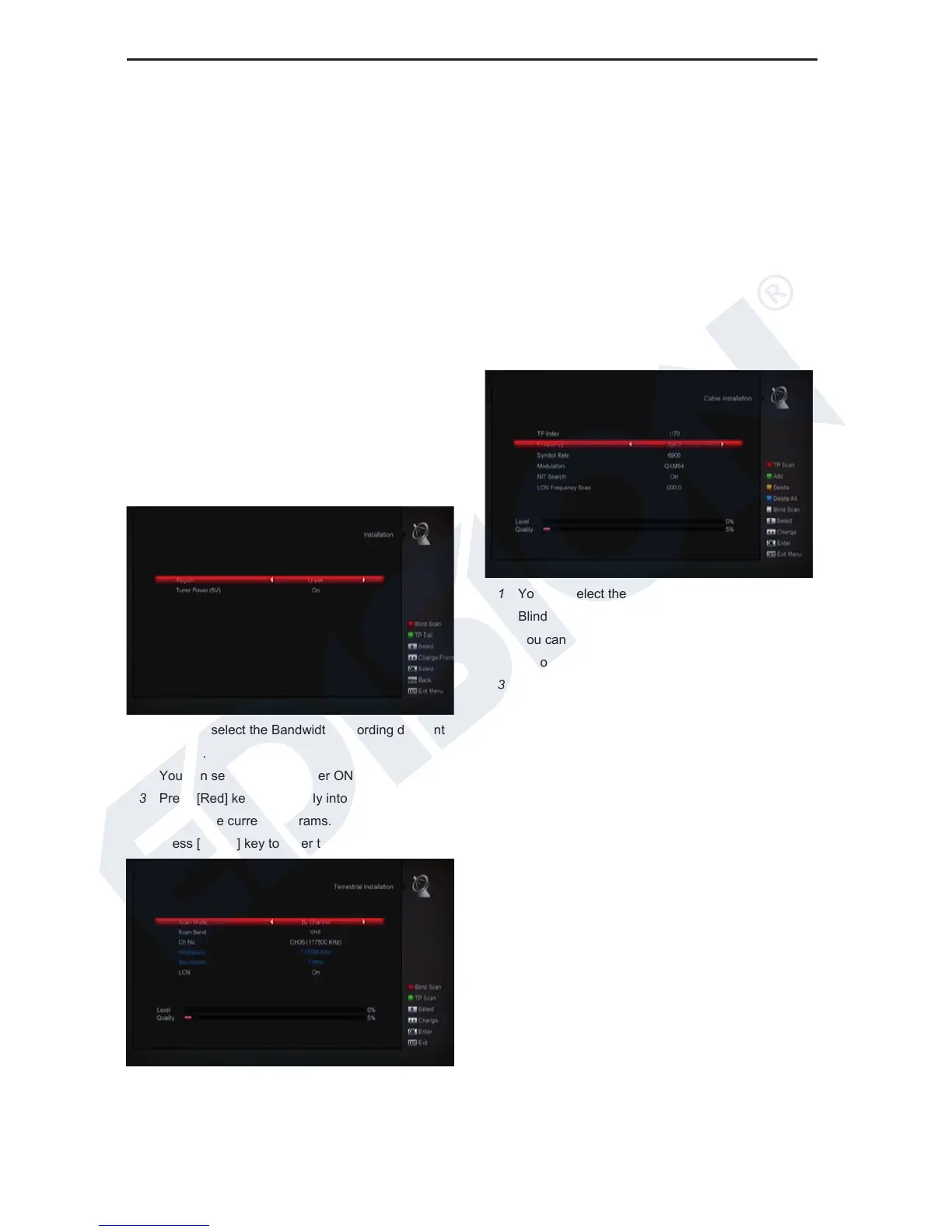
10.5 Terrestrial Installation
Press [OK] key to enter the selected item.
1 You can select the Bandwidth according different
country.
2 You can set the Tuner Power ON/OFF.
3 Press [Red] key can directly into blind scan mode
to scan the current programs.
4 Press [Green] key to enter the following menu.
Scan Mode.
1 There are two modes. You can scan channel by
channel or by frequency”.
2 When scan band is UHF and region is “France”,
the range of Ch No. is from 21 to 69. When scan
3 Band is VHF and region is “France”, the range of
Ch No. is from 1 to 9. (it’s according to region)
4 Press [Red] key to enter blind scan menu, or press
[Green] key to enter TP scan menu.
5 Press [Exit] key to exit the scanning.
10.6 Cable Installation
Press [OK] key to enter the selected item.
1 You can select the Scan Mode, Manual Scan or
Blind Scan.
2 You can input the Frequency by use the numeric
button of the RCU.
3 You can input the Second Frequency by use the
numeric button of the RCU, if you set the Scan
Mode to Blind Scan.
4 You can input the Symbol Rate by use the numeric
button of the RCU.
5 You can select the QAM value among 16QAM,
32QAM, 64QAM, 128QAM and 256QAM.
6 You can turn ON or OFF the NIT Search, if you set
the Scan Mode to Manual Scan.
7 When you complete your modification, press OK
button on Search item to enter Scan menu and
then.
8 Press OK button, it will begin to scan.
11. System
When you enter to “System” menu, you will see a screen
like below:















 To Next Page