29
13.3 Weather Forecast
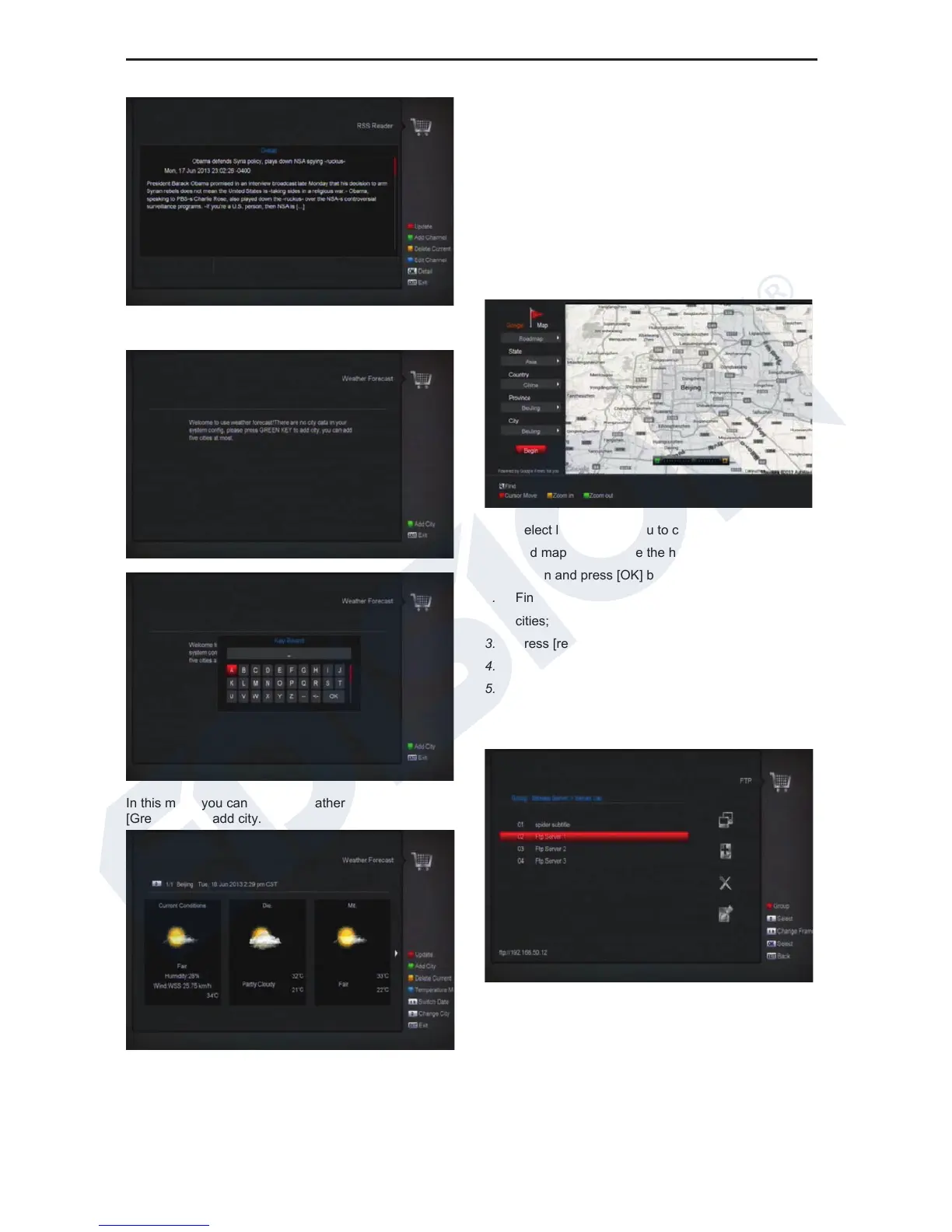
In this menu you can see the weather forecast, press
[Green] key to add city.
z Red key
To update the weather forecast to the newest.
z Green key
To add new city.use this menu.you can add 5 cities at
most.
z Yellow key
To delete current city.
z Blue key
To switch other temperature mode.
13.4 Google Maps
Inside the menu can browse Google Maps
1. Select left toolbar menu to change different cities
and map mode, move the highlight to the “Begin”
option and press [OK] button start to view the map.
2. Find box at the bottom left enter city name find
cities;
3. Press [red] key to move the cursor;
4. Press [yellow] key to zoom in map;
5. Press [green] key to zoom out map;
13.5 FTP
When connected to the Internet, receiver can download
some files from FTP server.
Note:
This function depends on connection with external
server. In case of no any files on server, this function will
not work.















 To Next Page