31
13.8 Big2small
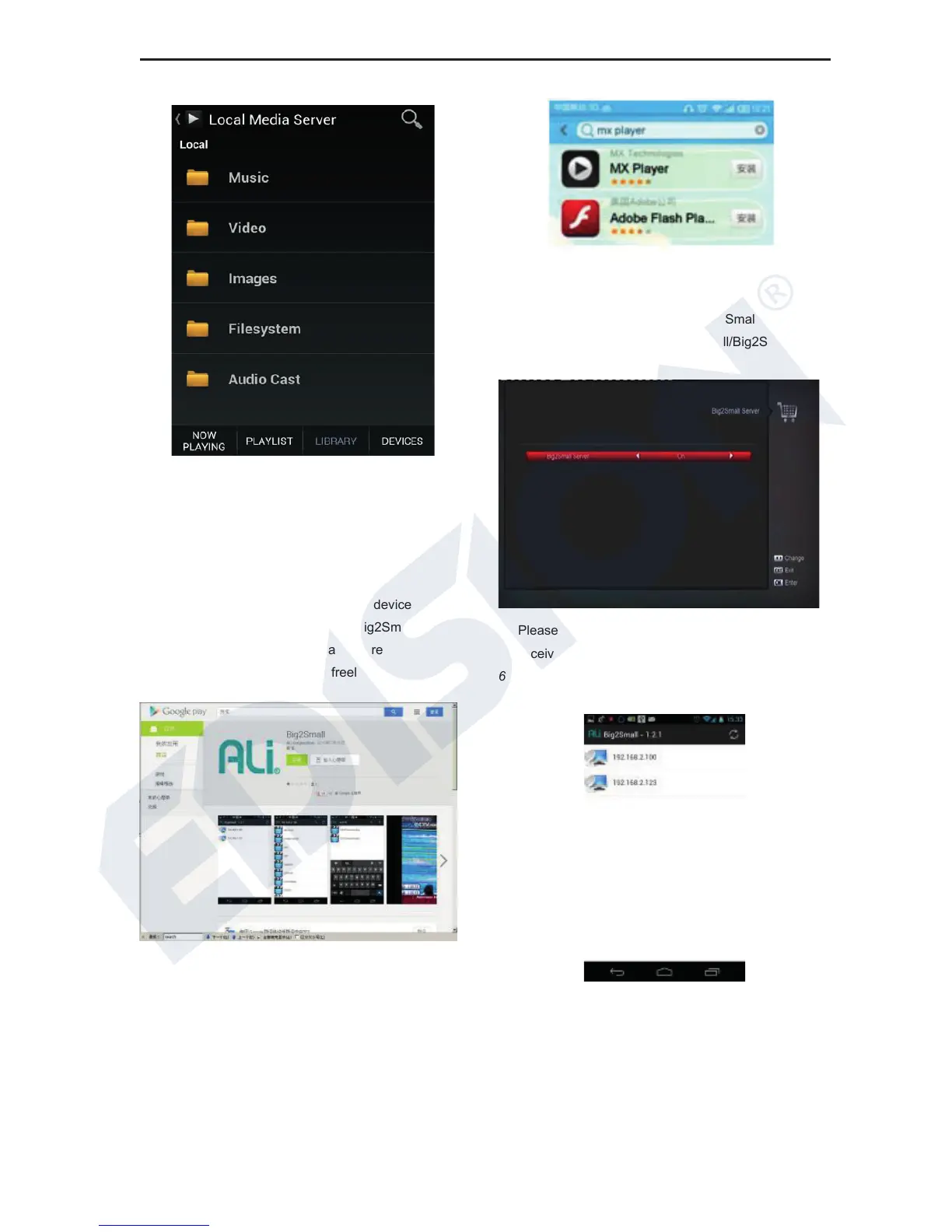
With this function you can watch the TV channels on
android device from receiver, please set the receiver
and android device like below:
1 Install the Big2Small app on android device
Download the android client APP:Big2Small
Version:1.2.1 in Google play app store
https://play.google.com/store freely
2 Download the app named “MX Player” in any app
store and install it on Android device.
3 Connect receiver and Android device to the
same network
4 Scan channels and enable the Big2Small server
on receiver in Application/Big2Small/Big2Small
server menu
5 Please remain to the secondary menu on
receiver
6 Run Big2Small app on Android device and scan
the Big2Small Server in network
7 Select a Big2Small Server,get the channel list
from server:















 To Next Page