30
13.6 Web TV
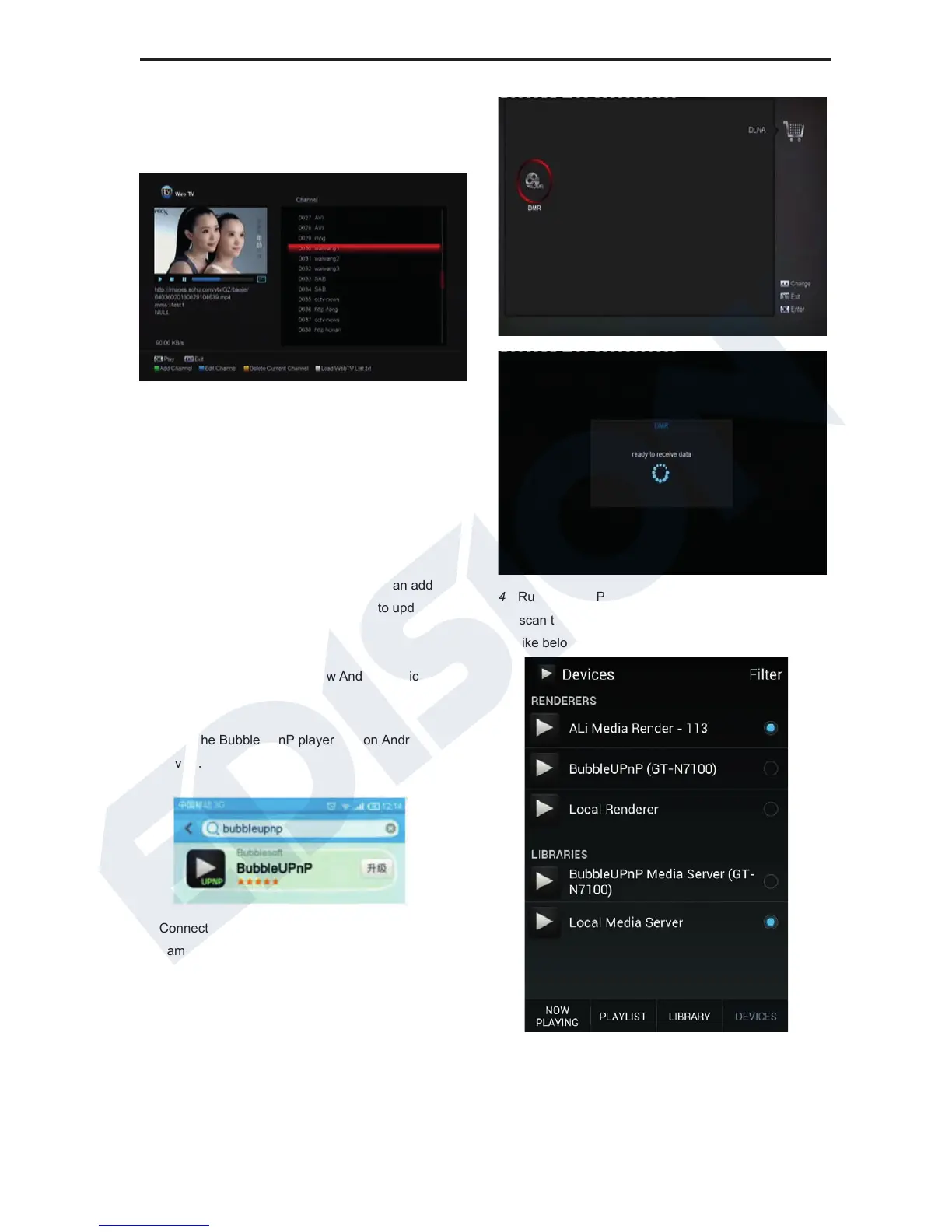
When you enter to “Web TV” menu, you will see a
screen like below:
1 In this menu you can select your favorite channel
to view, press [OK] key play in full screen, you
can press [up / down] key to change channels,
and press [left / right] key or [volume + / -] key to
adjust volume level.
2 Press [green] key to add channel URL;
3 Press [blue] key to edit channel URL;
4 Press [yellow] key to delete channel URL.
5 If you get the “WebTV List.txt” file, you can add
more channels and press [white] key to update
13.7 DLNA
You can use this function to show Android device
Video/Music/Photo on TV.
1 Install the BubbleUPnP player app on Android
device.
2 Connect receiver and Android device to the
same network
3 Connect DLNA in receiver
Application/DLNA/DMR menu like below
4 Run BubbleUPnp player on Android device to
scan the Render and select Ali Media Render
like below
5 Enter LIBRARY to choose the media files from
Android device show on TV, like
Video/Music/Photo















 To Next Page