25
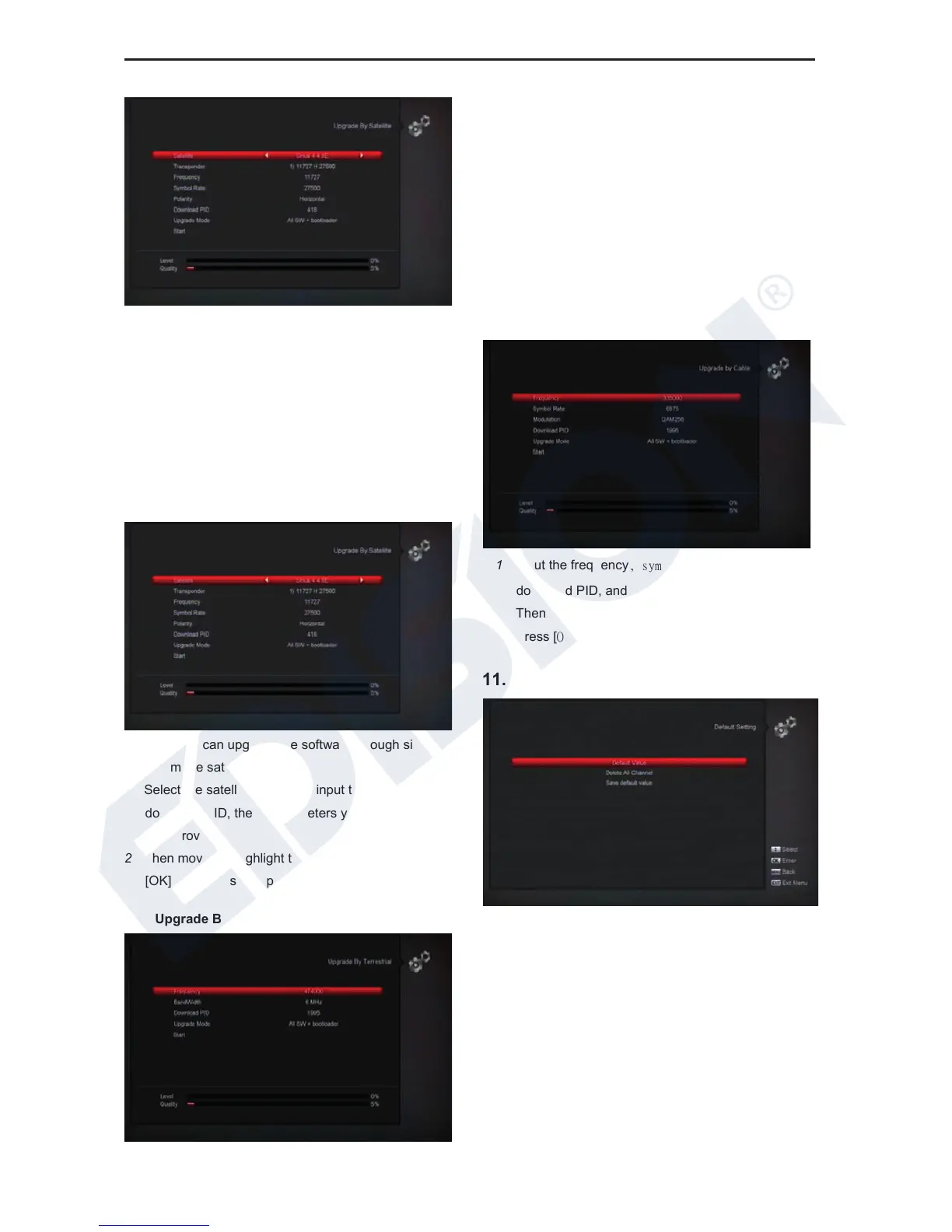
This function can upgrade the software through signal
lines from the satellite
1 Select the satellite and TP or input the TP value and
download PID, these parameters you can get from
your provider.
2 Then move the highlight to the start button and press
[OK] button to start upgrade.
a) Upgrade By Satellite:
This function can upgrade the software through signal
lines from the satellite
1 Select the satellite and TP or input the TP value and
download PID, these parameters you can get from
your provider.
2 Then move the highlight to the start button and press
[OK] button to start upgrade.
b) Upgrade By Terrestrial:
This function can upgrade the software through signal
lines from the Terrestrial
1 Select or input the Frequency, Bandwidth and
download PID, these parameters you can get from
your provider.
2 Then move the highlight to the start button and
press [OK] button to start upgrade.
c) Upgrade by Cable
This function can upgrade the software through
Signal lines from the cable.
1 Input the frequency, symbol rate value and
download PID, and select scan mode.
2 Then move the highlight to the start button and
3 Press [OK] key to begin to upgrade.
11.9 Default Setting















 To Next Page