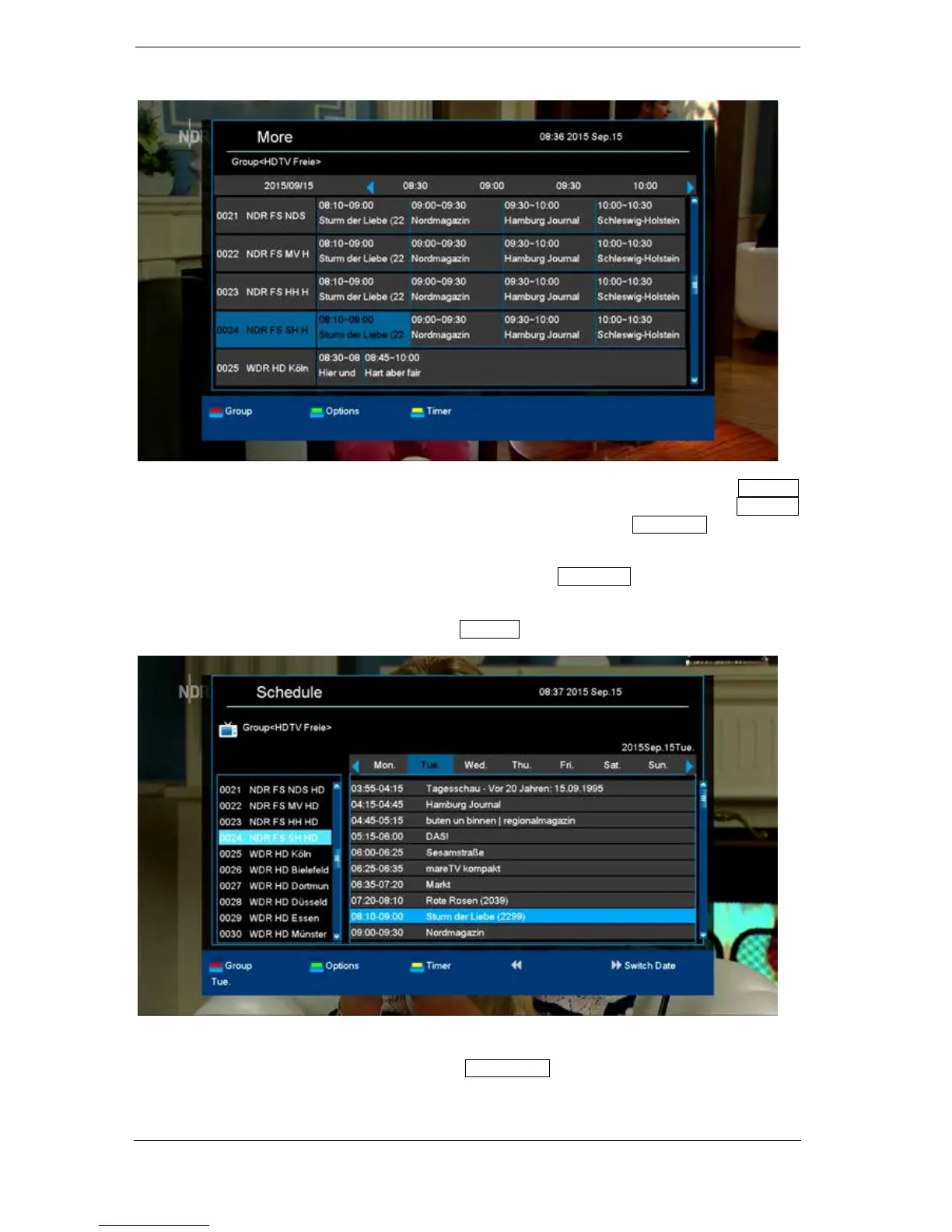
The 'More' mode displays program information in chart form and chronological order. Use the left/right
arrow buttons to navigate between a channel's temporal program information and use the up/down
arrow buttons to move the cursor (yellow marking) in the channel list. The OK button may possibly
has to be pressed if another channel was selected and the program-related information should be
displayed (if available). If the cursor is located on the right-hand side of a program title, detailed
information about this program can be displayed by pressing the OK button .
The 'Timetable' mode displays the currently selected program list in chart form on the left and program
information in weekly format on the right. Use the left/right arrow buttons
EDIVISION window in 'Timetable' mode
To navigate between the channel list and the PREV/NEXT buttons to navigate daily overview.















 To Next Page