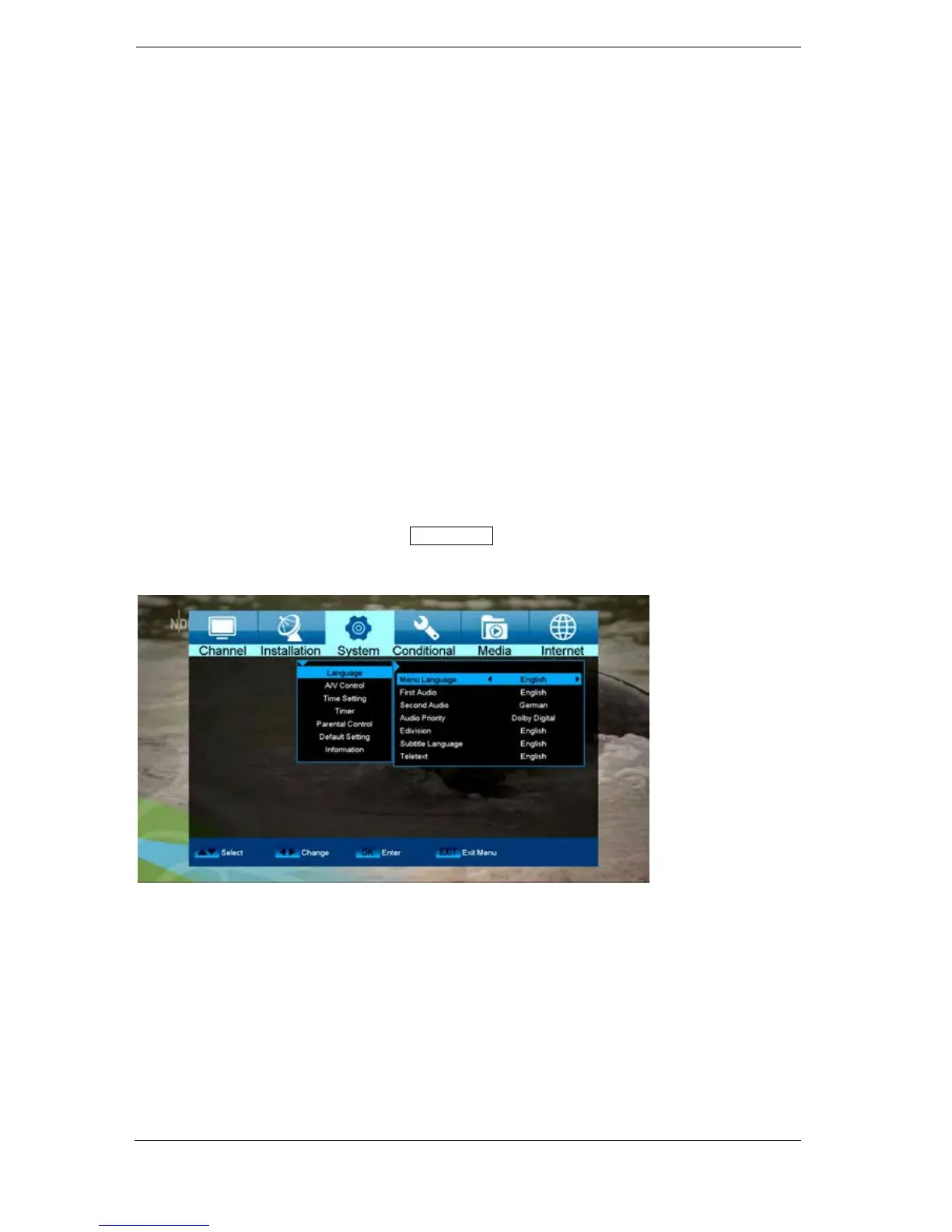
► Menu system settings
Languages
Functions and settings in the menu:
Menu language: Select the language in which the Menu is displayed.
First audio: Set the audio language here for the first channel.
Second audio: Set the audio language here for the second channel.
Audio priority: Specify here which preferred audio mode (if available) should be used.
EDIVISION: Specify the language here in which the electronic program guide EDIVISION
(EDV) should be displayed. (The program provider must support the
language).
Subtitle language: Specify the language here in which the subtitle information will be displayed.
(Language must be supported by the service provider).
Teletext: Specify the language here in which the teletext/video text information will be
displayed. (Language must be supported by the service provider).
Exit the 'Language' menu by pressing the EXIT button.















 To Next Page