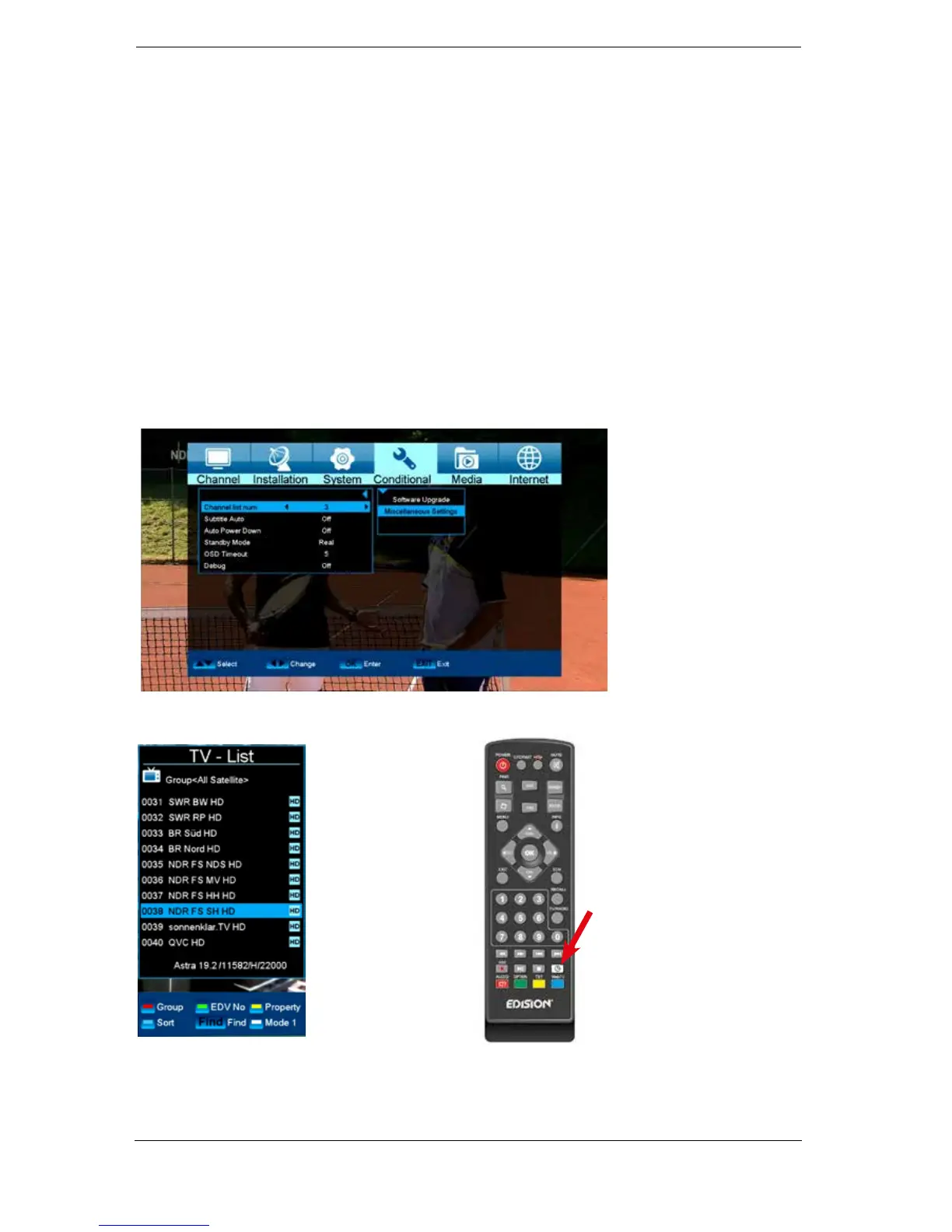
► Menu Conditional
Other settings
Functions and settings in the menu:
TV list no.: Set here the way you want the program list to be displayed. There are
modes 1, 2, 3, 4. They can also be selected in the program list with the
white button.
Automatic subtitles: Selects whether existing subtitles are displayed automatically or not.
Go into standby: Time setting in minutes in which the receiver will switch into standby mode
(30 minutes up to 3 hours).
0.5 Watt Standby: On/Off selection of 0.5 watt standby mode.
A = 0.5 watt red LED lights up. Off = no standby mode.
OSD fading time: Specify here the display duration of the information windows. Use the
left/right arrow buttons to change the value (from 1 to 10 seconds).
TV list no. mode 1, 2, 3, 4
TV list no. 1















 To Next Page