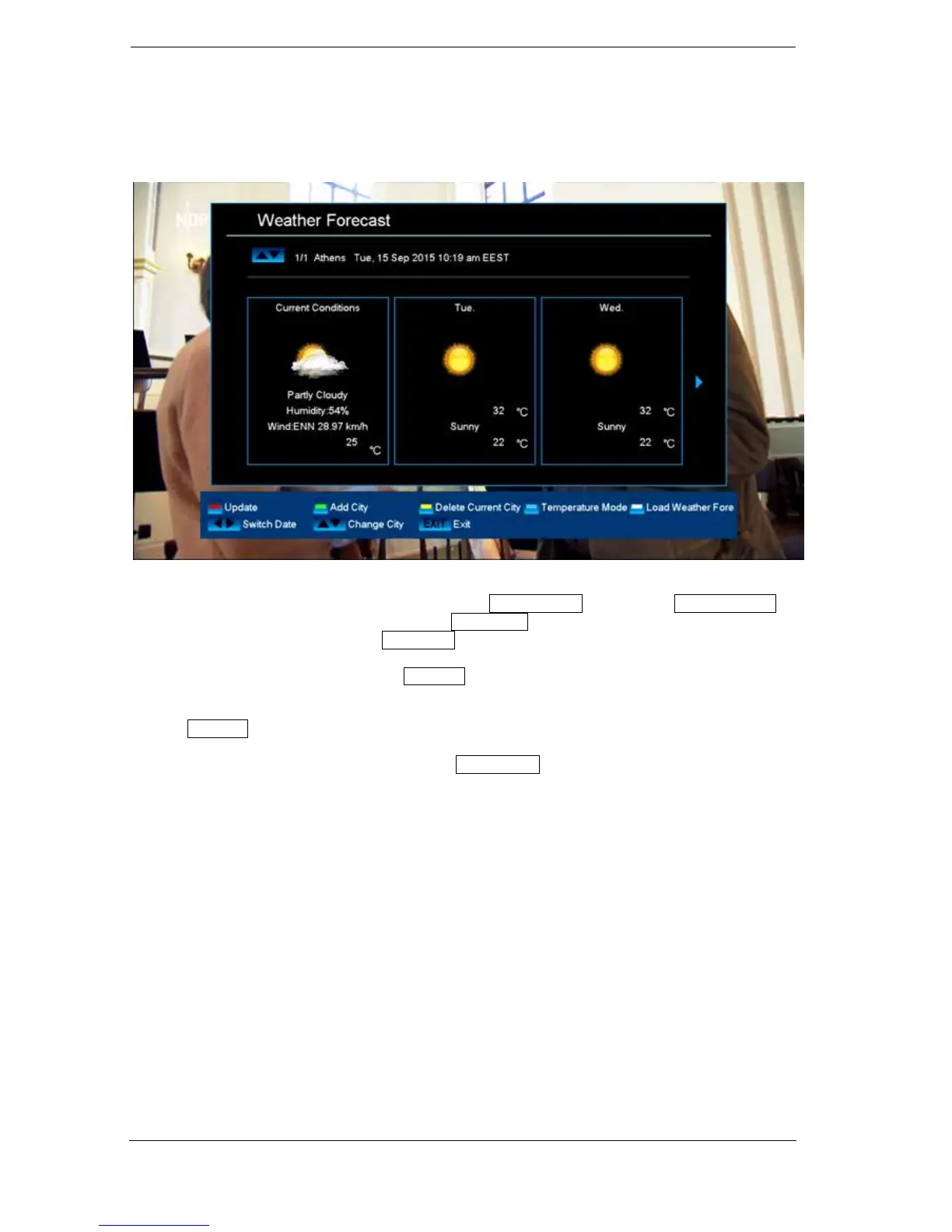
► Menu/Applications
Weather Forecast
It is possible with an Internet connection to have this menu item display current and weather data for
the coming days about a specific location. Press the green button and use the arrow buttons to
select and navigate in the letter field and the OK button to specify a new location. To confirm,
navigate to the OK field and press the OK button on the remote control.
If several locations are specified, use the up/down arrow buttons to switch between the weather data
of the various locations.
Use the left/right arrow buttons to browse a few days forward or back again.
Exit the 'Weather Forecast' menu by pressing the EXIT button.















 To Next Page