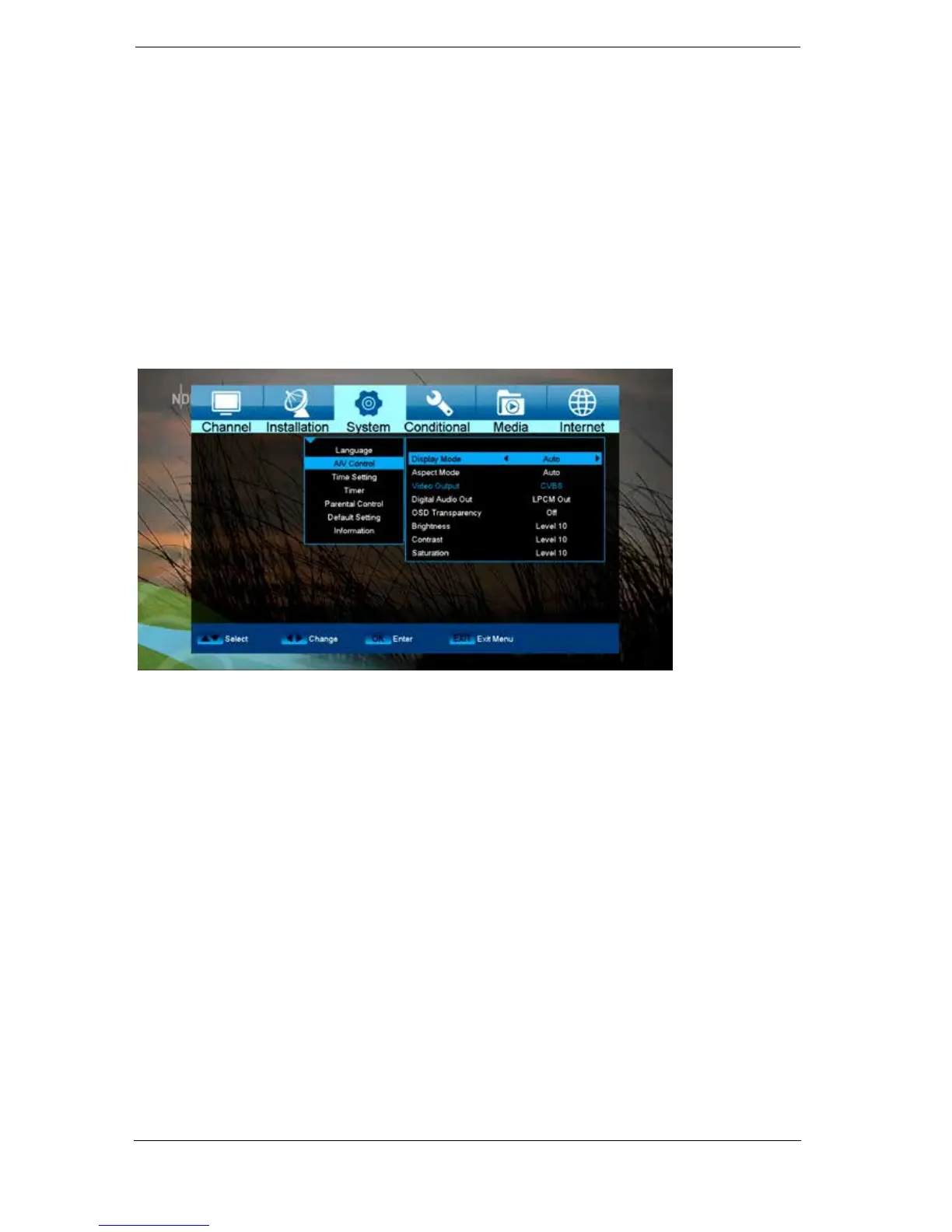
Audio + Video
Functions and settings in the menu:
Display Mode: Select here between the options Auto, By Native TV, 720p_50, 720p_60,
1080i_50 or 1080i_60.
Aspect Mode: Determine here the aspect ratio with which the image will be displayed.
(16:9, 4:3PS, 4:3LB, AUTO)
Video Output: Select the colour mode for image reproduction.
Digital Audio Out: Specify here the mode in which the digital audio output should work.















 To Next Page