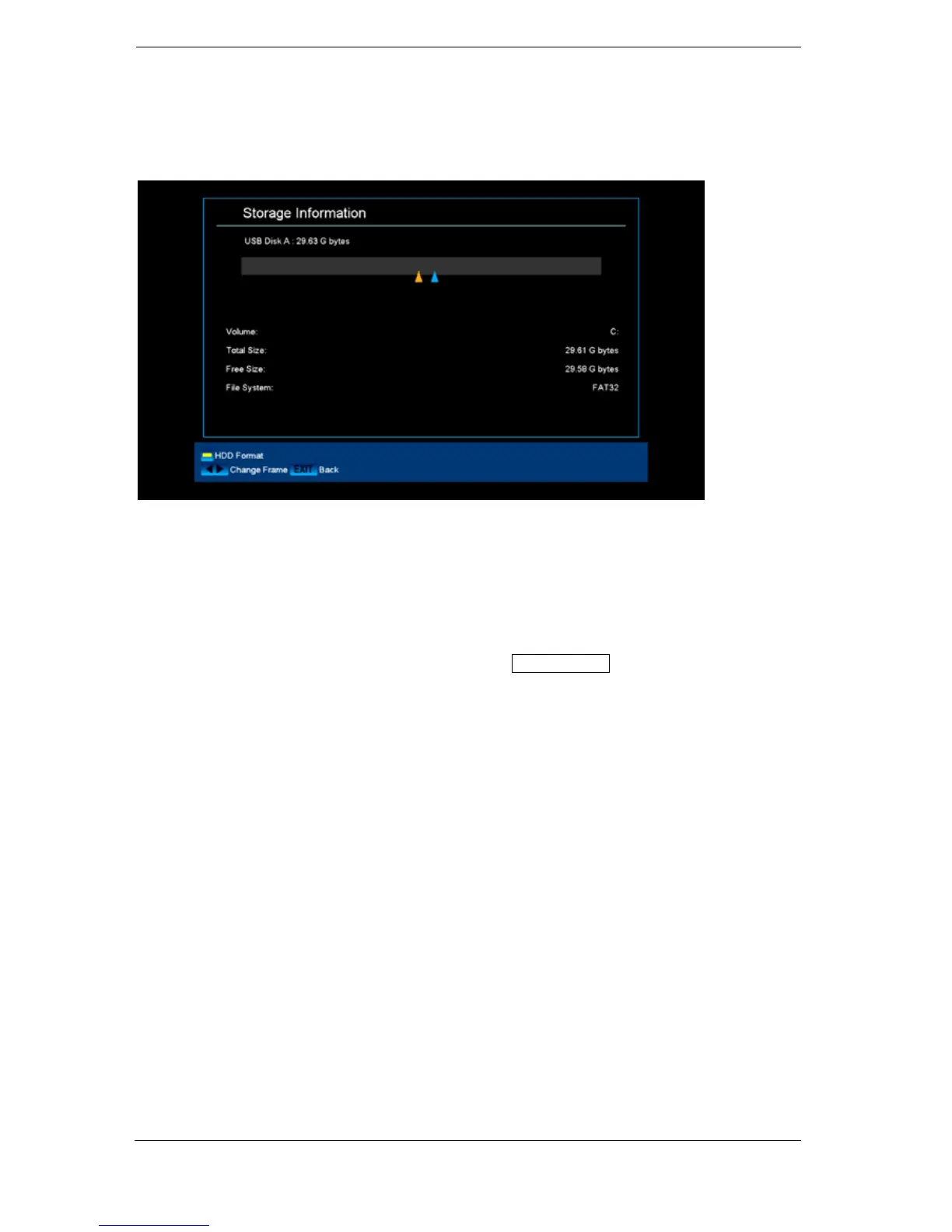
► Menu/Media/Memory Information
Information can be found in this menu about the connected USB memory device.
Volume:
Displays the name.
Total memory: Displays the total memory capacity.
Available memory: Displays the available memory capacity.
File system: Displays the file system used.
It is possible to format the USB memory by pressing the yellow button (HDD formatting). Specify in
the 'HDD Formatting' menu the file system with which the USB memory should be formatted (FAT or
NTFS). Please note that this will delete all existing files on this USB memory.















 To Next Page