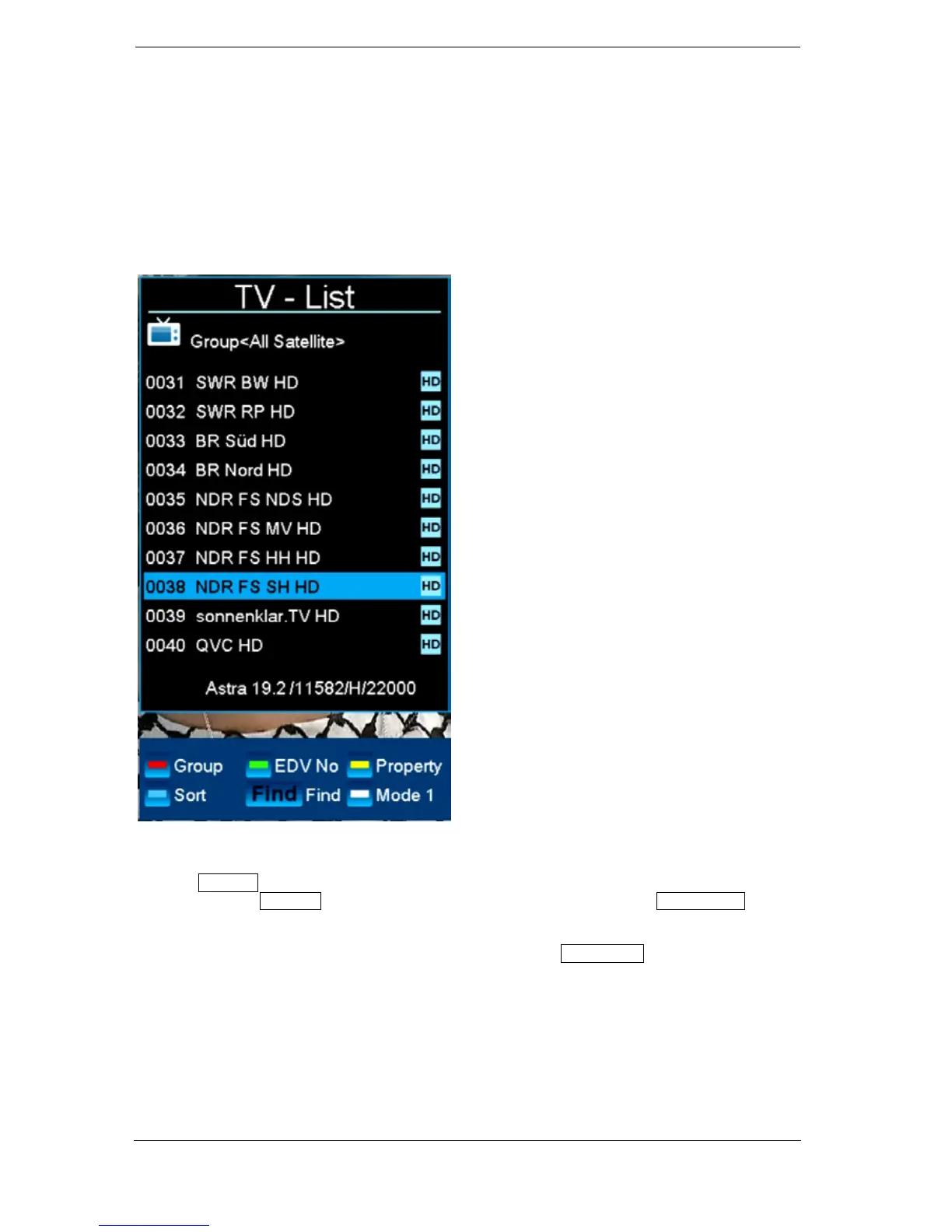
Green button: Displays, if available, program-related information in the form of EDIVISION for the
selected program.
Yellow button: Opens the 'Options' window. The selected channel can be added to a favourite list,
locked, marked to be skipped, deleted and/or renamed.
Blue button: Allows sorting the channels according to different criteria.
FIND button: Searching for channels via an input mask of which only the initial letter is known.
OK button: The selected channel becomes the active channel by pressing the OK button.
Use the left/right arrow buttons in the simplified view of the program list to switch between the
favourite lists, the up/down buttons scroll through the list line-by-line and the Page+/Page- buttons
scroll page by page. The chosen channel becomes the active channel by pressing the OK button.
Exit the program list (standard or simplified view) by pressing the EXIT button.















 To Next Page