Telco Disarm Sequence
This allows you to automatically disable the call forward sequence upon disarming the
system.
How To Program The Telco Disarm Sequence
1. Enter your Master Code followed by 3 and the # button (eg. 2580 + 3 + #).
Three beeps will be heard and the STAY and AWAY indicators will flash.
2. Press button 2 followed by the # button to select the telco disarm sequence. Three
beeps will be heard.
3. Enter the call forward disable sequence that you require (eg. #61# if you wish to
disable the no answer call forward sequence or #21# if you wish to disable the call
forward immediate sequence).
Remember that when you program a # in the telco disarm sequence, you enter *2.
4. Press the # button when finished. Two beeps will be heard and the STAY and AWAY
indicators will extinguish.
Note: To disable the Telco Disarm Sequence, enter the call forward sequence as
*4 (break) for Step 3.
Digit Required Number To Program Digit Required Number To Program
0
0
8
8
1
1
9
9
2
2
3
3
*
*1
4
4
#
*2
5
5
4 Second Pause
*3
6
6
Break
*4
7
7
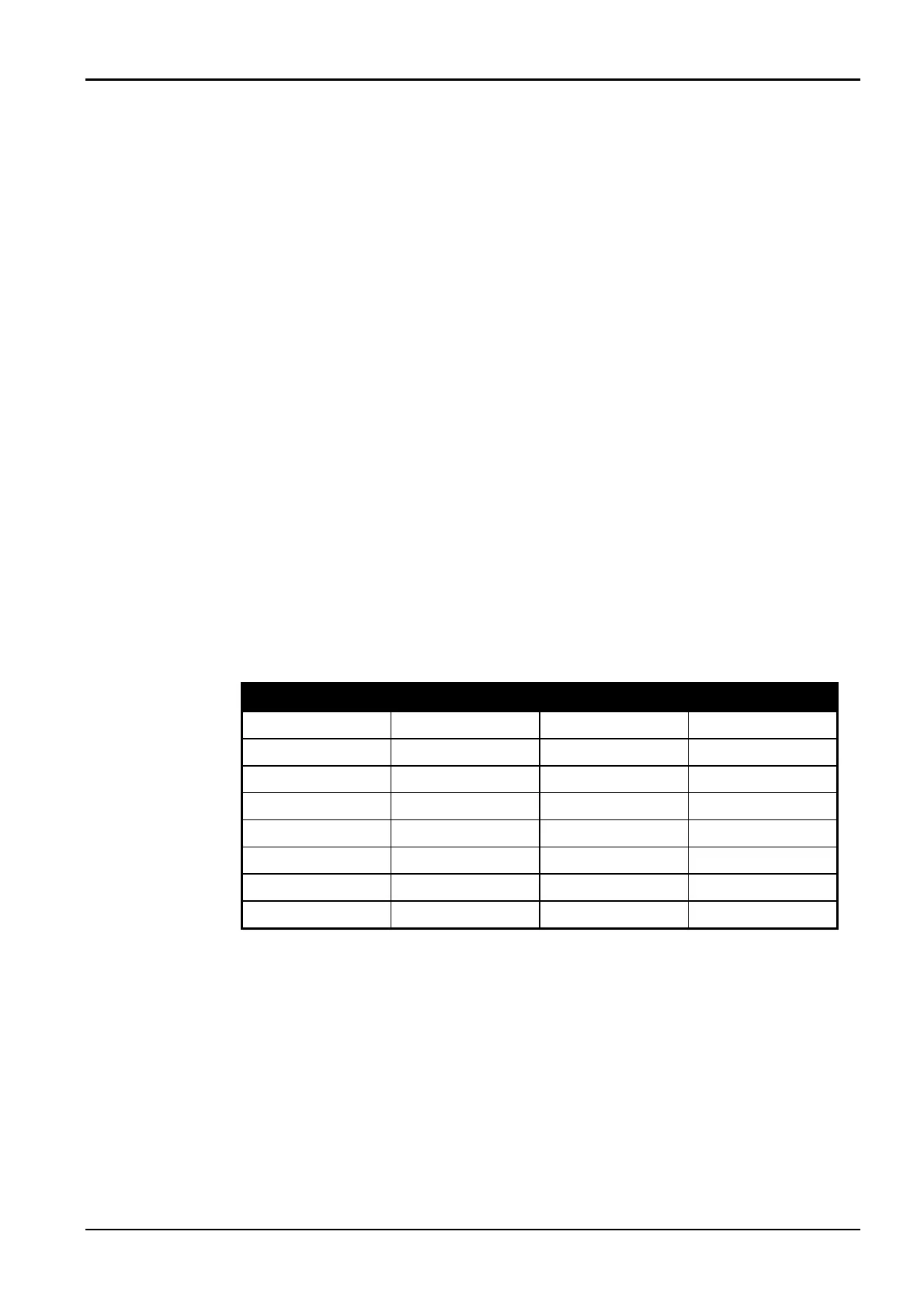
Table 8: Telco Arm/Disarm Dialling Digits
Solution 862 Operators Manual 21
Electronics Design and Manufacturing Pty Limited ISSUE110



 To Next Page