MaxLoader User’s Guide
11
Follow the steps below for Windows.
1. Make sure a programmer is not connected when turning on your computer.
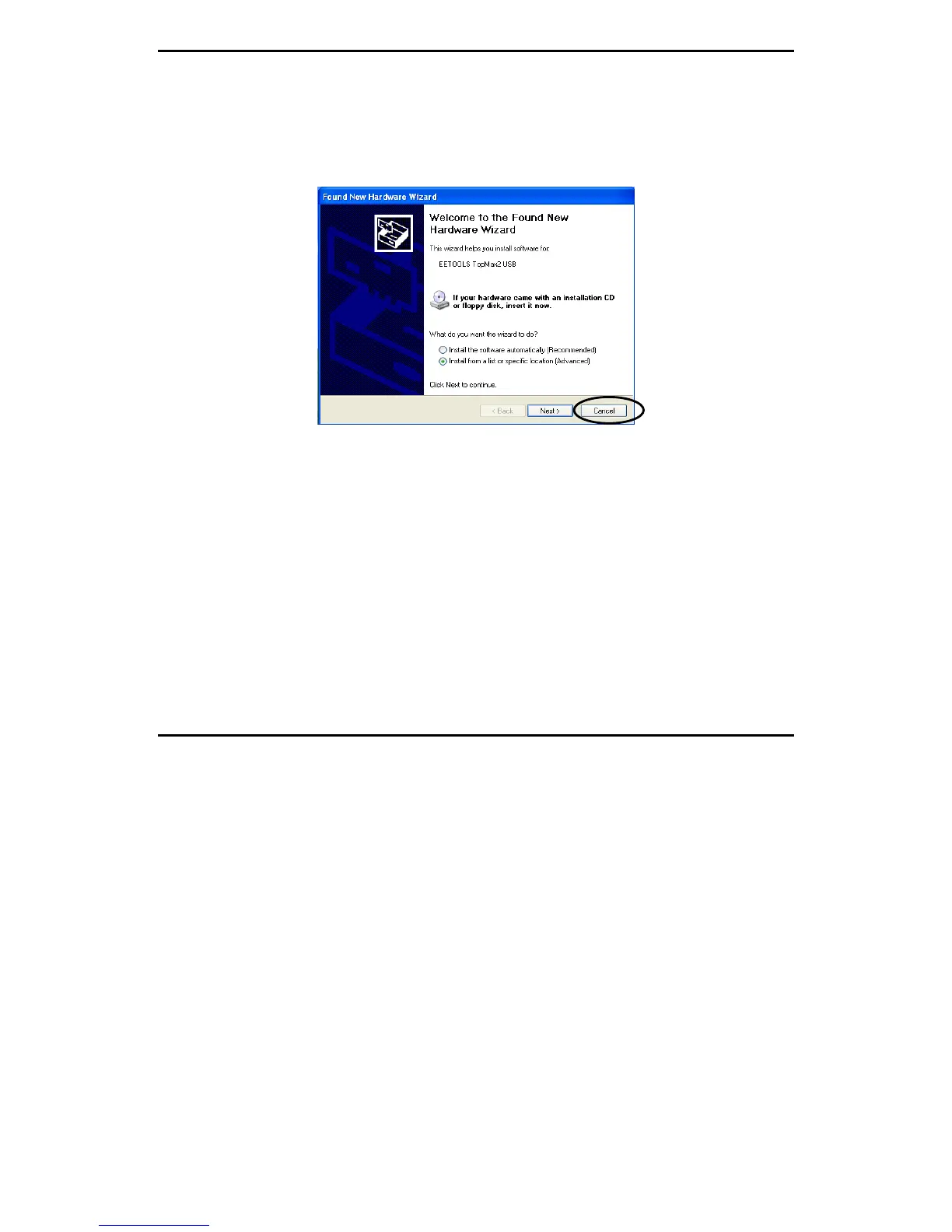
2. Note: If you see New Hardware Wizard screen then disconnect your
programmer. You cannot install programmer software that way.
3. Insert the CD-ROM from factory (EE Tools) in your CD-ROM or DVD
driver.
4. Wait until you see the following screen then Click on Device Programmers
and choose a programmer name. The executable file name for the installation
is in the CD-ROM.


 To Next Page