MaxLoader User’s Guide
18
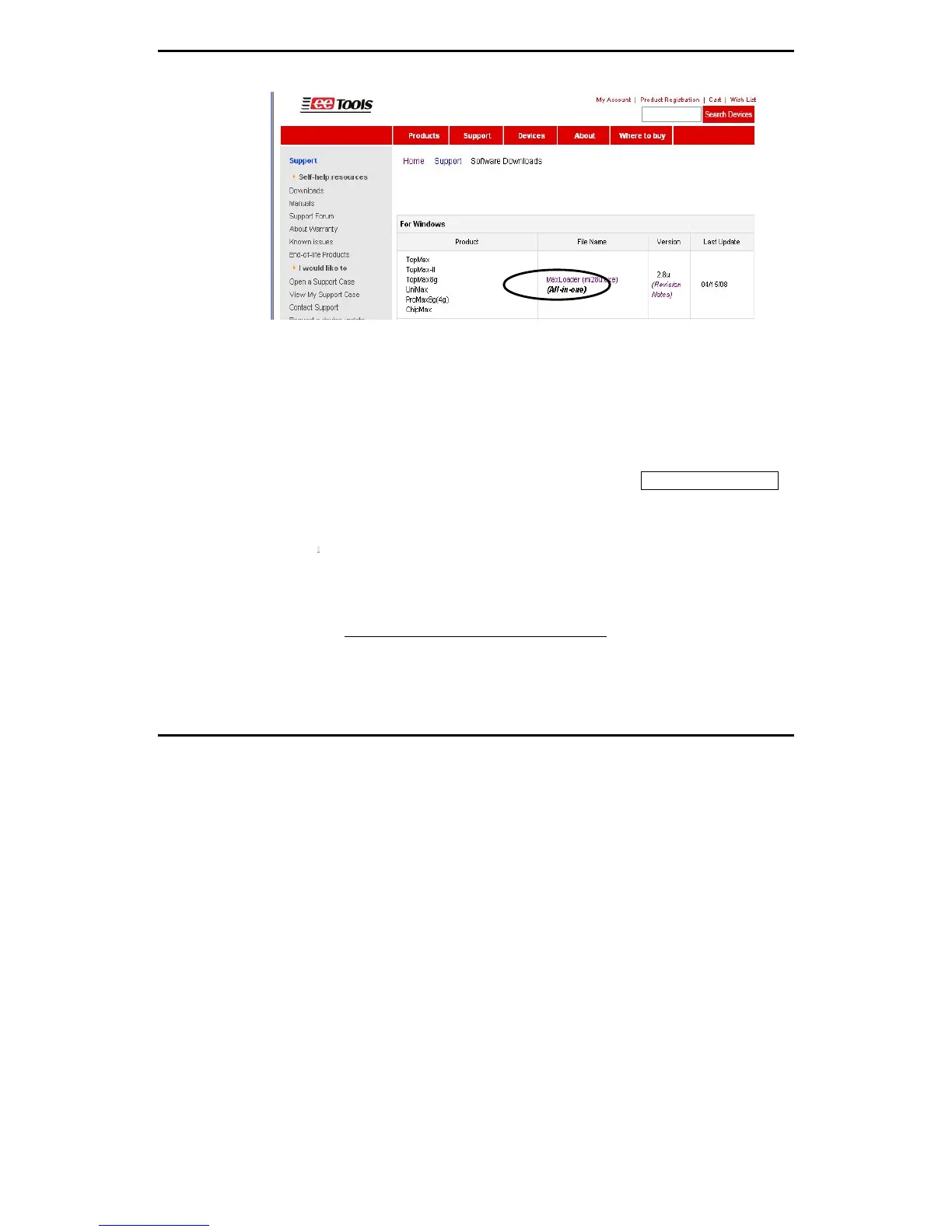
NOTE: For the latest software upgrade, remove the old MaxLoader in
“Add/Remove Program” of “Setting / Control Panel” in 2000/XP/VISTA before
installing a new MaxLoader in your PC.
Select Product
After MaxLoader is installed, choose a programmer among TopMax, TopMax-
8G, ChipMax/ChipMax2, TopMaxII, UniMax, and ProMax8G (4G) hardware
in the very first MaxLoader screen menu. Or Click on Config / Select product
Make sure to select the right model and turn the switch on. (TopMaxII, ProMax,
TopMax) or connect the AC cord (UniMax, ChipMax/ChipMax2)
Trouble Shooting In Installation
A communication error may occur on the screen if the hardware / software are
not correctly installed.
Be sure that the following steps are checked:
Make sure the USB driver is installed after MaxLoader software is set up in
PC.


 To Next Page