AX M2 Series
3-5 kW
|
Solar
inverter
Control and display elements - Page 46
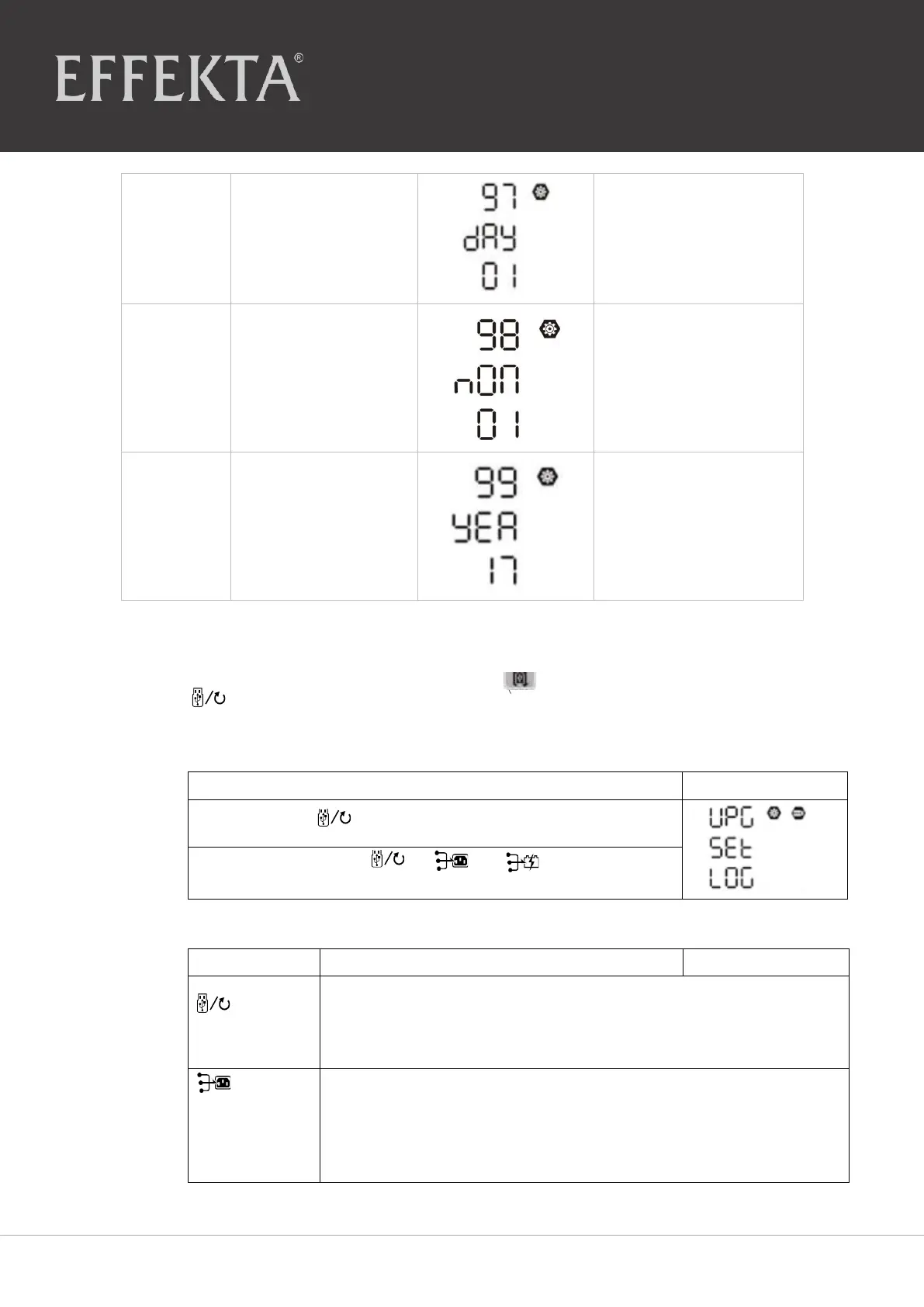
For the day setting, the
range is from 00 to 31.
For the month setting,
the range is from 01 to
12.
For the year setting, the
range is from 17 to 99.
6.3 Setting of the USB function
Plug the USB data medium in the USB port
(
).
Press the
button
“
”
for 3 seconds to call up the USB function setting. These functions
comprise the updating of the inverter firmware, the export of data protocol
and the rewriting of internal parameters of the USB disk.
Step
1
:
Press
“
” button for 3 seconds to call up the
USB function setting
mode
.
Step
2
:
Press the button
“
”, “
”
or
“
”
to call up the
setting program to
select
.
Step
3
: Please
select
the
desired
program
from
the
following
.
This function serves to update the inverter firmware. If a firmware
update is required, please contact your supplier or installer to get
detailed
instructions
.
:
Reset internal
parameters
With this function, all parameter settings (TEXT file) are overwritten
with the settings on the on-the-go USB disk from a previous set up or
the inverter settings are duplicated. Please contact your supplier or
installation personnel for detailed instructions.


 To Next Page