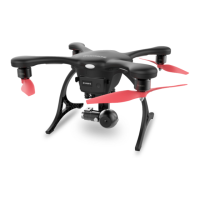
Please go to an open area and follow the steps above for your first flight.
16
Let’s practice
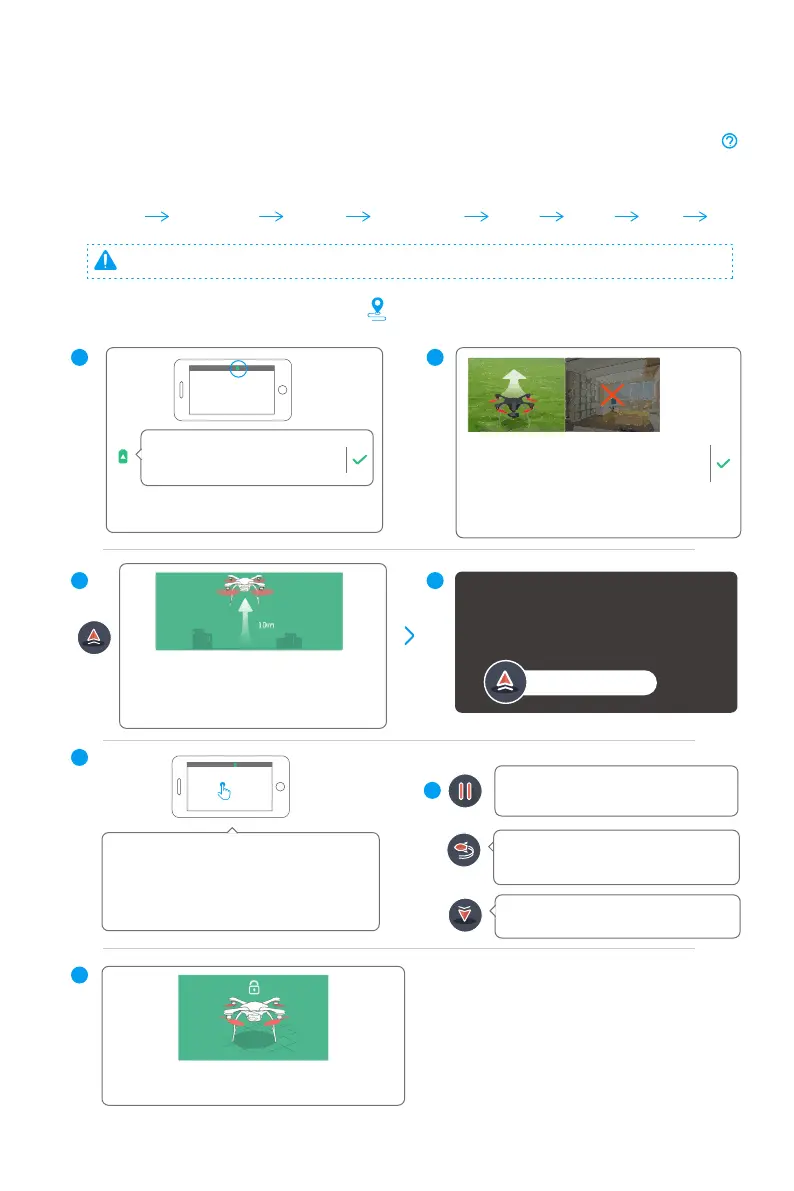
1. Practice Touch-to-Go mode
Follow the steps mentioned before to connect your drone, VR Goggles/ G-BOX and app. Then click
on the up right corner of home screen to watch the tutorial videos and read manuals. Only begin flying
Ghostdrone 2.0 after you have a comprehensive understanding of it.
Check
battery level
Check
surroundings
Take off Return
Land Lock
HoverTouch-to-go
The motors will lock automatically after
GHOSTDRONE lands.
Please tap anywhere on the map to set a
waypoint. After you have confirmed the waypoint,
the drone will fly in a straight line to the
destination. Please avoid trees, buildings and
power lines.
Place the drone flat in an open, outdoor
area with its head pointing away from you.
Please keep a 5m/15feet away from the
drone while it is taking off. Taking off indoors
is prohibited.
Please make sure the drone battery
level is more than 70% before
takeoff.
Click “Takeoff” button and slide to confirm.
After taking off, the drone will ascend to
10m/33ft and then hover, waiting for your
command.
After taking off, drone will gradually ascend,
please keep a safe distance.
Take off confirmed
Slide to Takeoff >>>
Tap the “Land” button, GHOSTDRONE will
land from its current position.
1
3
2
4
Tap the “Return” button, GHOSTDRONE will
return automatically to its take off location
and hover.
7
Tap the “Hover” button, GHOSTDRONE
will hold its current position.
6
5



 To Next Page