19
12
Heading of GHOSTDRONE: Slide to the left, the GHOSTDRONE will turn counter clock-wise;
slide to the right, the GHOSTDRONE will turn clock-wise.
11
Take photo/video: click the camera icon to take photo; click the camera recorder icon to start/
stop recording.
14
Land: Click the button and the GHOSTDRONE will land, not returning to where it took off.
Please avoid crowd, buildings and water.
15
Auto return: GHOSTDRONE will return to its takeoff point, while maintaining the return height.
Please set the proper return height.
16
Follow-me: GHOSTDRONE will follow you when the “Follow-me” function is activated. When
the function is activated the GHOSTDRONE will keep its current distance with you wherever
you go. GHOSTDRONE does not have obstacle avoidance, please be aware of the surround-
ings.
Glossary
Note: Volume buttons of the cellphone can be used to take photos/videos:
“+” button: Click to take photo
“-” button: Click to start or stop video recording
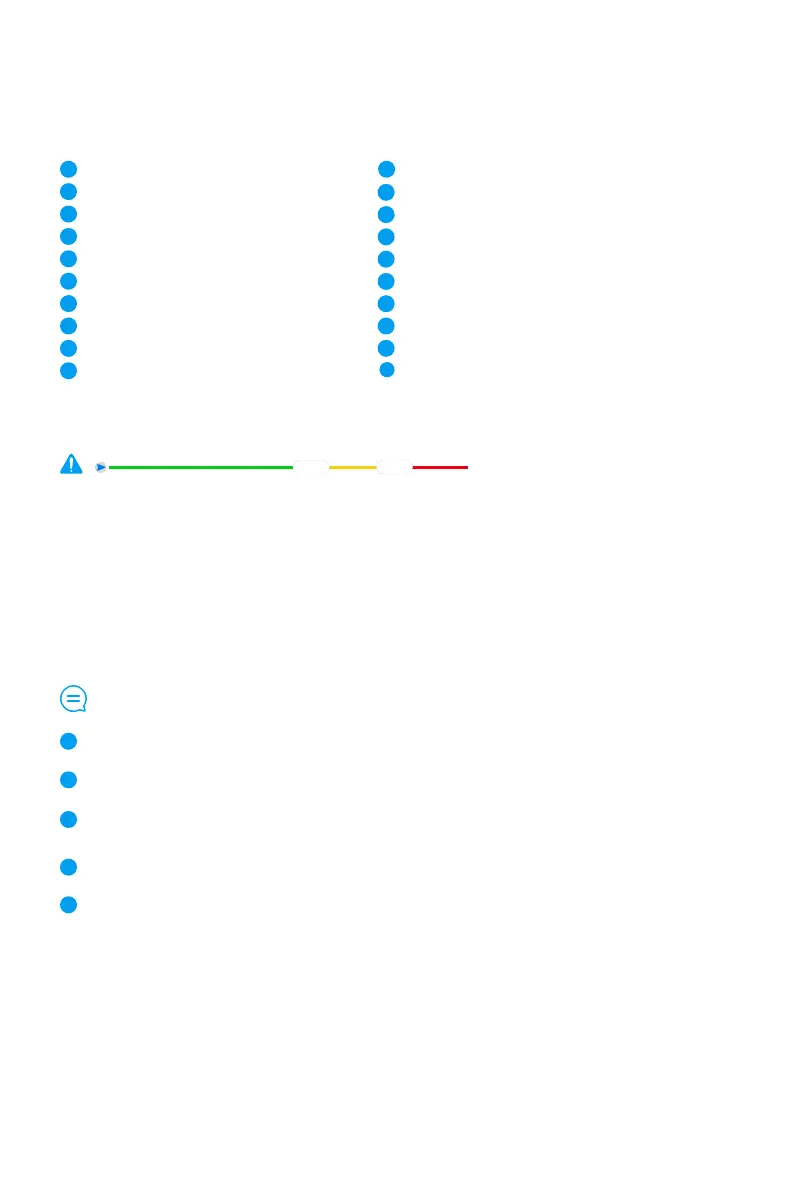
The green line indicates the flight time remaining before the drone returns. The yellow line indicates the drone’ s remaining battery
life before it auto lands. The red line indicates the remaining time before the power runs out completely.
Current Status
Connection status of Bluetooth or Wi-Fi
Connection status of GHOSTDRONE
Number of satellites
Smart flight battery level
Horizontal distance to drone
Current altitude of GHOSTDRONE
Current flight speed
Flight time
Settings
8
9
1
3
2
4
7
6
5
10
12
13
14
Video/ take photo
Heading of GHOSTDRONE
Throttle control
Land
Return
Follow-me
Hover
GHOSTDRONE locations & Waypoint indicators
Micro control
Slide to take off
11
15
16
17
18
19
20
return
Land



 To Next Page