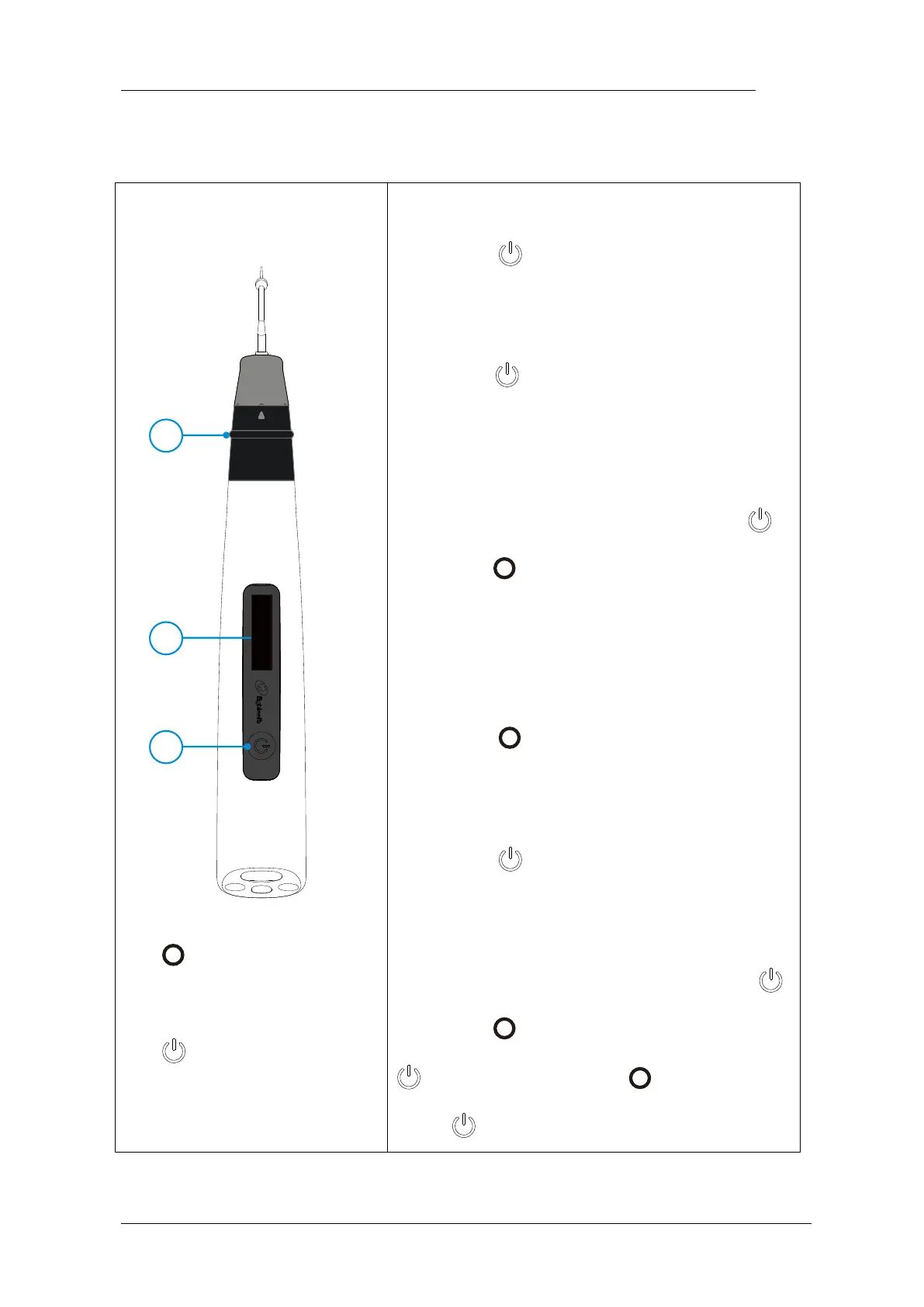
Turn Power On
Long press
Change Memory
Shot press to change temperature memory
from T1 to T5
Memory Parameter Setting
During standby state, holding down press
then press in 2 seconds to entry memory
parameter setting, parameter of T1 to T5 can be
set independently
Heating
Long press
Turn Power Off
Long press more than 2 seconds
Advanced setting
During power off state, holding down press
then press to entry advanced setting, Press
till target setting, press to adjust, then
press to confirm















 To Next Page