6 Setting
Page 11 / 25
6.Setting
6.1 Memory Parameter Setting
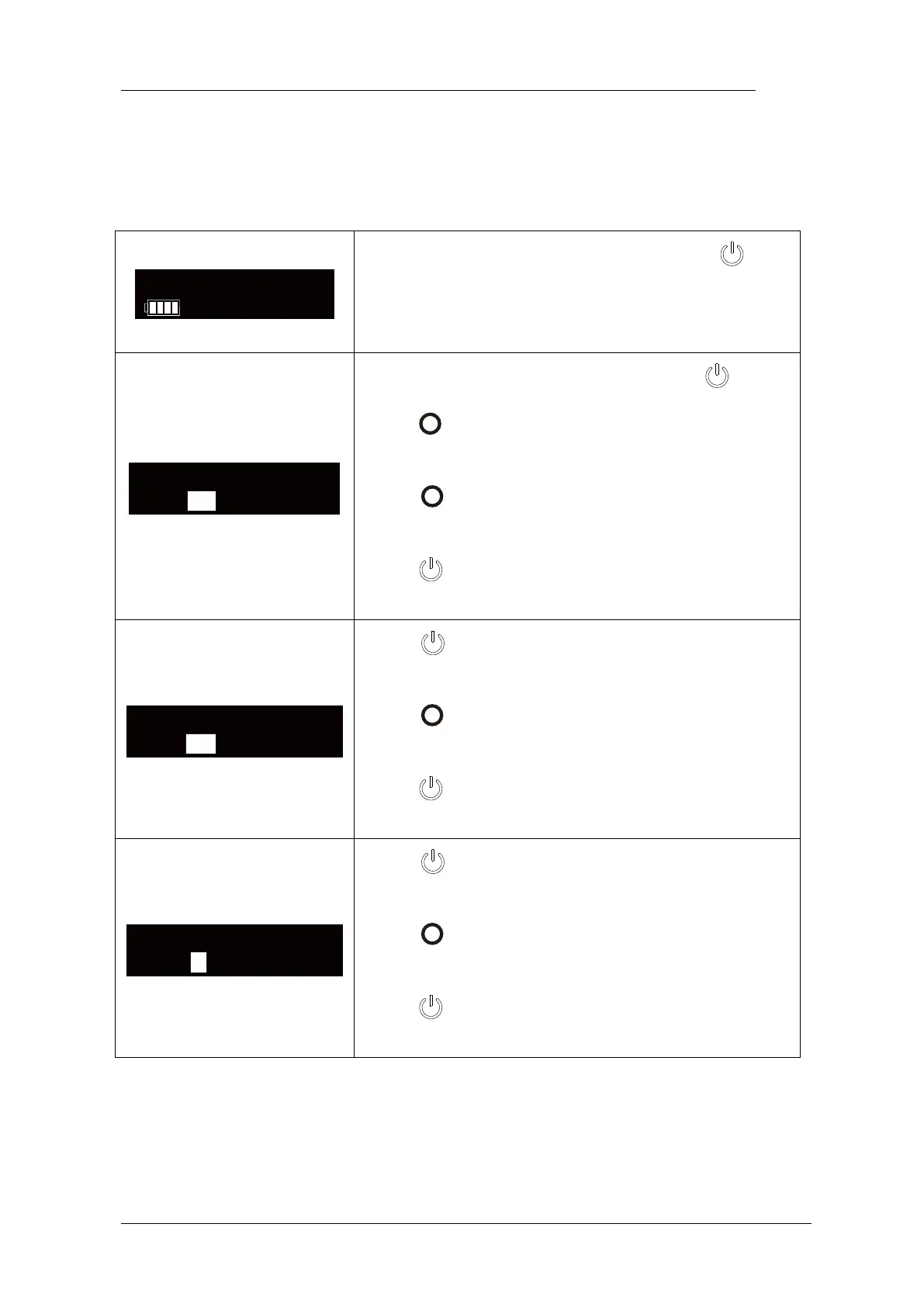
Fast-Pack has 5 memory programs, press to
change during standby state, the memory number
T1 will change according.
During any Memory, holding down press then
press in 2 seconds, the “Temperature” of this
memory can be change.
Press till target temperature, the temperature
can be set from 90℃ to 250℃.
press to confirm.
Press again, the “Keep-heat Time” of this
memory can be change.
Press till target time, the time can be set 3, 5, 8
and 10 seconds.
press to confirm.
Press again, the “CoolingDisplay” of this
memory can be change.
Press till target time, the time can be set 0, 3, 5
and 10 seconds.
press to confirm.















 To Next Page