To Next Page


H
Heather RichSep 9, 2025
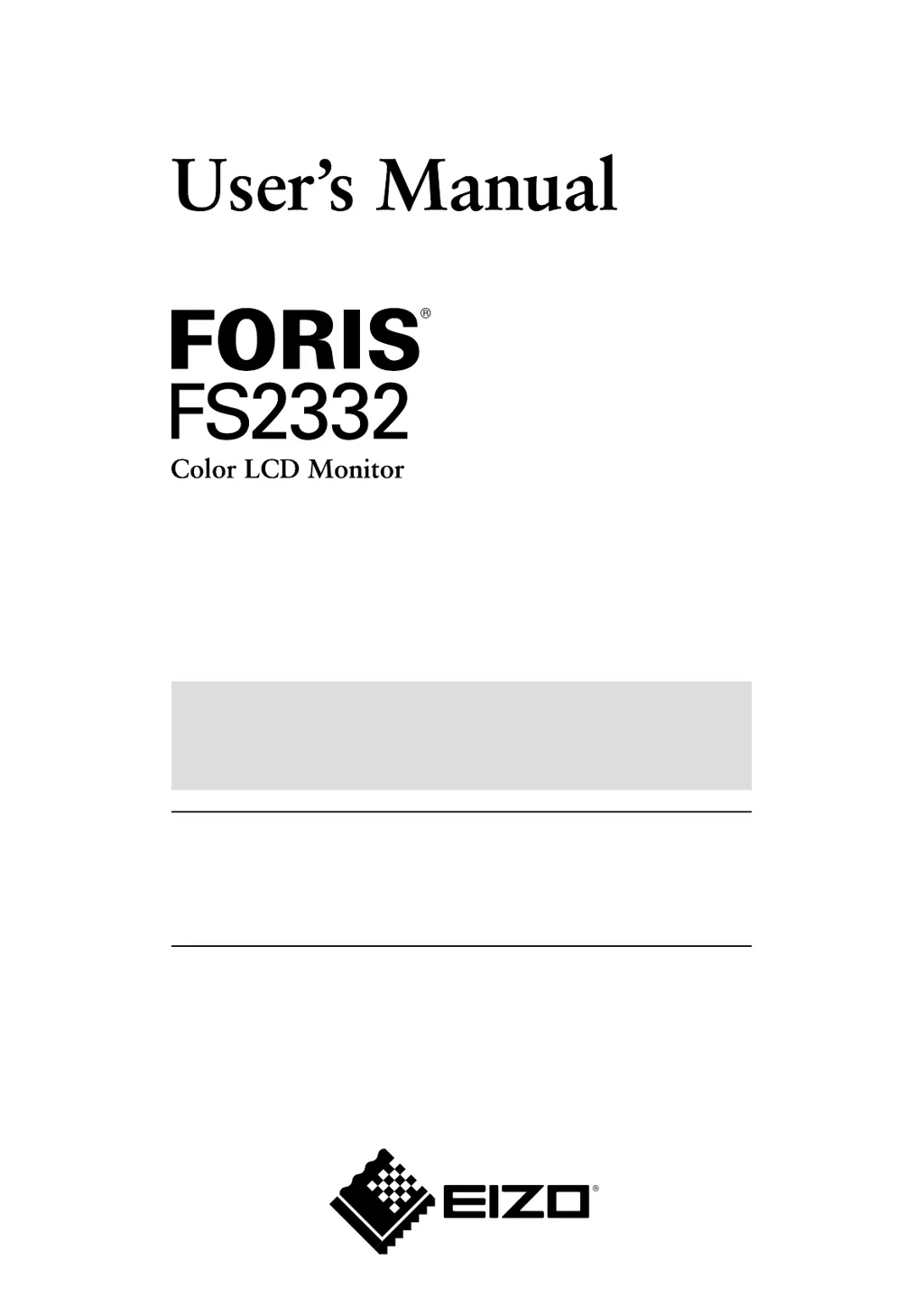
How to fix vertical bars on Eizo FORIS FS2332 screen?
- WwaderhondaSep 10, 2025
If vertical bars appear on the screen of your Eizo monitor or a part of the image is flickering, use “Clock” in the Setting menu to adjust it.

How to fix vertical bars on Eizo FORIS FS2332 screen?
If vertical bars appear on the screen of your Eizo monitor or a part of the image is flickering, use “Clock” in the Setting menu to adjust it.
How to fix flickering screen on Eizo Monitor?
If the whole screen of your Eizo monitor is flickering or blurring, use “Phase” in the Setting menu to adjust it.
Why can't I select “Smoothing” on my Eizo FORIS FS2332?
The “Smoothing” option on the Setting menu “Screen” of your Eizo monitor cannot be selected when the screen is displayed in the following resolutions or settings: The resolution is 1920 × 1080; Screen Size is “Normal”.
Why Eizo FORIS FS2332 Monitor won't change to power saving mode?
When all the conditions below are met, the Eizo monitor does not change to the power saving mode even if “Power Save” is set to “Enable”: -- “Power Save” for Sound is set to “Sound On” (“Audio Output”) -- In the mute state (“To mute the sound temporarily”) In these cases, reset the mute.
 General
| Screen Size | 23 inch |
|---|---|
| Resolution | 1920 x 1080 |
| Panel Type | IPS |
| Brightness | 250 cd/m² |
| Contrast Ratio | 1000:1 |
| Viewing Angles | 178° horizontal / 178° vertical |
| Connectivity | HDMI, DVI-D, DisplayPort |
| Aspect Ratio | 16:9 |
| Color Support | 16.7 million colors |