Electronic convection oven rev. 11 ________________MODD. EKF 616 TC – EKF 664 TC – EKF 711 TC – EKF 1016 TC
EKF 1064 TC – EKF 1111 TC – EKF 1664 TC – EKF 2011 TC
_________________________________________________________________________________________ page 35
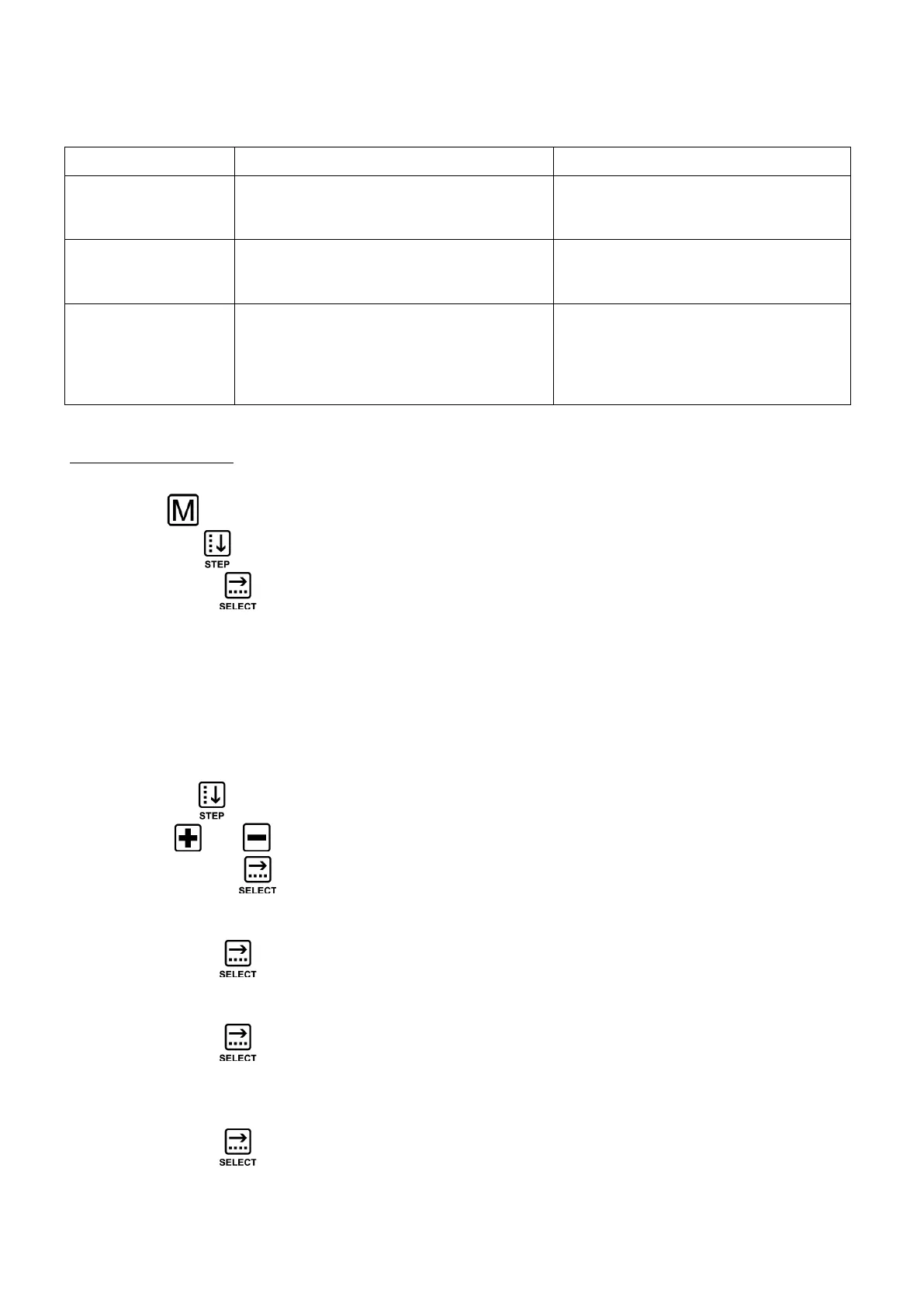
POSSIBLE ERRORS OF “HACCP” FUNCTION
Er. 1 IMPOSSIBLE
TO SAVE “HACCP”
- The “USB pen drive” was removed
- Insert the “USB pen drive” to
save the data of the next
cooking cycle
Er. 2 IMPOSSIBLE
TO SAVE “HACCP”
- The “USB pen drive” was removed
and a drive was inserted not in
“FAT” format
- Insert the “USB pen drive” in
“FAT” format to save the data
of the next cooking cycle
Er. 3 IMPOSSIBLE
TO SAVE “HACCP”
- Incorrect “USB pen drive” format
- The “USB pen drive” must be in
“FAT” format to be able to save
the following cooking cycle
data
5 . Settings menu
This function lets you view the various available settings.
Use the key to bring up the “SETTINGS” screen.
Use the “STEP” key to select the desired setting.
Use the “SELECT” key to confirm the desired setting:
- DATE/TIME
- BUZZER
- INFO
- °C / °F
- LANGUAGE SELECTION (
English language pre-set)
- MODIFY FUNCTIONAL PARAMETERS (for “EKA” engineer only)
DATE/TIME
Use the “STEP” key to select one after the other: day/month/year/hour and minutes.
Use the keys and to set the desired value.
Touch the “SELECT” key to confirm the set values.
BUZZER
Use the “SELECT” key to eliminate the buzzer or to reactivate it.
INFO
Use the “SELECT” key to display the “firmware” versions of the electronic boards
the oven is equipped with.
°C / °F
Use the “SELECT” key to change the temperature unit of measure from °C to °F and
vice versa.












 To Next Page