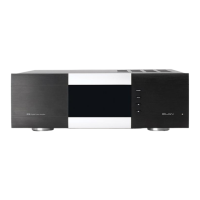
II. FRONT PANEL FUNCTIONS
A.CHANNEL SELECT DISPLAY/VOLUME ADJUSTMENT DISPLAY
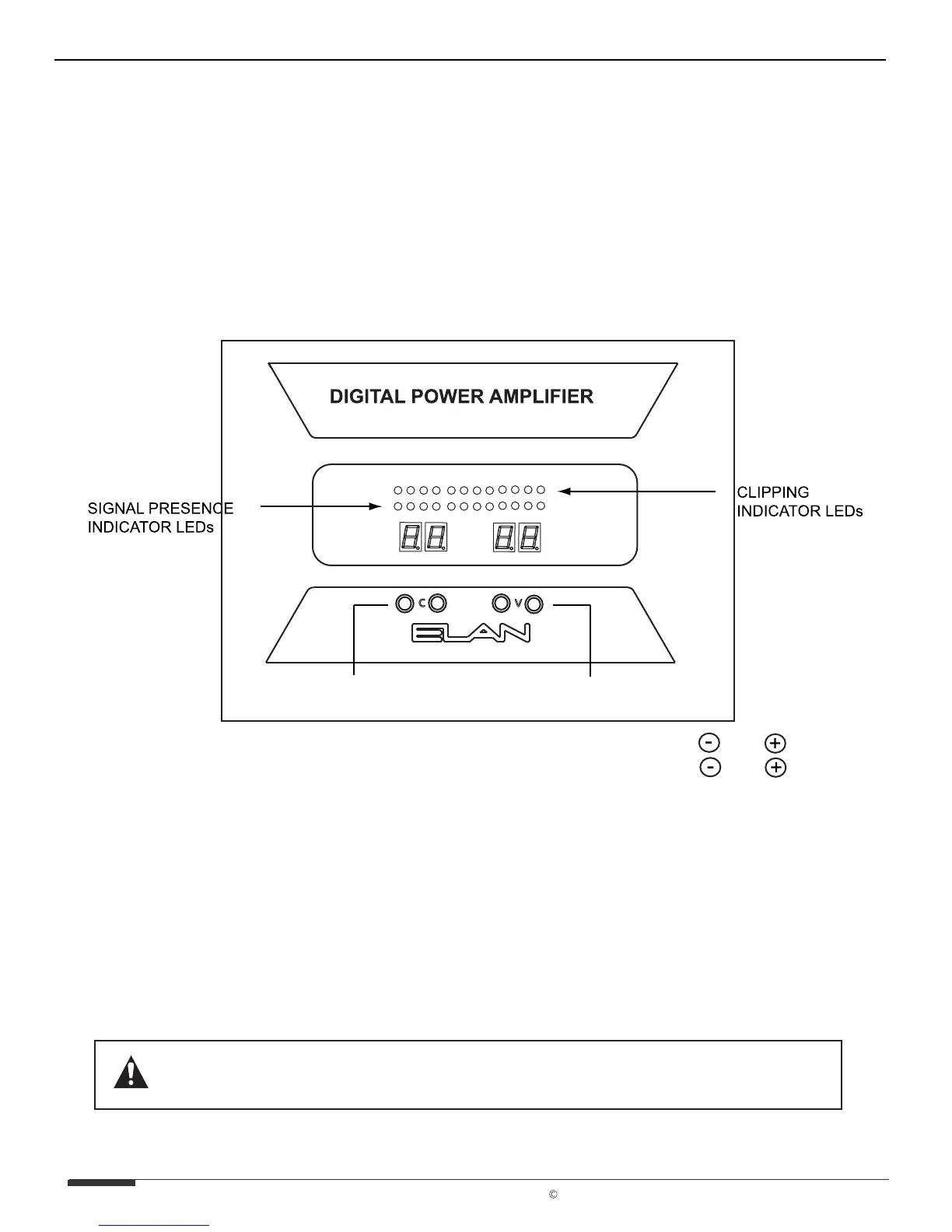
The leftmost display on the front of the D1200 shows which channel is selected for
adjustment. Pressing C+ or C- will cycle through each individual channel. Once a
channel is selected, use V+ and V- buttons to adjust the channel’s Volume Up or Down
from 0 to 99 (50 is factory default). See VOLUME ADJUSTMENTS.
B.SIGNAL/CLIPPING INDICATORS
There are twenty-four LEDs on the front panel of the D1200 designated for signal
presence and clipping indication. Twelve blue LEDs indicate when an audio signal is
present on each input. The left most blue LED is channel one, and the rightmost LED is
channel 12. Red LEDs are placed above the blue ones to indicate clipping for each
corresponding channel. Consistent red LEDs indicate over-saturation of the input
signal. Volume should be reduced for the affected channels. See VOLUME
ADJUSTMENTS.
THERE IS NO BENEFIT FROM TURNING THE AMPLIFIER'S VOLUME PAST
THE POINT WHERE THEY CAUSE THE RED CLIPPING LEDs TO LIGHT UP.
CHANNEL SELECT
BUTTONS
VOLUME ADJUST
BUTTONS
Select a Channel with C Buttons
Adjust Volume with V Buttons
C
V
PAGE 7
ELAN Home Systems 2003 All rights reserved 07/03
D1200/D1201 INSTALLATION MANUAL & USER'S GUIDE ELAN HOME SYSTEMS



 To Next Page