EasyManua.ls Logo

Elan D12 - User Manual

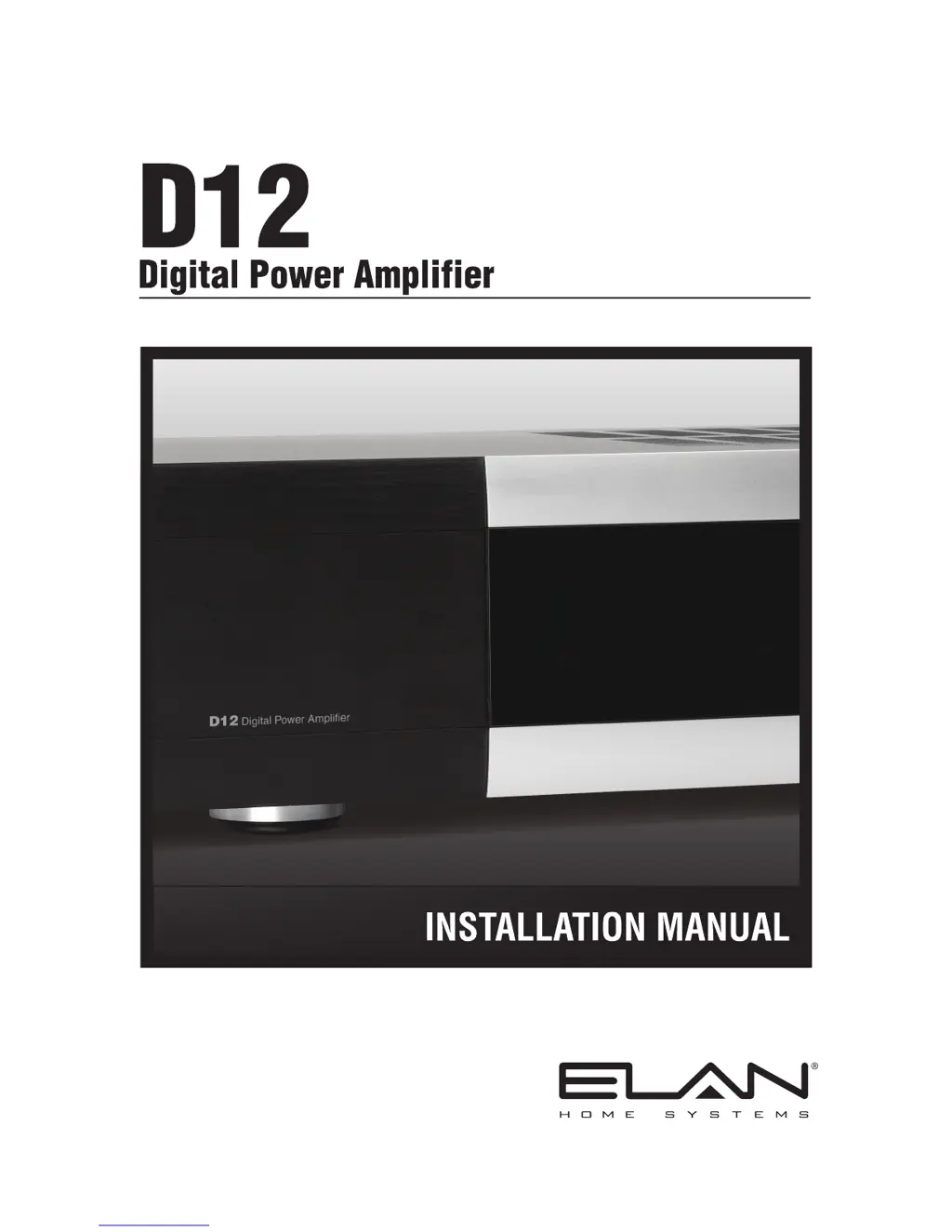
Elan D12
62 pages
Print Icon
To Next Page IconTo Next Page
Loading...

Table of Contents

Questions and Answers

  • M
    mooredanielAug 19, 2025
    How to fix Elan D12 when it will not power up?
    • J
      jasonbairdAug 19, 2025
      If your Elan Amplifier doesn't power up, first ensure the power switch on the back of the unit is turned On. Also, check if the circuit breaker has tripped. The D12 draws 12A of AC current, so make sure the total current draw of all devices on the circuit doesn't exceed its capacity, and reset the breaker if needed.
  • G
    garciajoseAug 21, 2025
    What to do if there is no audio on one or more channels of my Elan D12 Amplifier?
    • A
      Andre ElliottAug 21, 2025
      If you have no audio on one or more channels of your Elan Amplifier, try cycling the power first. Then: * Check speaker cable connections at the binding posts and speaker terminals for any looseness or damage. * Use a multimeter to check the continuity of each speaker cable. If there's a short or open, inspect the wiring. * Swap the speaker with one that you know is working. * Try a different RCA patch cable. * Make sure the source is powered on and playing, and check the tape monitor settings on your A/V receiver. * If the amplifier is overheating, turn it off to cool down, ensure it has proper ventilation (add a cooling fan if needed), and lower the volume levels for the affected channel pair.
  • S
    Sheri HolmesAug 23, 2025
    Why is there very low or no sound on some or all channels of my Elan D12?
    • W
      Walter SchwartzAug 23, 2025
      If the sound is very low or absent on some or all channels of your Elan Amplifier, check the following: 1. Make sure the volume or gain isn't set too low and adjust accordingly. 2. Inspect the audio input cables for any damage or faulty connections and correct them. 3. Verify the speaker impedance and correct if necessary.
  • K
    Kelli CrosbyAug 26, 2025
    How to resolve distorted audio at normal volume levels on Elan D12 Amplifier?
    • J
      Janet RiceAug 26, 2025
      If you're experiencing distorted audio from your Elan Amplifier at normal volume levels: 1. Reduce the gain to the affected channel. 2. Check the speaker for physical damage and ensure it has the appropriate power rating for the amplifier (at least 4 Ohm impedance; this amp is compatible with speakers with 8-4 Ohm impedance or greater). 3. Verify proper input/output connections at the volume control (input from amplifier, output to speakers). 4. Check and correct the Impedance Match settings.
  • T
    Teresa MooreAug 28, 2025
    Why is my Elan Amplifier producing an audio hum?
    • B
      Brandon RodriguezAug 28, 2025
      To address an audio "hum" in your Elan Amplifier setup: 1. Test the AC outlet using a ground tester. If you find a ground potential difference between source components (ground loop), reverse the AC plug of components with non-polarized ends plugged into the same outlet strip as the amp. 2. Check the source equipment cables for damage and faulty connections. 3. Ensure volume controls are not hooked up backwards and check for shorts in the wiring.
  • C
    Charles GalvanAug 30, 2025
    What to do if volume level or gain cannot be increased on Elan Amplifier?
    • B
      Beth StoneAug 30, 2025
      If the volume level or gain cannot be increased on your Elan Amplifier: 1. Check the Volume menu for ACE indication. If indicated, check and verify procedures as listed in "Distorted Audio at Normal Volume Levels". 2. Check the Volume menu for AVR indication and the Ambient Temperature menu for possible overheating. Ensure proper ventilation. If well-ventilated, follow the steps for "Distorted Audio at Normal Volume Levels".
  • B
    bowmanrubenSep 1, 2025
    Why is the incorrect source playing on speakers connected to my Elan D12?
    • N
      Nicholas GravesSep 2, 2025
      If the incorrect source is playing on the speakers connected to your Elan Amplifier: 1. Verify and correct the input connections. 2. Verify and correct the speaker connections. 3. Verify the input menu settings.
  • R
    Robert TrujilloSep 4, 2025
    How to fix unclear audio and low bass on Elan D12?
    • C
      christopher62Sep 4, 2025
      If the audio from your Elan Amplifier is unclear with low bass response, verify that the + terminal of the amplifier is connected to the + terminal of the speaker, and the - terminal of the amplifier is connected to the - terminal of the speaker on ALL speaker leads.
  • M
    Matthew NewmanSep 6, 2025
    What to do if IR Icon does NOT flash when a button pressed on Elan D12?
    • C
      cartercurtisSep 6, 2025
      If the IR icon does NOT flash when a button is pressed on your Elan Amplifier: 1. Program the IR controller. 2. Set D12 to ELAN mode. Verify the IR signal path wiring. Check keypads, IR sensors, IR distribution blocks, D12 IR Input jack, IR emitters, etc.
  • K
    Kristin KelleySep 8, 2025
    Why is no channel selected from IR controller on Elan D12 Amplifier, but IR Icon DOES flash when button pressed?
    • Y
      ystoneSep 9, 2025
      If no channel is selected from the IR controller, but the IR icon DOES flash when a button is pressed on your Elan Amplifier, verify and correct the IR programming.

Summary

Document Introduction and Safety

Manual Overview and Purpose

Explains the manual's objective and organizes its content for installers of the D12 amplifier.

Critical Safety Precautions

Details essential warnings and guidelines to ensure safe installation and operation of the D12 amplifier.

D12 Amplifier Features and Setup

Key D12 Amplifier Features

Highlights Class D technology, power output, intelligent monitoring, and input/bus options.

Front Panel Controls & Rear Connections

Identifies front panel controls and rear panel connectors for operating and connecting the D12 amplifier.

Rack Mounting Instructions

Provides steps for securely mounting the D12 amplifier in a standard equipment rack.

Operations, Settings, and System Configuration

Front Panel Operation Modes

Explains using front panel buttons for setup, status, and navigating Normal/ELAN modes.

Menu Navigation and Amplifier Settings

Covers menu items for Volume, Input Select, Channel Lock, ACE, and Power Saving.

System Configuration and Utility Functions

Details Output View, Utility menus, Operating Mode, LCD settings, and diagnostics.

Advanced Settings, Network, and Defaults

Covers Ambient Temperature, Defaults, ELAN Mode settings, VIA!NET, and Channel Range.

Connectivity Options and Application Examples

Audio, Trigger, and Speaker Connections

Describes line-level inputs, BUS ports, speaker binding posts, and trigger connections.

IR, Network, and USB Connectivity

Covers IR loop, VIA!NET, and USB connections for control, feedback, and updates.

Application Examples and Scenarios

Illustrates setups like stereo inputs, multi-room zones, special applications, and sub-zone configurations.

Troubleshooting, Specifications, and Warranty

Troubleshooting Guide

Provides solutions for general, audio, and IR control problems encountered with the D12 amplifier.

Technical Specifications

Lists detailed electrical, physical, and performance specifications for the D12 amplifier.

Limited Warranty Information

Outlines the terms and conditions of the limited warranty for the D12 Digital Power Amplifier.

Elan D12 Specifications

General IconGeneral
BrandElan
ModelD12
CategoryAmplifier
LanguageEnglish

Related product manuals