E L A N H O M E S Y S T E M S
Page 22 © ELAN Home Systems 2009 • All rights reserved.
D12 INSTALLATION MANUAL
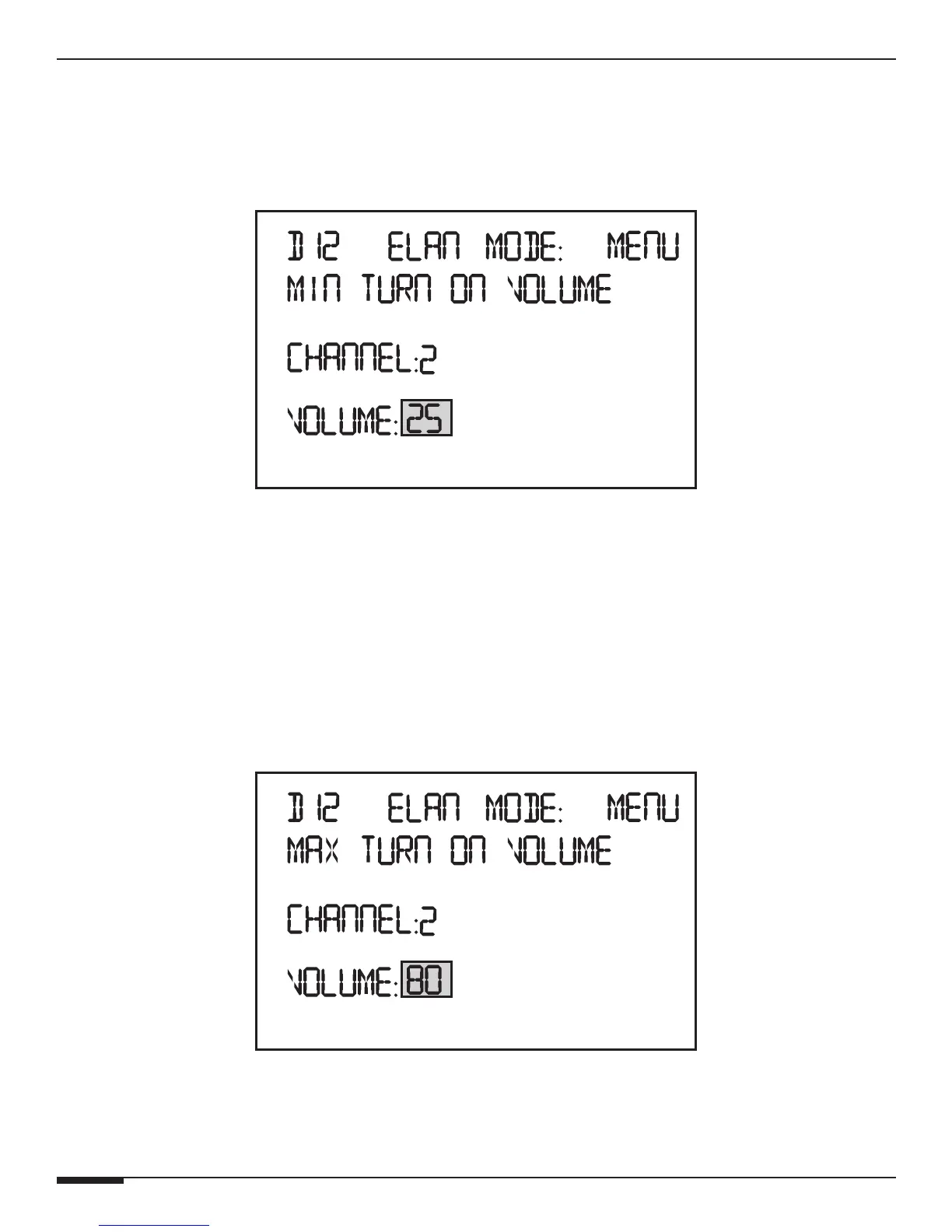
Minimum Turn-On Volume Menu
This will allow an individual channel or All channels to turn on to a specific or predetermined volume level if the
volume level prior to turning the channel off is lower than this settings.
Channels can be turned off or on by IR Commands, from a Trigger Input or by turning the Power Switch OFF.
Min Turn-On Volume Menu
Press the Channel button to change the channel.
Press UP and DOWN buttons to select the Minimum Turn-On Volume.
Press the Menu button to cycle to the beginning of the Main menu.
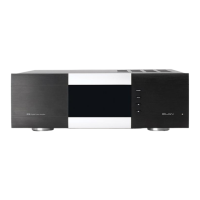
Maximum Turn-On Volume Menu
This will allow an individual channel or All channels to turn on to a specic volume level if the volume level prior to
turning the channel off is higher than this settings.
Channels can be turned off by IR Commands, from a Trigger Input or by turning the Power Switch OFF.
Max Turn-On Volume Menu
Press the Channel button to change the channel.
Press UP and DOWN buttons to select the Maximum Turn-On Volume.



 To Next Page