E L A N H O M E S Y S T E M S
Page 18 © ELAN Home Systems 2009 • All rights reserved.
D12 INSTALLATION MANUAL
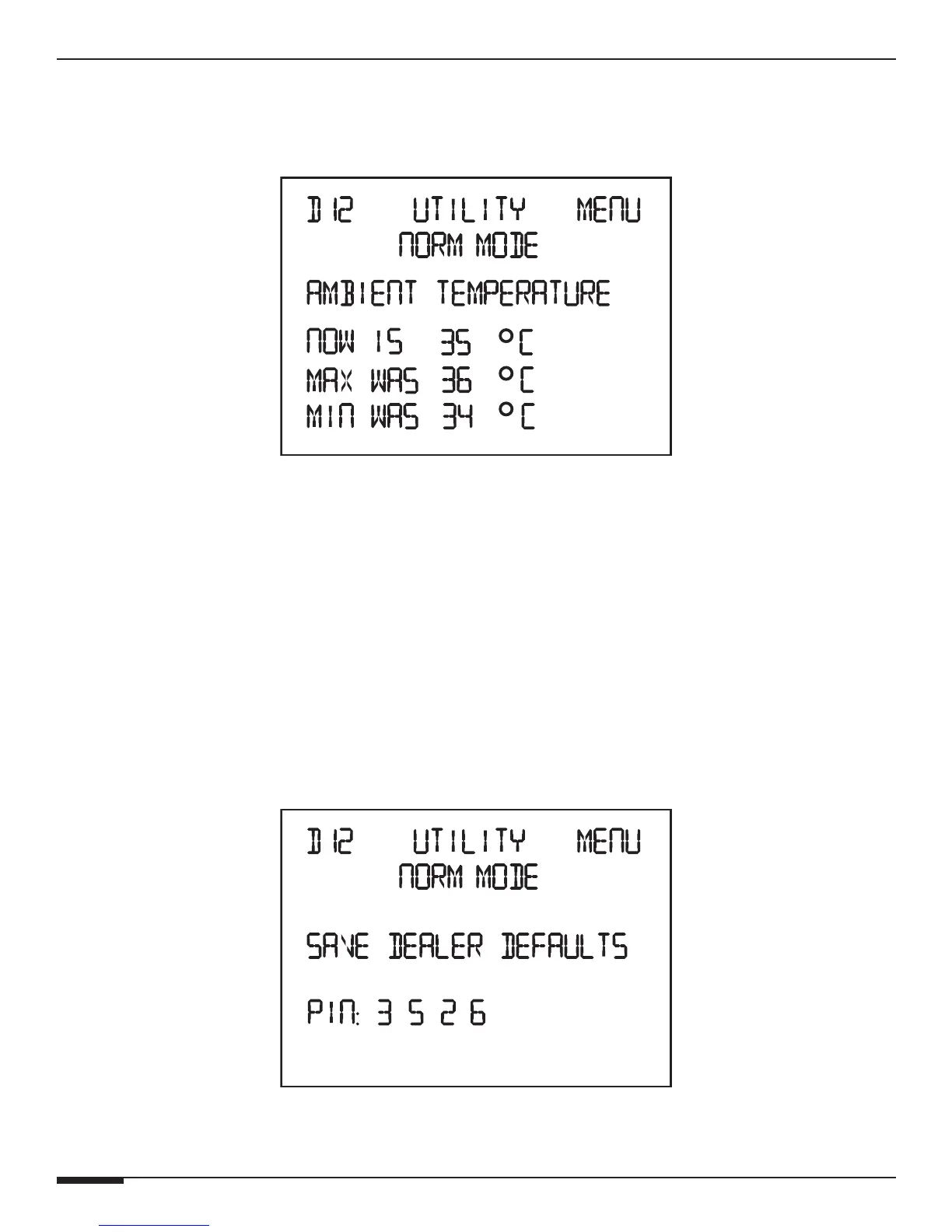
Ambient Temperature
This menu displays the current AMBIENT TEMPERATURE of the D12 chassis as well as minimum and maximum
temperatures that are logged in memory.
Ambient Temperature Menu
Press UP and DOWN buttons to change from Celsius to Fahrenheit.
Press the Channel button to cycle to the next Utility menu.
Press the Menu button to cycle to the beginning of the Main menu.
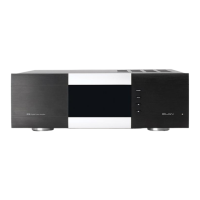
Save Dealer Defaults
A 4 digit PIN code may be used to save all Dealer Default settings. This PIN is set to 3526 and can not be
changed.
To save the current settings:
Press UP and DOWN buttons to change the digits to 3526.
Press the Channel button to cycle to the next digit.
To advance to the next menu, press the Channel button repeatedly.
Save Defaults/PIN Menu



 To Next Page