E L A N H O M E S Y S T E M S
© ELAN Home Systems 2009 • All rights reserved. Page 13
D12 INSTALLATION MANUAL
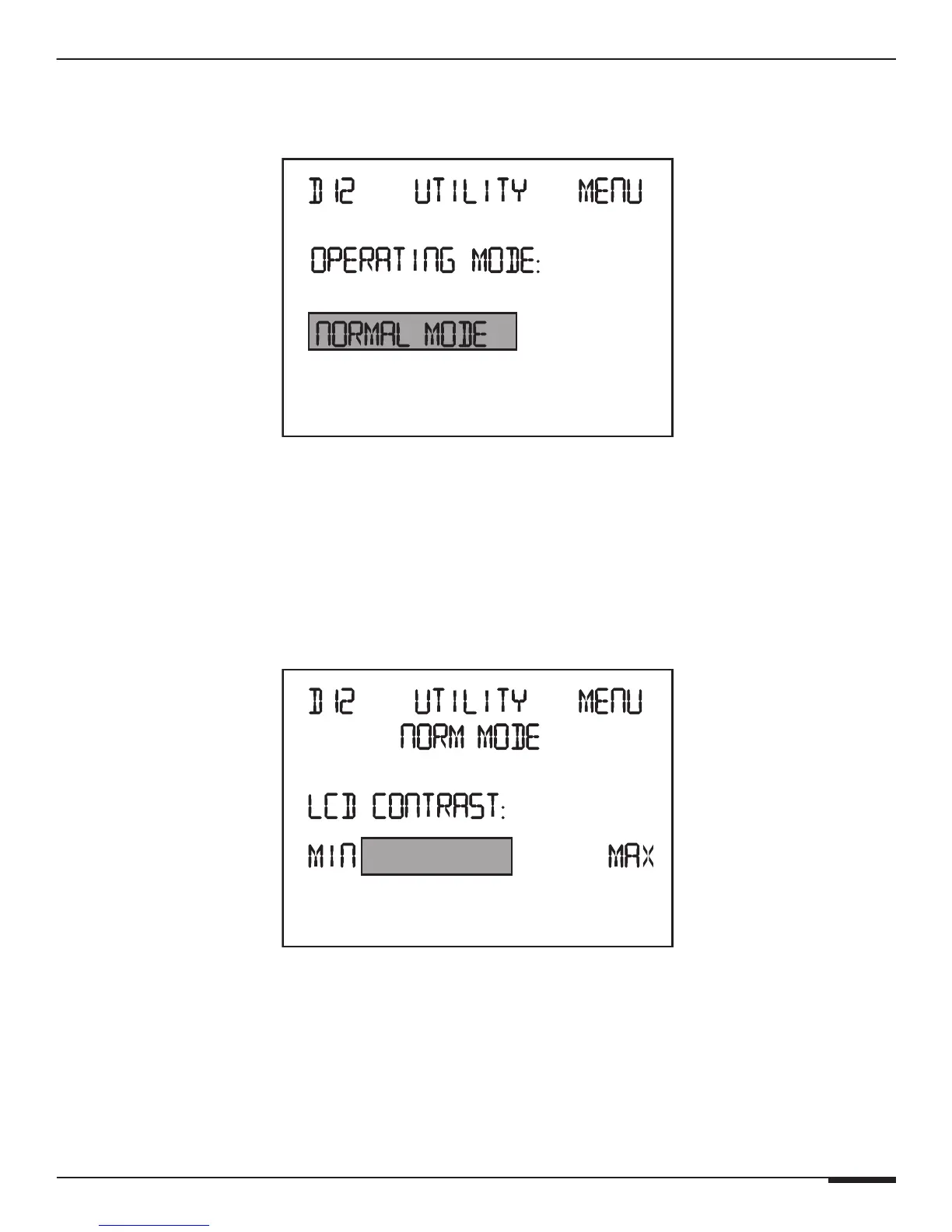
Operating Mode
Places the D12 in either Normal Mode or ELAN Mode�
Utility Menu-Operating Mode
Press UP and DOWN buttons to select Normal Mode or ELAN Mode.
Press the Channel button to cycle to the next Utility menu.
Press the Menu button to cycle to the beginning of the Main menu.
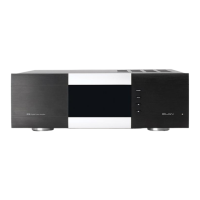
LCD Contrast
This menu adjust the Contast of the front panel graphical LCD.
LCD Contrast Menu
Press UP and DOWN buttons to change the Contrast.
Press the Channel button to cycle to the next Utility menu.
Press the Menu button to cycle to the beginning of the Main menu.



 To Next Page