MEDIBURN30 16 D-115 Rev 010
www.elastec.com
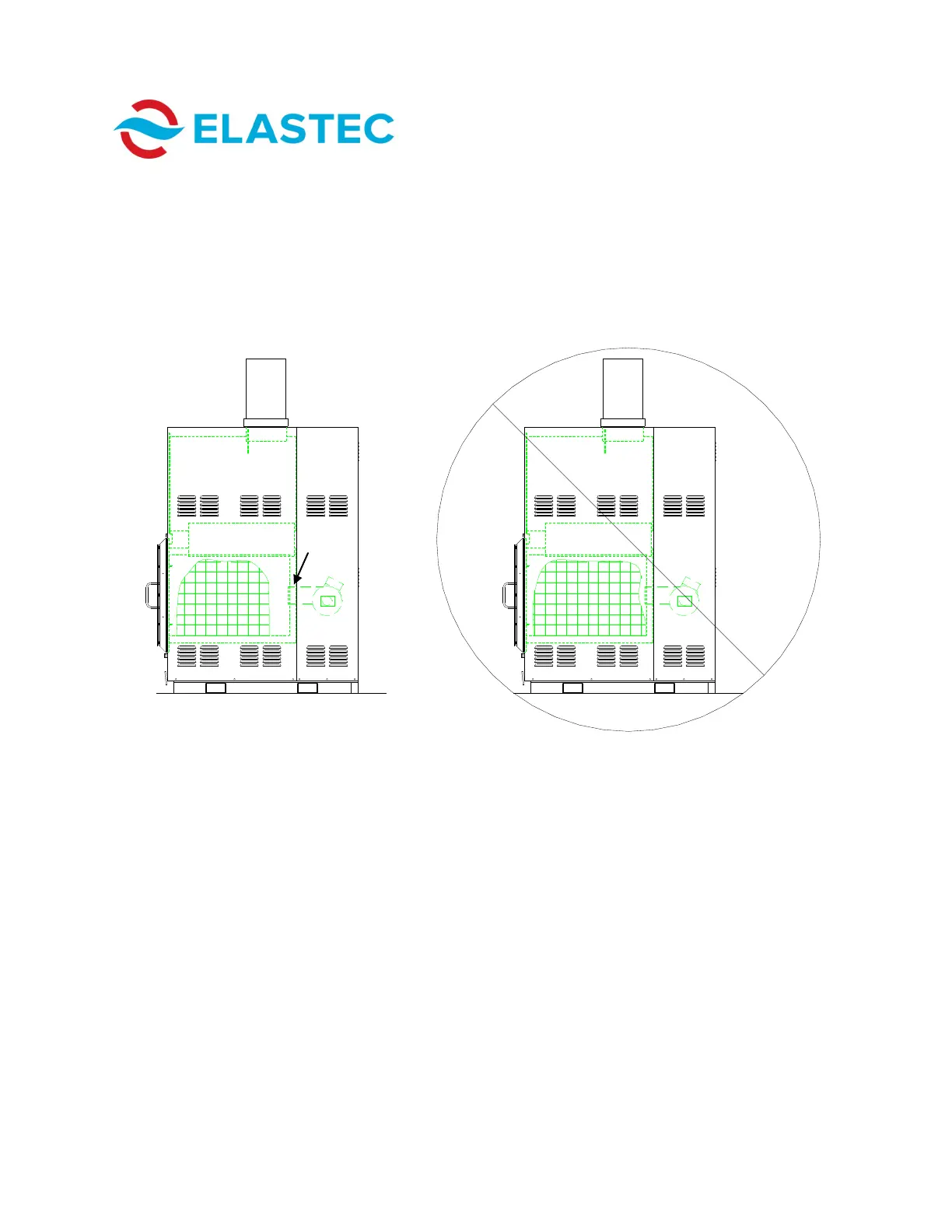
5. Load medical waste material into primary chamber. See below for
recommended loading procedure.
CORRECT
In Figure 1, waste has been loaded
correctly. The operator must allow a 6
inch/15 cm space between burner head
and medical waste.
In Figure 2, waste has been loaded
incorrectly. It is too close to the burner
head.
INCORRECT
Figure 1 Figure 2
6. Securely close door.
7. Choose appropriate cycle time on control panel. See Page 7 for control
panel identification.
8. Push START button to begin cycle.
9. Controller will read IDLE once cycle is complete.
Burner
Head
PREPARING FOR DISPOSAL



 To Next Page