ELASTEL TECHNOLOGY CO., LTD.
1. Initial Driver Installation
1.1 Install Ethernet Port Driver
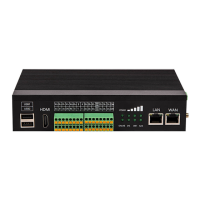
The Ethernet port labeled “LAN” on EG500 was bridged from PCIe by Realtek network chipset,
you may need install the Ethernet port driver to run it up.
$ cd ~
$ sudo apt-get update
$ sudo apt-get install raspberrypi-kernel-headers
$ git clone https://github.com/Elastel/r8168.git
$ cd r8168
$ sudo ./autorun.sh
1.2 Install commands
Also Elastel provide some prebuilt commands for I/O ports and others operating. They are,
Read the Digital input ports value
Read the Digital output ports value
Write the Digital output ports value
Read the current type analog input value
Read the voltage type analog input value
The cellular module dialing program
Use below commands to install it.


 To Next Page