Programming additional equipment for the 909 circuit board
Radio-keypad programming
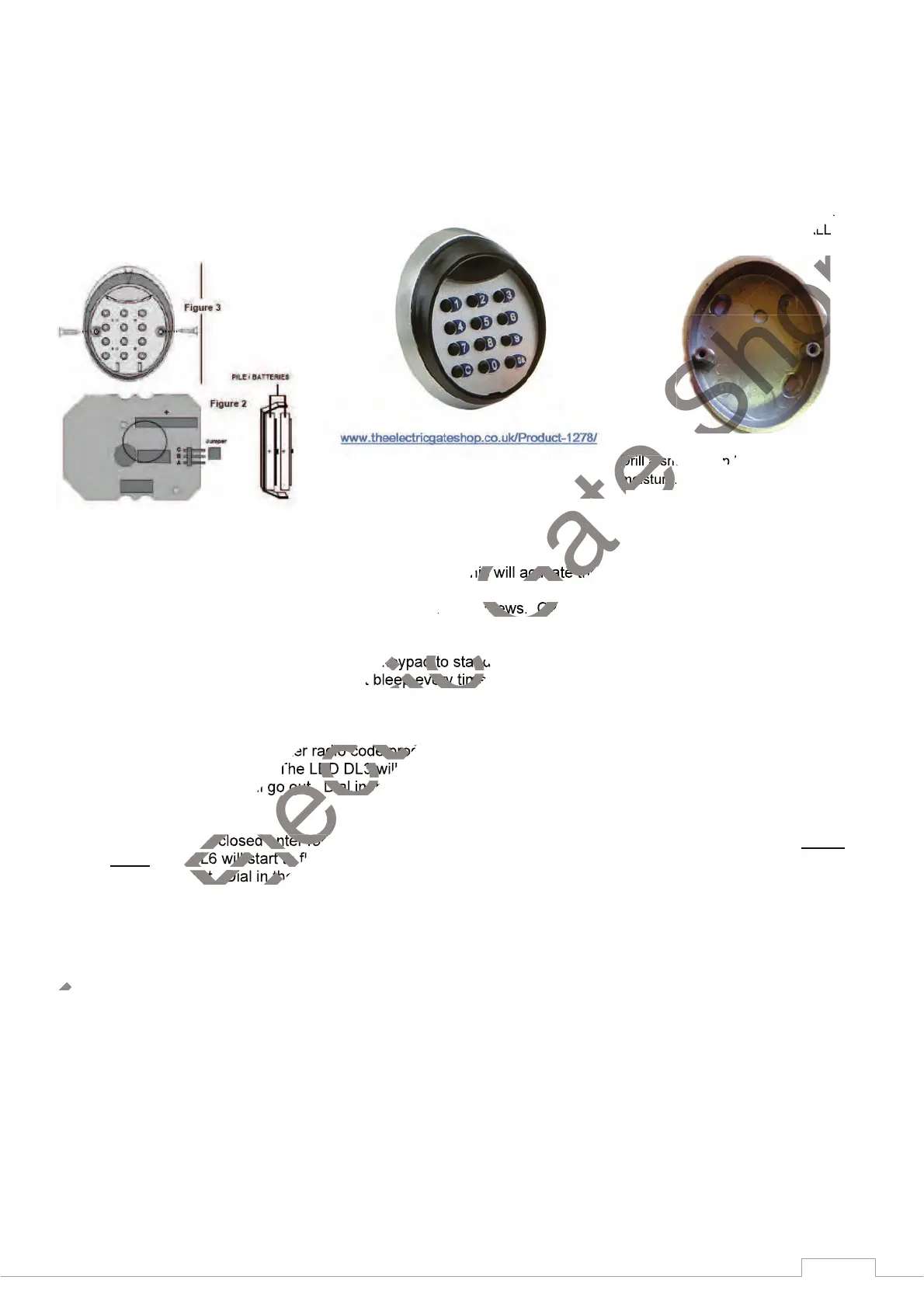
1. Move the jumper shown in Fig. 2 to A.B from B.C. This will activate the unit
2.
Install the keypad in location. Do not overtighten the screws. Overtightening can distort the pad and leave
the keys inoperative
3. Dial in the following numbers to set the keypad to standard 20 mode. Dial in the numbers exactly as quoted
here and ignore that the unit does not bleep every time a button is pressed during this procedure.
4. Dial in, 00000 OK 99999 OK 5
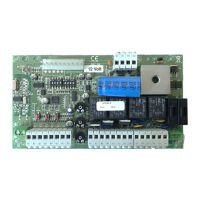
5. With the gate/s closed, enter radio code programming (for the START control). On the 909 panel, press and
release the SET button. The LED DL3 will start to flash. Dial in the numbers of your choice, (max5) and end
with OK. The DL3 will go out. Dial in the same numbers again and end with OK, the gates should open.
6. With the gate/s closed enter radio code programming (for the PEDESTRIAN control). Press the SET button
twice; LED DL6 will start to flash quickly. Dial in the numbers of your choice, (max5) and end with OK. The
DL3 will go out. Dial in the same numbers again and end with OK, the pedestrian gate should open.


 To Next Page