Check the operation of the photocells! The gate should stop and reopen, when you break the photocell beam during
the closing cycle of the gate.
PROGRAMMING AUTOMATIC CLOSING
Before you change the gate/s to automatic closing, consider that the gates will be operating unattended and could close while a
vehicle is within the swing area of the gates. Adding another set of photocells to the system as pictured on page 6 and wire in as
page 5 wiring to prevent this situation.
PROGRAMMING AUTOMATIC CLOSING
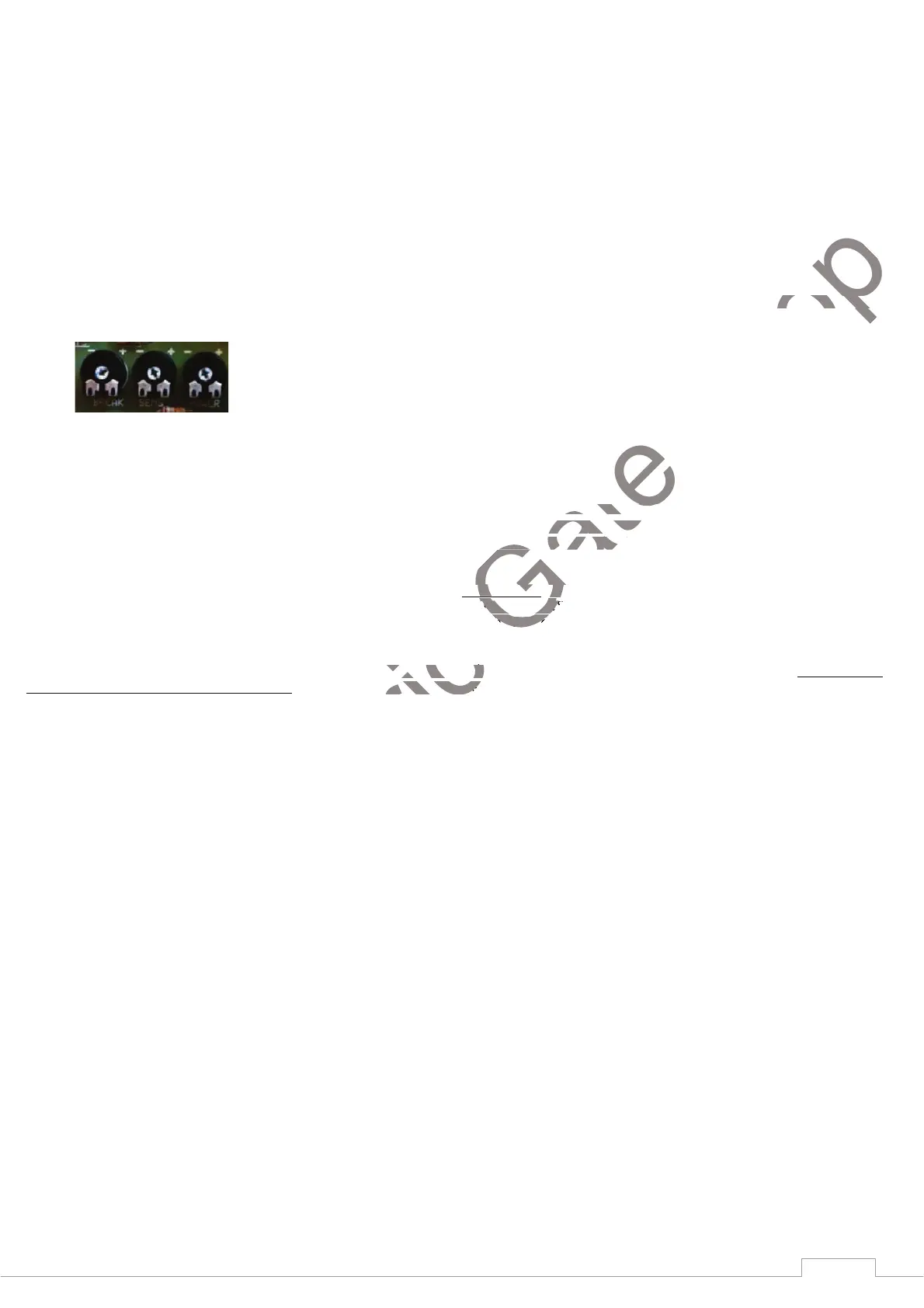
1) Adjust the BREAK trimmer gradually clockwise to set the pause time before the gate starts to close again automatically. Fully
anticlockwise means this function is disabled (OFF).
PROGRAMMING RADIO CODE (START CONTROL) Make sure the gate
is closed.
1) Enter radio code programming (for the START control). Press and release the SET button. The LED DL3 will start to flash.
Use the transmitter to send the radio code to be stored and associated with the START control. The board accepts the code and exits from
programming (DL3 turns off). It is possible to store up to a maximum of 32 different codes for the START control.
PROGRAMMING RADIO CODEP (PEDESTRIAN CONTROL)
1) Enter radio code programming (for the PEDESTRIAN control). SET button twice; LED DL3 will start to flash quickly.
Use the transmitter to send the radio code to be stored and associated with the PEDESTRIAN control. The board accepts the code and exits
programming (DL3 turns off). It is possible to store up to a maximum of 32 different codes for the PEDESTRIAN control.
DELETING RADIO CODES: Press SET and P2 button simultaneously (LED DL3 will flash at a high frequency); keep them pressed for at
least 10 seconds (until LED DL3 goes off), all the stored radio codes (associated with both START and PEDESTRIAN) will be deleted.


 To Next Page