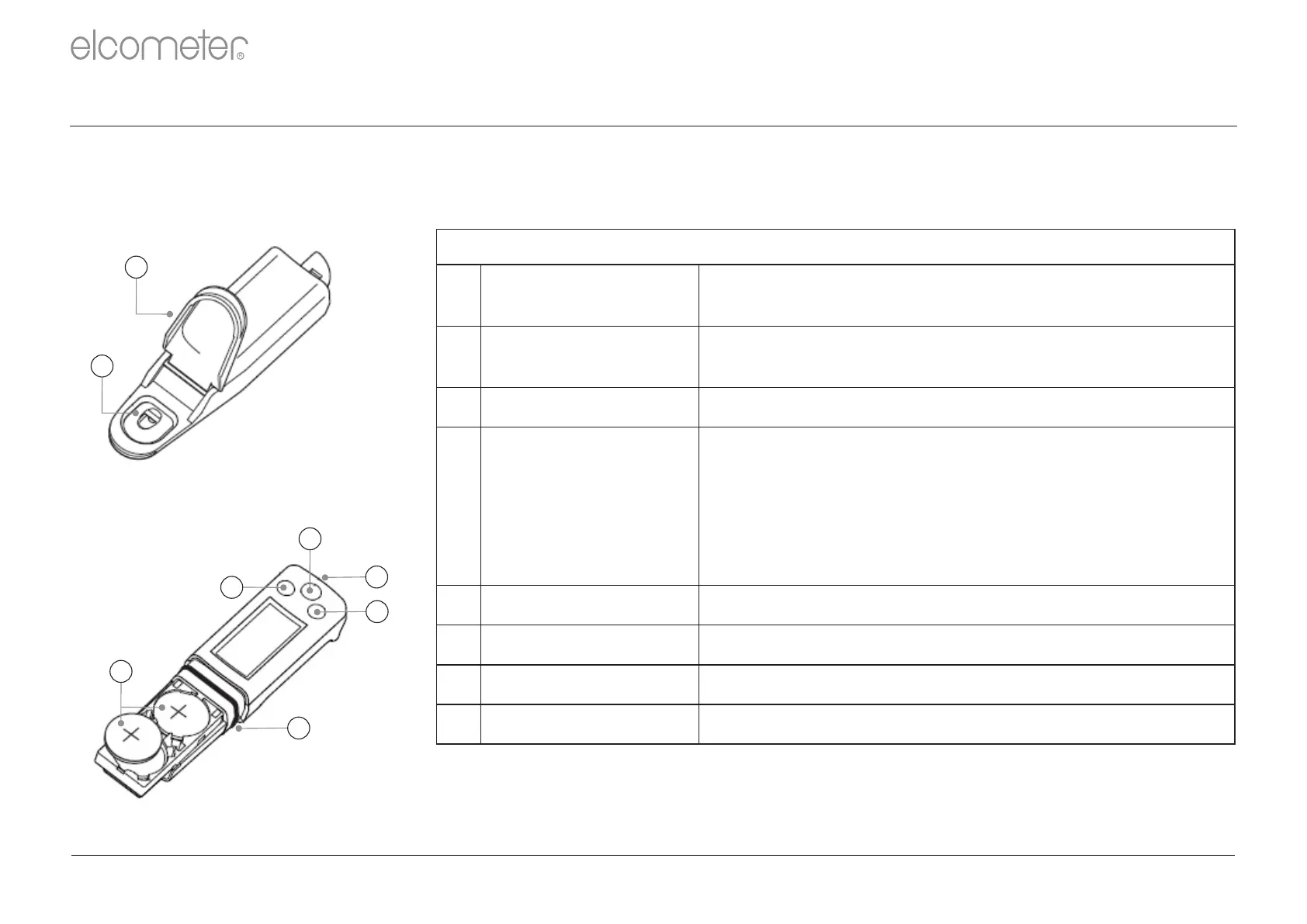
The Elcometer 138 Meters are operated using 3 buttons and display readings and other information on
the LCD screen.
A3: THE CONTROLS AND DISPLAY
1
2
3
4
5
6
7
8
ELCOMETER 138 METER OVERVIEW
Place a liquid sample in this cell to measure it with the
electrode located on the bottom of the cell.
Protects the measurement cell and flat sensor in
storage.
Elcometer 138 Bresle Salt Meter: ISO or IMO;
Elcometer 138 Conductivity Meter: EC
View the temperature of the measuring environment.
Switches from calibration mode to measurement
mode.
Sets the measurement mode:
A strap can be attached here.
Starts calibration procedure.
Makes the meter waterproof.
R
en-17 www.elcometer.com



 To Next Page