R
30
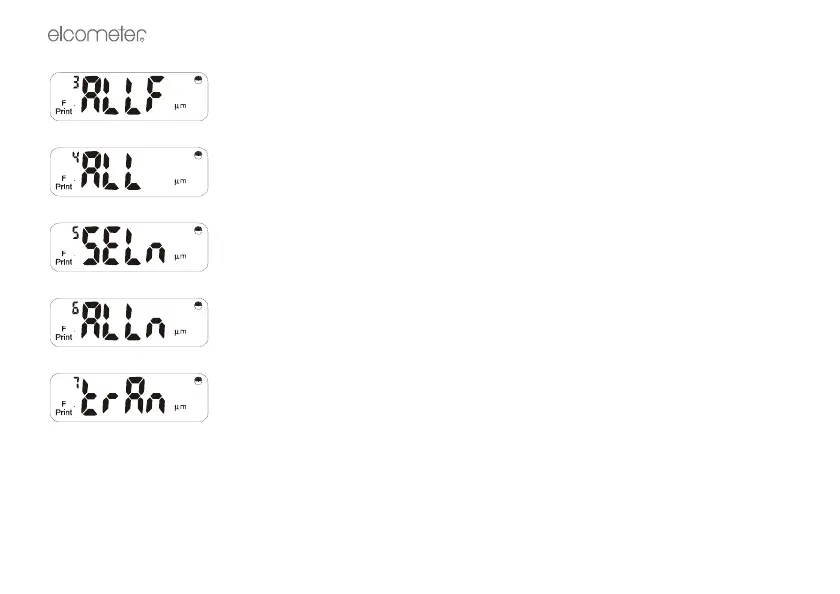
Press [ENTER] to print all F batches* in the order in which they were used.
Press [ENTER] to print all F and then all N batches* used.
Press [ENTER] to print a selected N batch*. Type in the batch number. Press
[ENTER] to print.
Press [ENTER] to print all N batches* in the order in which they were used.
Press [ENTER] to select specific transfer mode which may be used to transfer
data to Elcometer’s ElcoMaster™ Software or to other data collectors.



 To Next Page