31
5.4 THE CALENDAR CLOCK
The instrument's calendar clock displays TIME, DAY, MONTH, and YEAR on an LCD on the front panel. The clock
also allows to program the type and the intervals for timed (automatic) printouts. You can use the PRG, SELC and
SETC buttons underneath the clock display to control clock funtions.
• Normal clock mode:
When the instrument is switched on, the clock displays the HOUR and MINUTES.
Press the SELC button to display DAY and MONTH, and press again to display the YEAR. (The clock automatically
returns to the hour and minutes display after 20 seconds.)
• Programming Timed Printouts:
The MICROVIP3 PLUS allows you to program the type of automatic printout and the interval at which automatic
printouts are generated. (Any interval from 1 to 99 minutes can be set).
Press the PRG button to enter clock programming mode (see figure).
A "t" (type) and a zero are displayed initially. Using SETC button, select the type of automatic printout, depending on
the position of the single-phase/three-phase selector on the rear panel (see the following table).
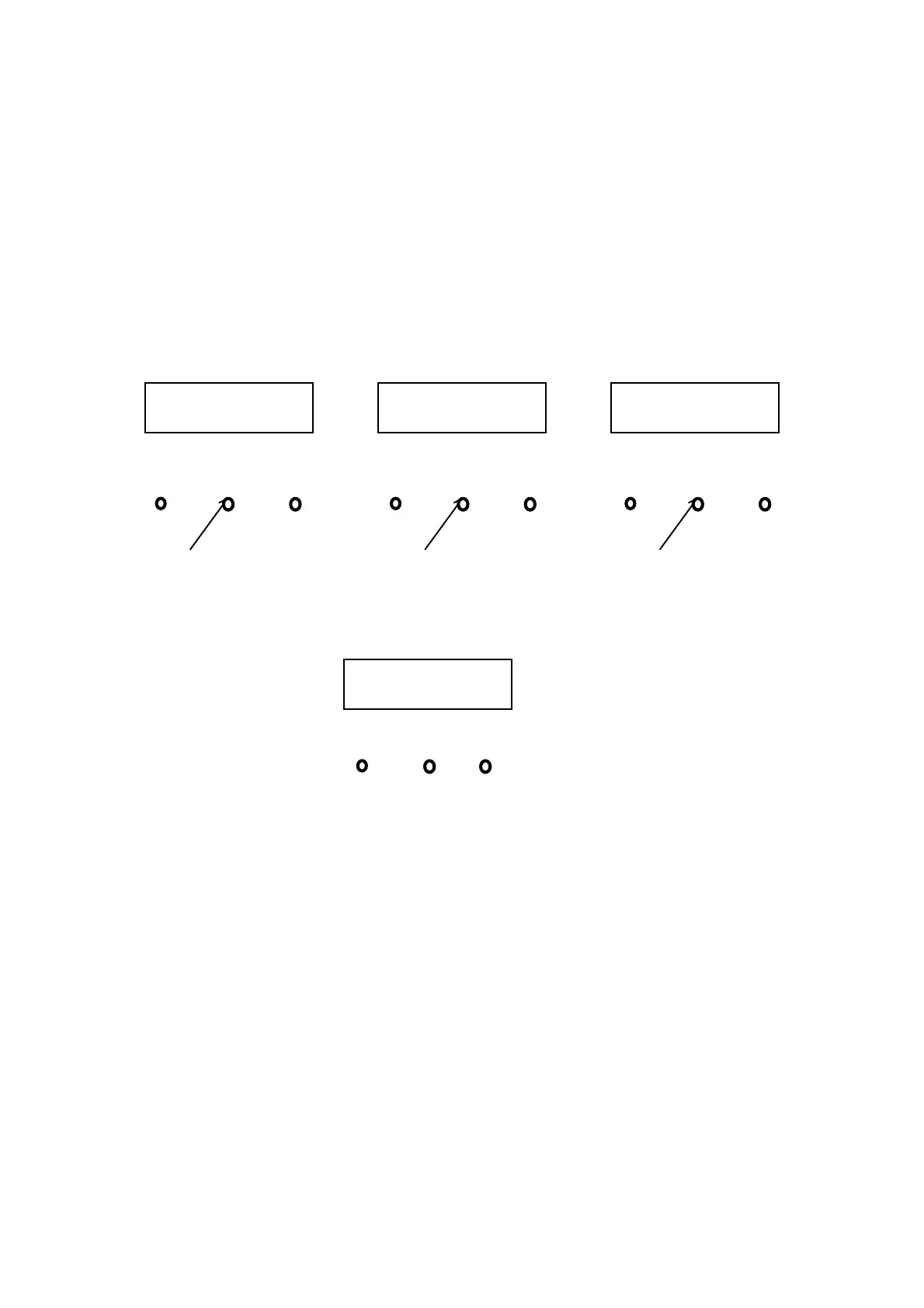
PRG SELC SETC
12 : 35
HOUR MINUTES
PRG SELC SETC
25 11
DAY MONTH
PRG SELC SETC
99
YEAR
PRG SELC SETC
t
0


 To Next Page