24
5.3 PRINT FUNCTIONS
5.3.1 MANUAL PRINTING
The manual print function enables you to print out numerical (up to 189 parameters) and graphical (V & I waveform or
harmonic bar chart) measurements whenever needed.
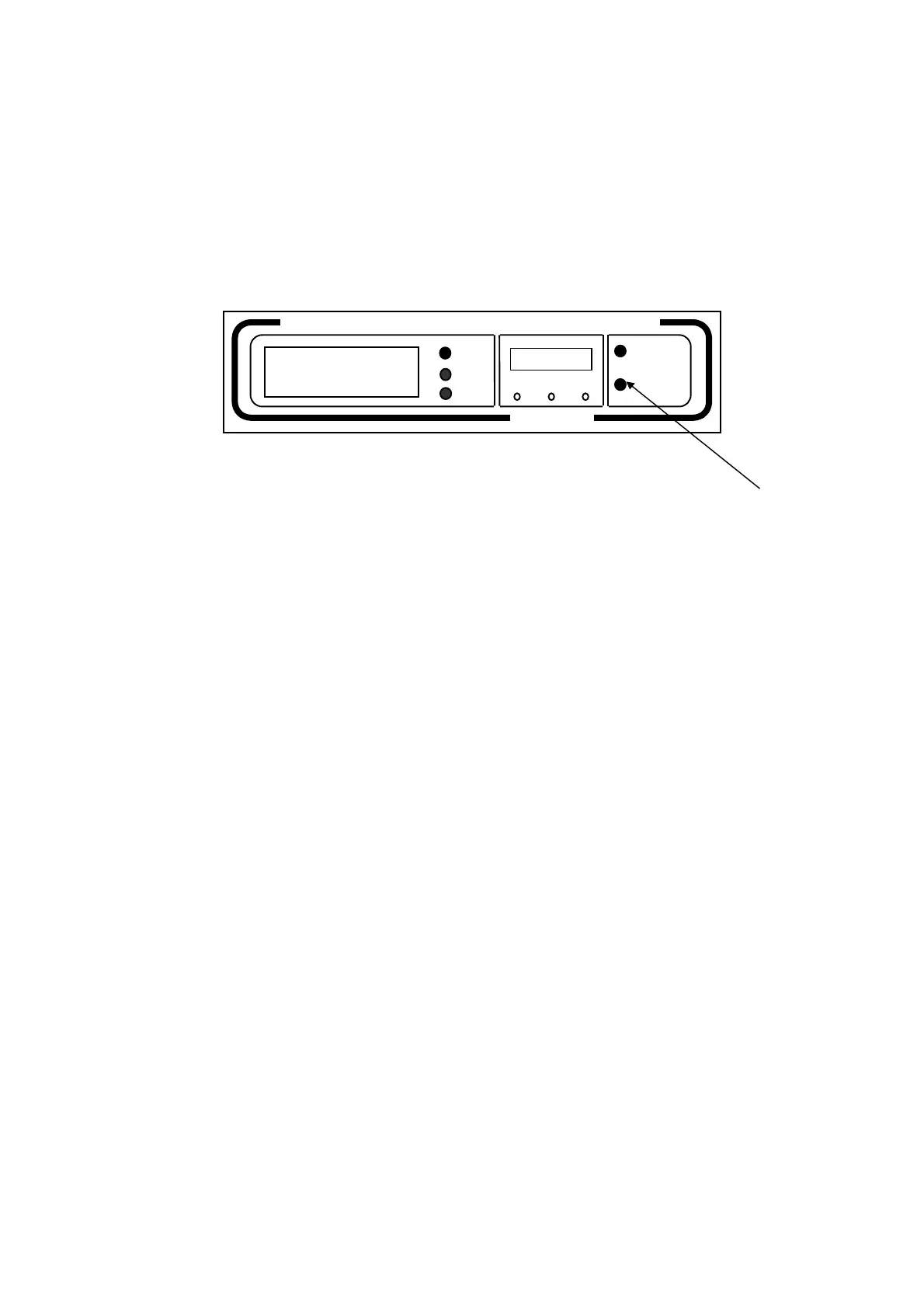
To print out measurements simply press the PRINT key on the front panel.
Manual printouts give the date and time of printout as well as a list of measurements depending both on the position of
the single-phase/three-phase selector on the rear panel and the measurement page displayed on the LCD (see the
following table).
Press PRINT key to print out all
measurements taken by instrument
ELCONTROL
Energy
MICROVIP3
Plus
3-PHASE ENERGY & HARMONIC ANALYZER
PAGE
SET
PRG SELC SETC
PRINT
PAPER
SEL


 To Next Page